
Viewing the List of Data Security Policies
Review the data security policies that govern what your users may send to your connected AI applications.
Before you begin
You are on the Data Security tab of the Policy page.
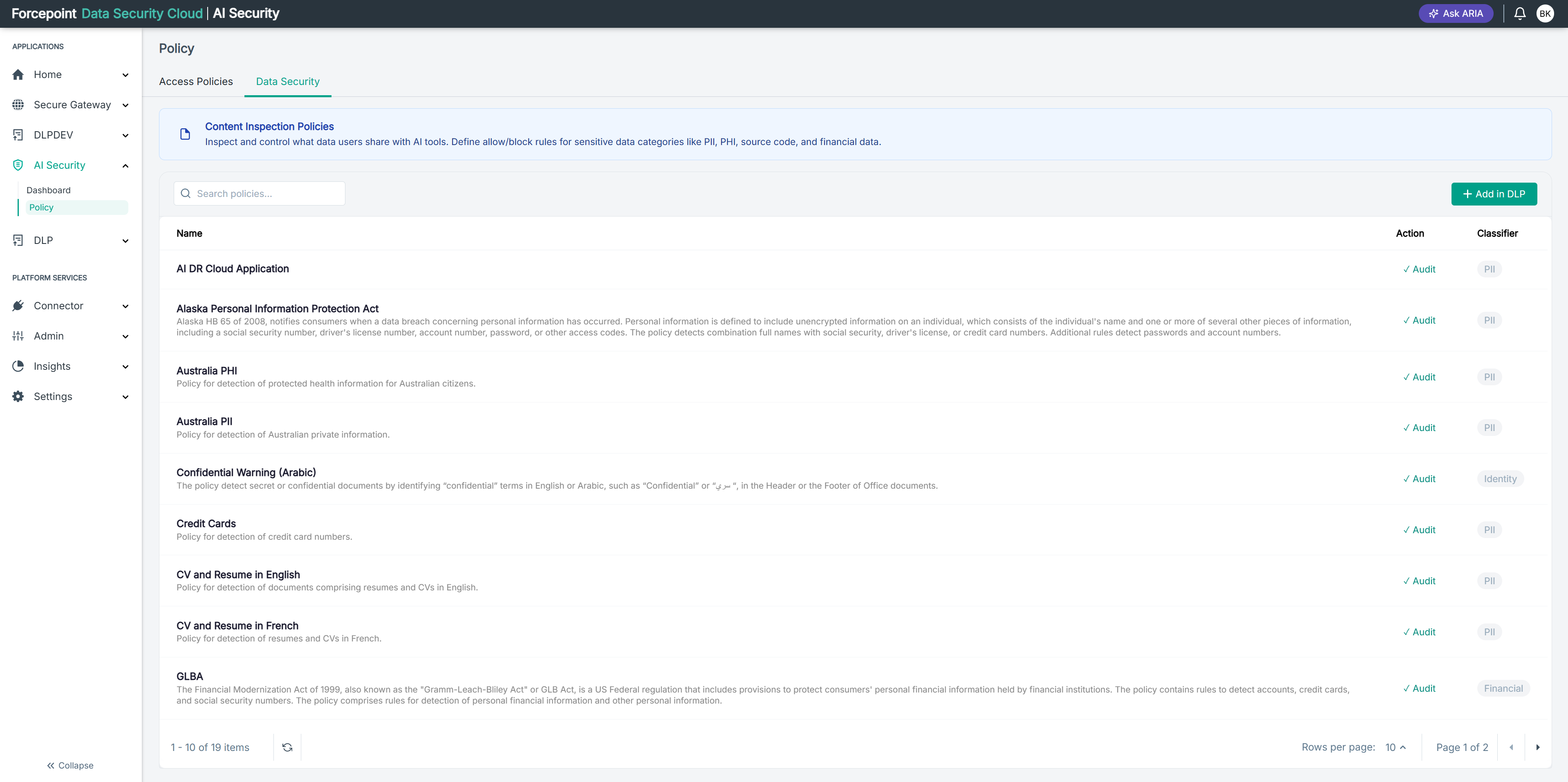
Steps
-
Review the rules in the list.
Each row is one detection rule that AI Security has read from the Forcepoint Data Security Cloud portal. The Policy Name column shows which data security policy the rule belongs to, so one policy usually appears across several rows.
-
Read the description beneath a rule name to see what the rule detects.
-
Check the Status column to see whether a rule is active.
-
Optional: In Search rules, enter part of a rule or policy name to narrow the list.
-
To stop a rule detecting, set its Status toggle to off.
Result
You can see which rules are in force, and which policy each one comes from, without leaving AI Security.