
Denying Access When a Policy Matches
Set a policy to block the request when its source and destination both match.
A deny policy stops the agent from calling the tool. Use it to block tools that change data, or to prevent particular groups from reaching a connector.
Steps
-
Open the Add Policy panel.
-
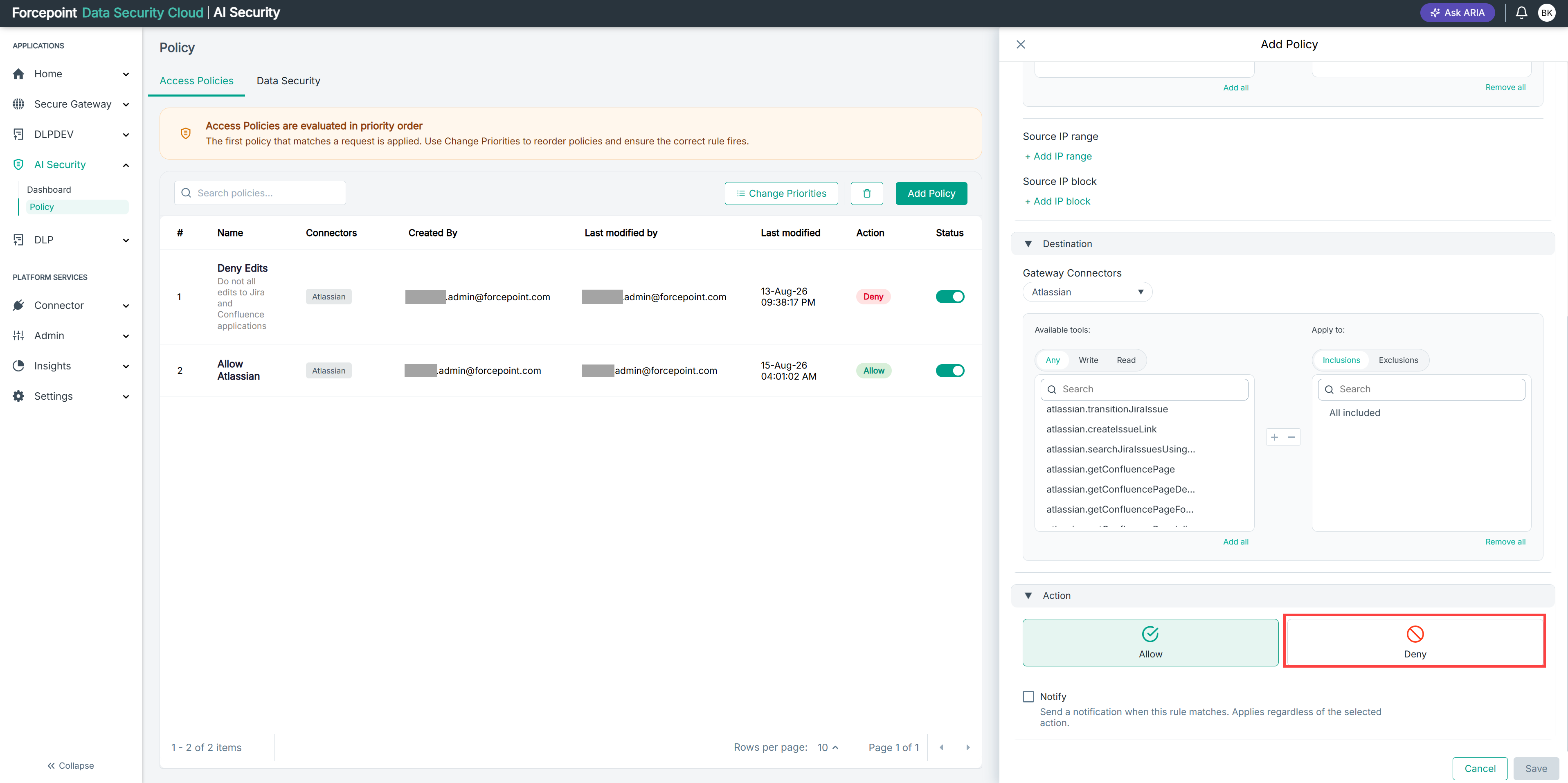
Expand Action.
-
Select Deny.
-
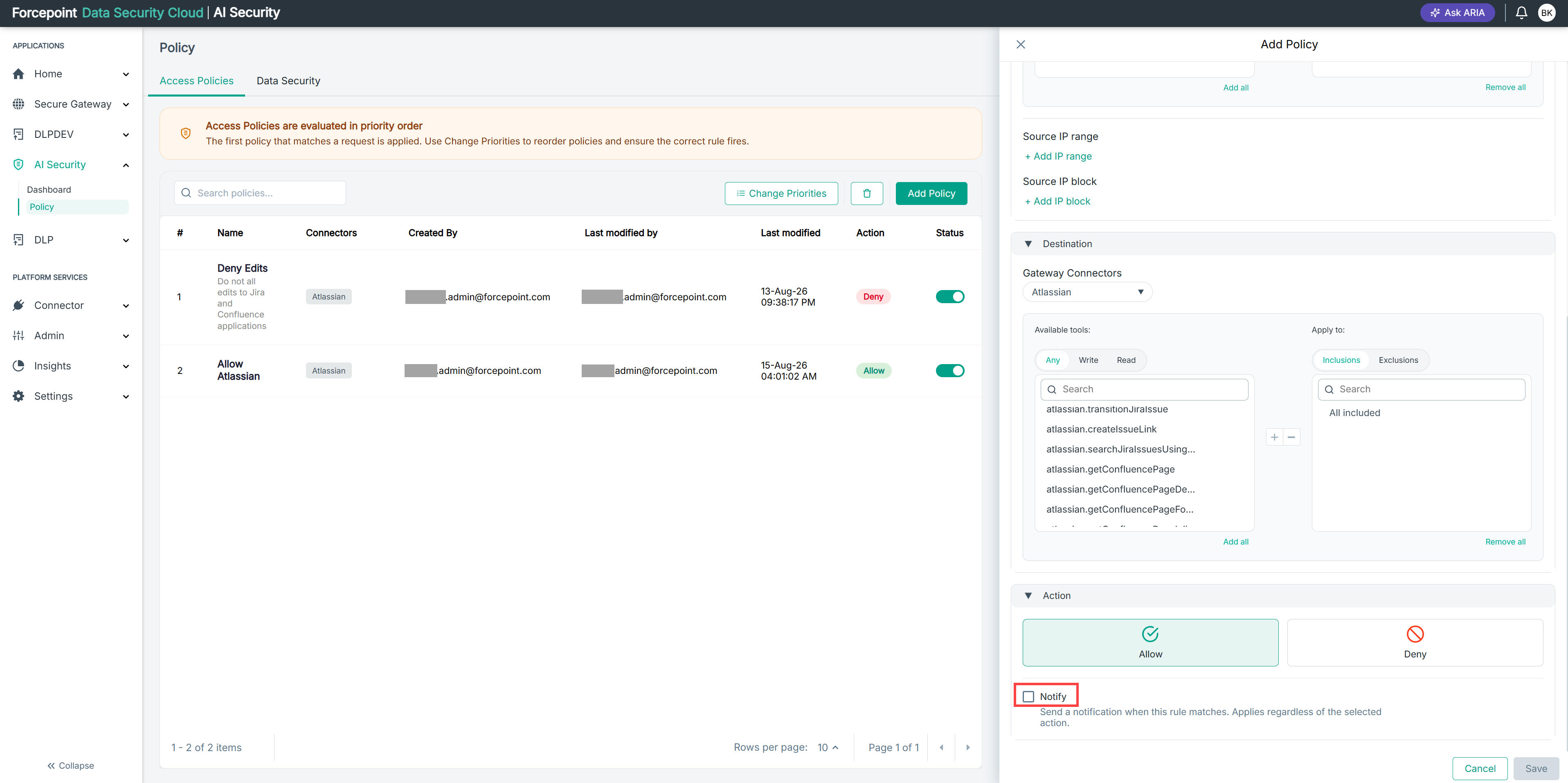
Optional: Select Notify to send a notification when the policy matches.
Result
When the policy matches a request, the agent is prevented from calling the tool and no further policies are evaluated.
Next steps
A broad deny policy placed near the top of the list can prevent more specific allow policies below it from taking effect. Check its position before you save.