
Allowing Access When a Policy Matches
Set a policy to permit the request when its source and destination both match.
An allow policy lets the agent call the tool. Use it to permit a specific set of identities and tools ahead of a broader policy that denies everything else.
Steps
-
Open the Add Policy panel.
-
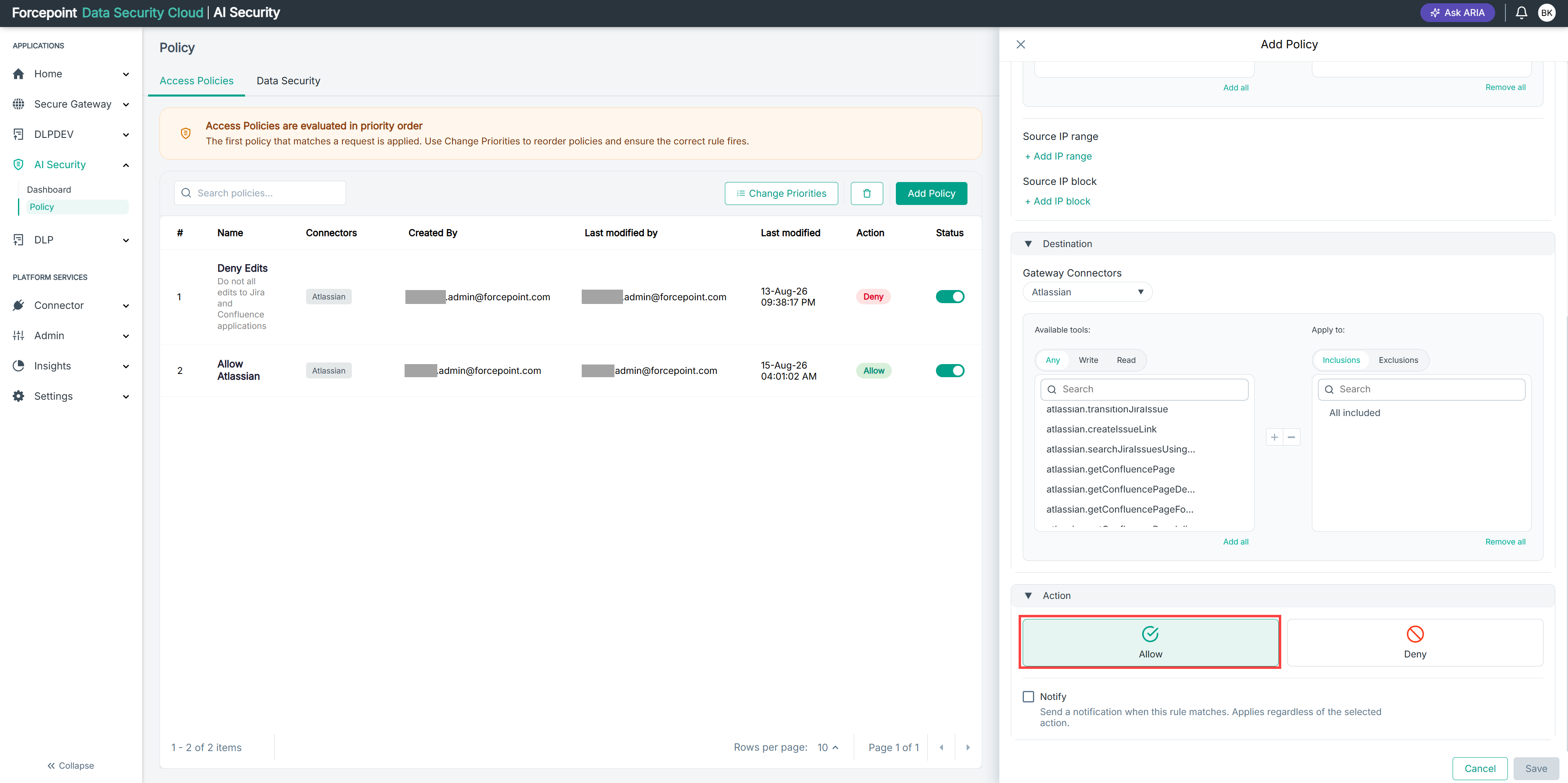
Expand Action.
-
Select Allow.
-
Optional: Select Notify to send a notification when the policy matches.
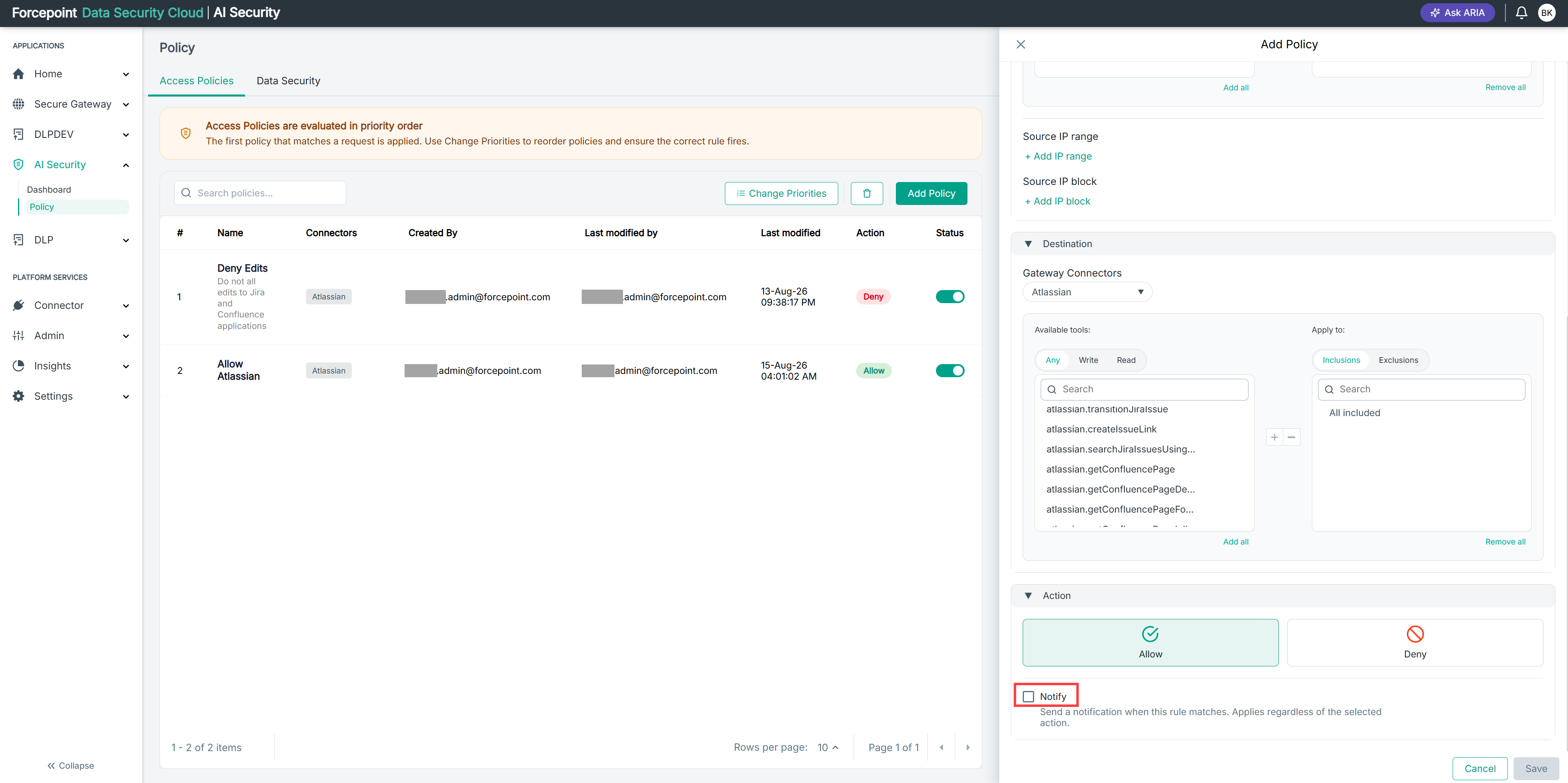
Notify does not change whether the request is allowed. It only records the match and raises a notification for administrators. Notifications appear under the bell icon in the top-right corner of the console. You can select Notify on an allow policy and on a deny policy. See Understanding the Notify Option.
Result
When the policy matches a request, the agent is permitted to call the tool and no further policies are evaluated.
Next steps
Check the position of an allow policy in the list. If a deny policy above it matches first, the allow policy never runs.