
Viewing the Total Number of DLP Violations
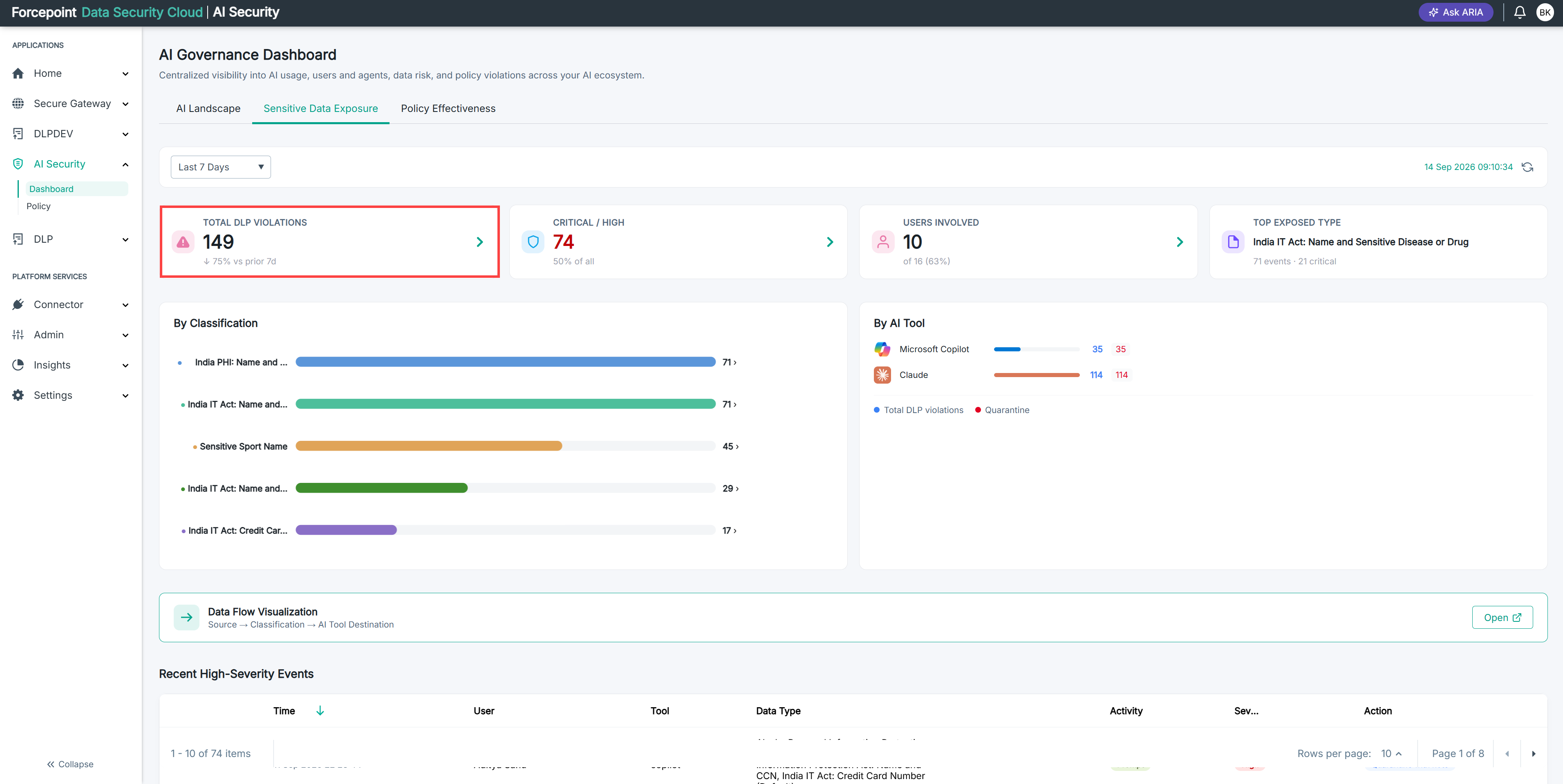
Read the Total DLP Violations card to see how many data security violations were recorded across your connected AI applications in the reporting period.
Before you begin
You are on the Sensitive Data Exposure tab.
Steps
-
Find the Total DLP Violations card.
-
Read the figure on the card.
This is the number of data security violations recorded in the reporting period.
-
Check the reporting period the figure covers.
The reporting period is set in the time period list in the filter bar. The figure counts only the violations recorded within it.
Result
You know how many data security violations were recorded across your connected AI applications in the reporting period.
Next steps
To find out whether that number is rising or falling, read the comparison figure beneath the card total. See Interpreting the Change Against the Prior Period.