Configuring Sharepoint SSO in Forcepoint Data Security Cloud | App Security
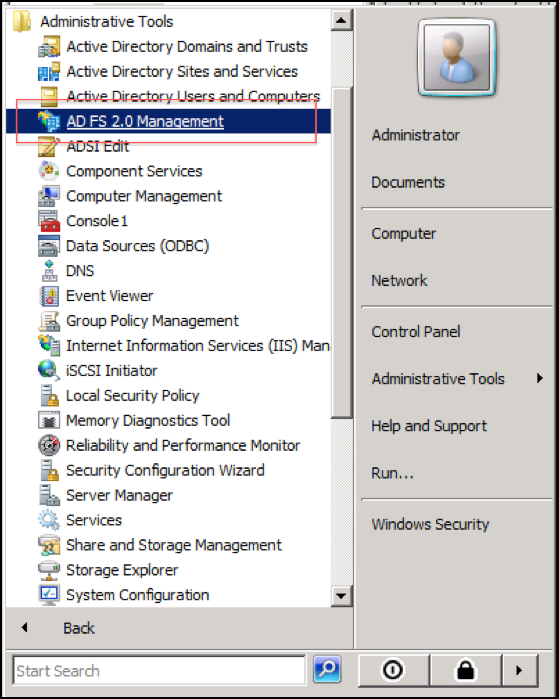
The following instructions will walk you through making configuration changes in AD FS 2.0 Management for Sharepoint to use Forcepoint Data Security Cloud | App Security for SSO.
Steps
-
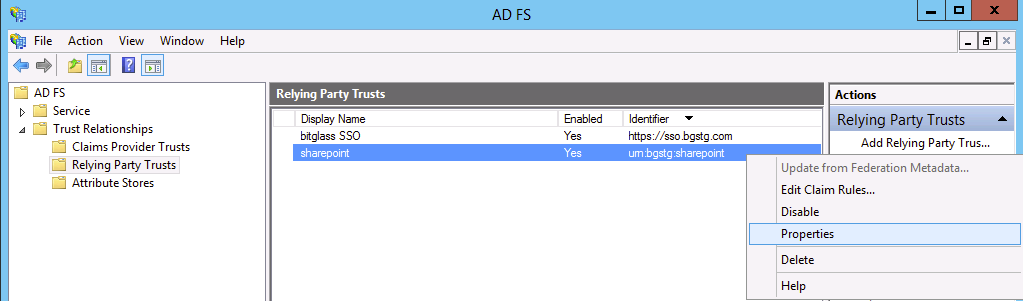
Navigate to and then select the existing Sharepoint trust. Right click and select Properties.
-
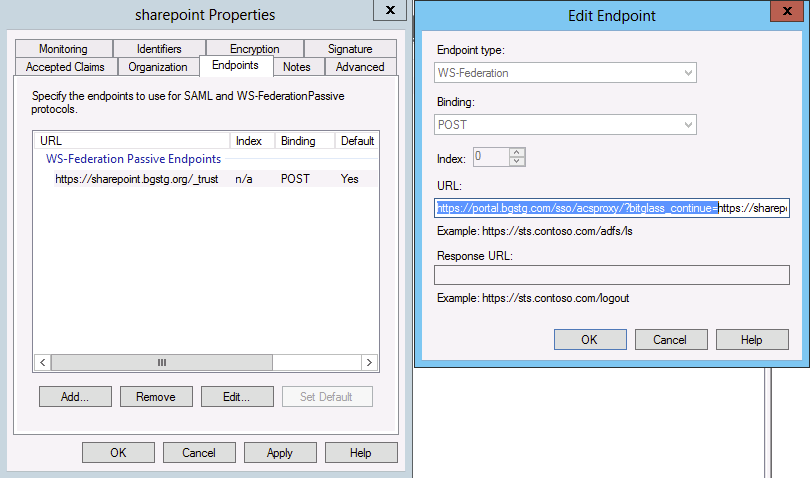
Edit the associated Sharepoint WS-Federation Passive Endpoint and prepend
https://portal.eu.bitglass.net/sso/acsproxy/?bitglass_continue=in front of the existing URL. Then click OK and Apply.