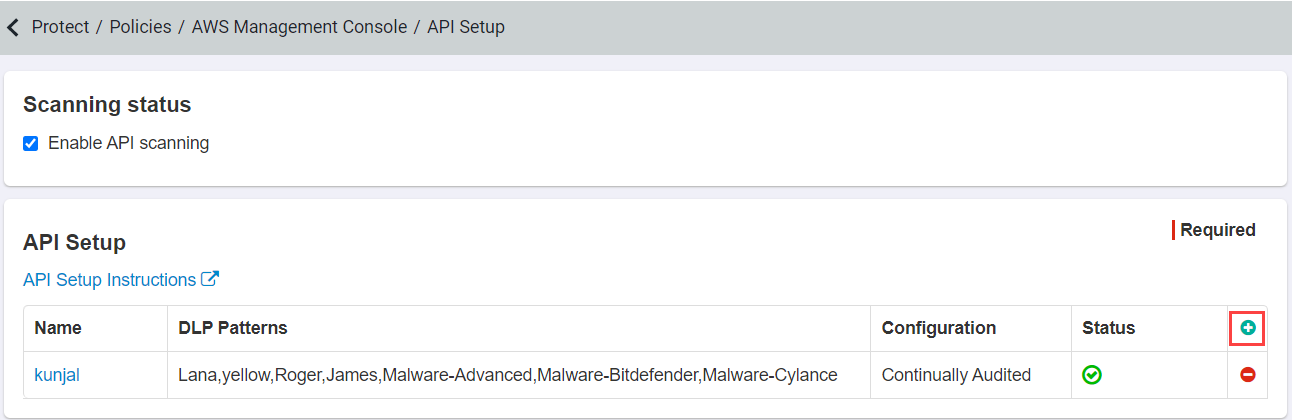
Enabling and setting up API scanning in Forcepoint Data Security Cloud | App Security
You can grant access to S3 through a created Identity and Access Management (IAM) user or through Security Token Service. For the IAM user, use the same Amazon Web Services (AWS) account you used to configure AWS in the Forcepoint Data Security Cloud | App Security Portal.
Before you begin
- User account Access Key ID.
- User account Secret Access Key (this is only viewable when a new account is created, can be downloaded and saved).
Steps
-
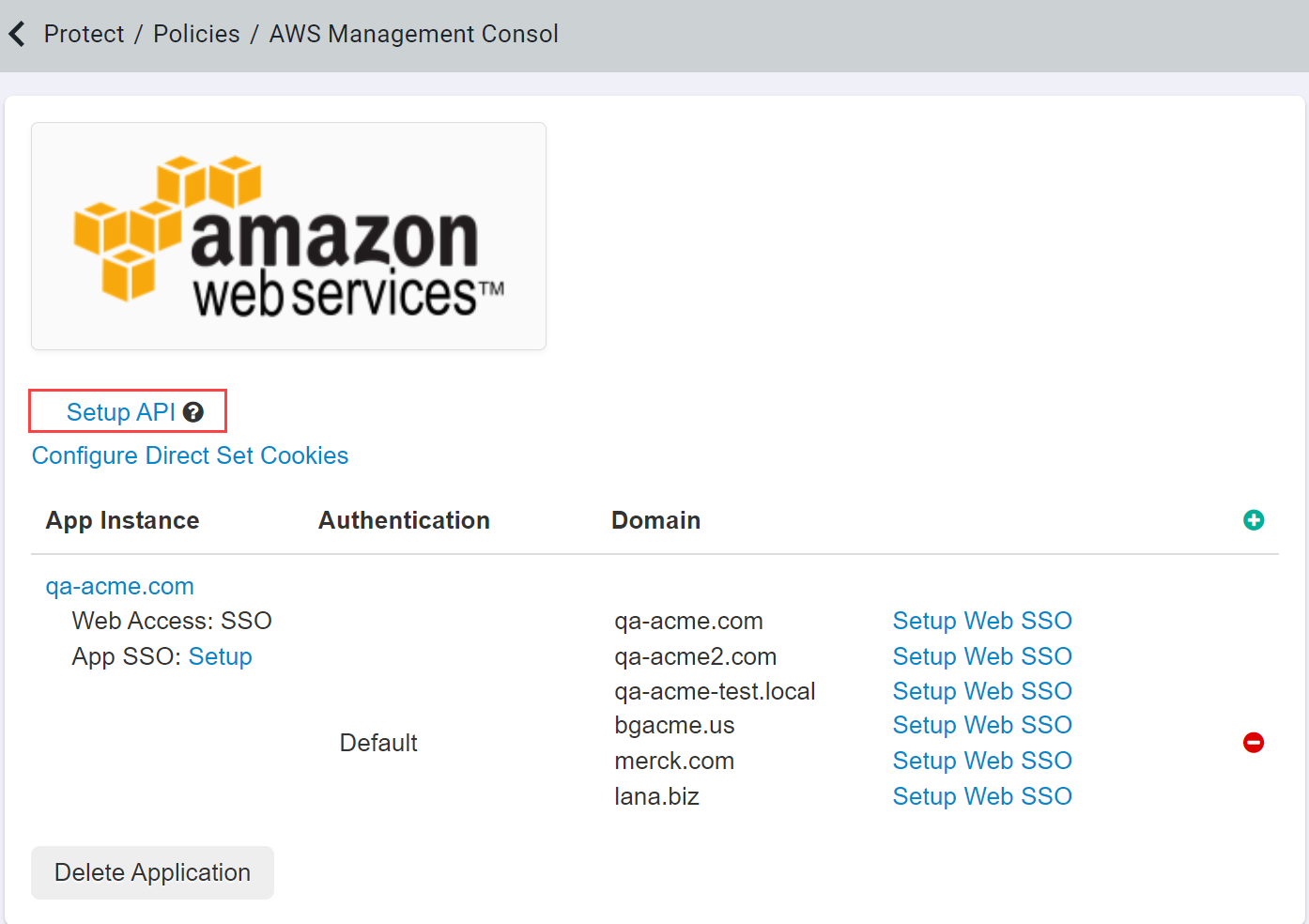
Start by logging into the Forcepoint Data Security Cloud | App Security admin portal and navigating to the AWS application settings page. Select
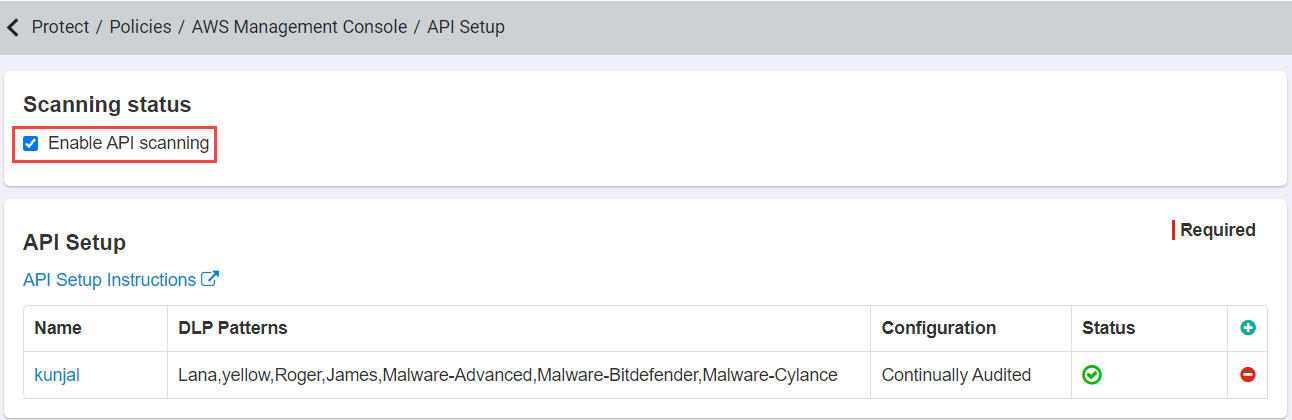
Setup API and then check the box to Enable API Scanning.
-
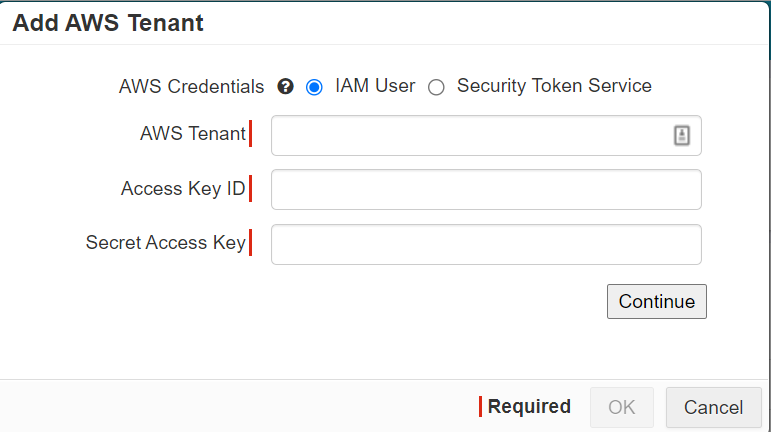
From there you can add your AWS tenant and select how you wish authenticate Forcepoint Data Security Cloud | App Security. Start by clicking the green plus icon and
selecting your credential option.