Rolling Windows SmartEdge agent via VMWare Workspace
Steps to roll out the SmartEdge agent to wider audience connected to VMWare Workspace for Windows.
Steps
-
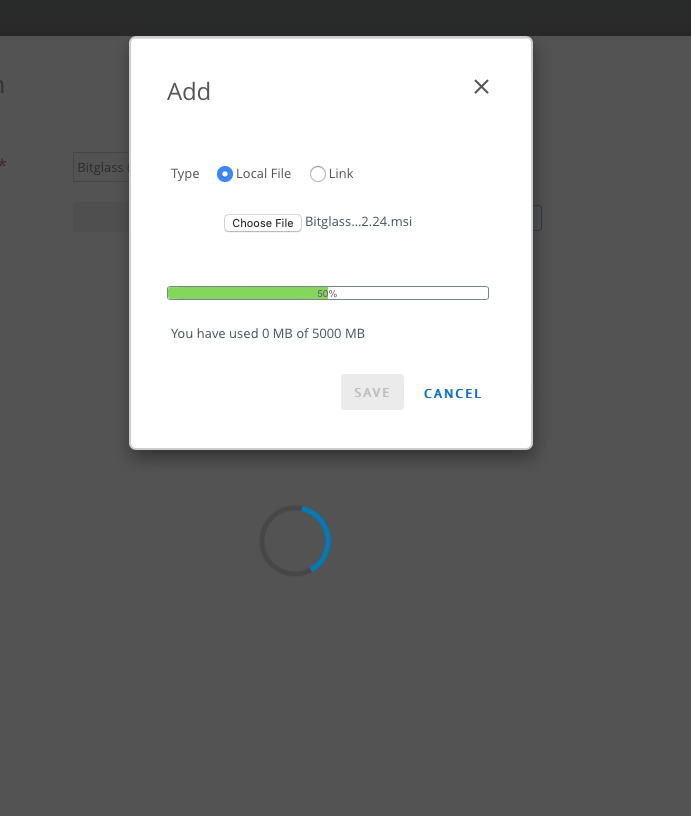
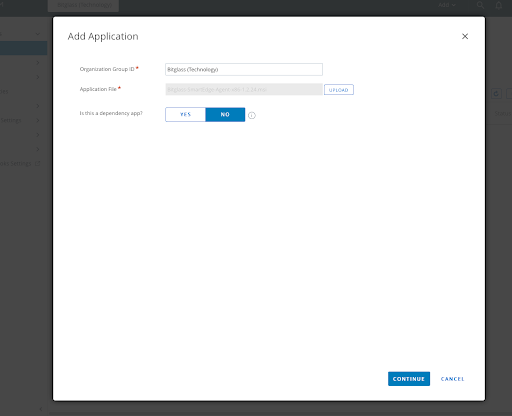
Navigate to your VMWare Workspace admin portal and create a new app and then upload the agent installer. There are no dependencies to skip the next config page.
-
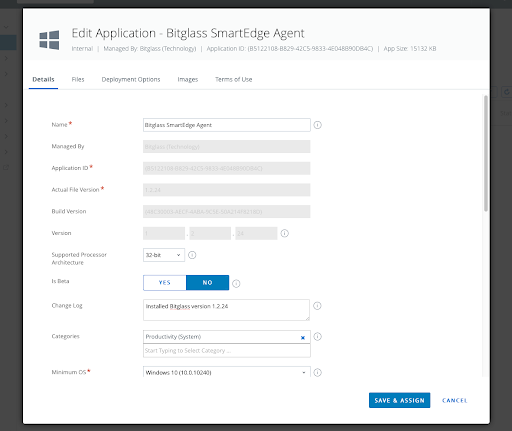
Configure Secure Web Gateway (SWG) Change log and operating system (OS) specifications if needed.
-
Provide the Installer Command (no restart required):
"msiexec /i "INSTALLERNAME"
BGENV=https://cv.YOURENVIRONMENT.net/_agent_/ BGKEY=YOURINSTALLKEY= /qn
For example:
"msiexec /i "Bitglass-SmartEdge-Agent-1.2.24.msi"
BGENV=https://cv.us.bitglass.net/_agent_/ BGKEY=0_a_2K_THhsYNizMMC5x1EBSt968= /qn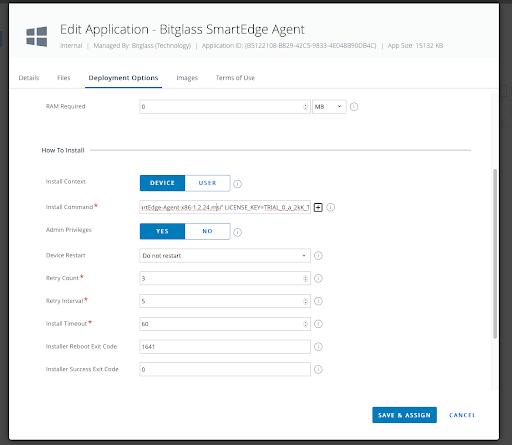
-
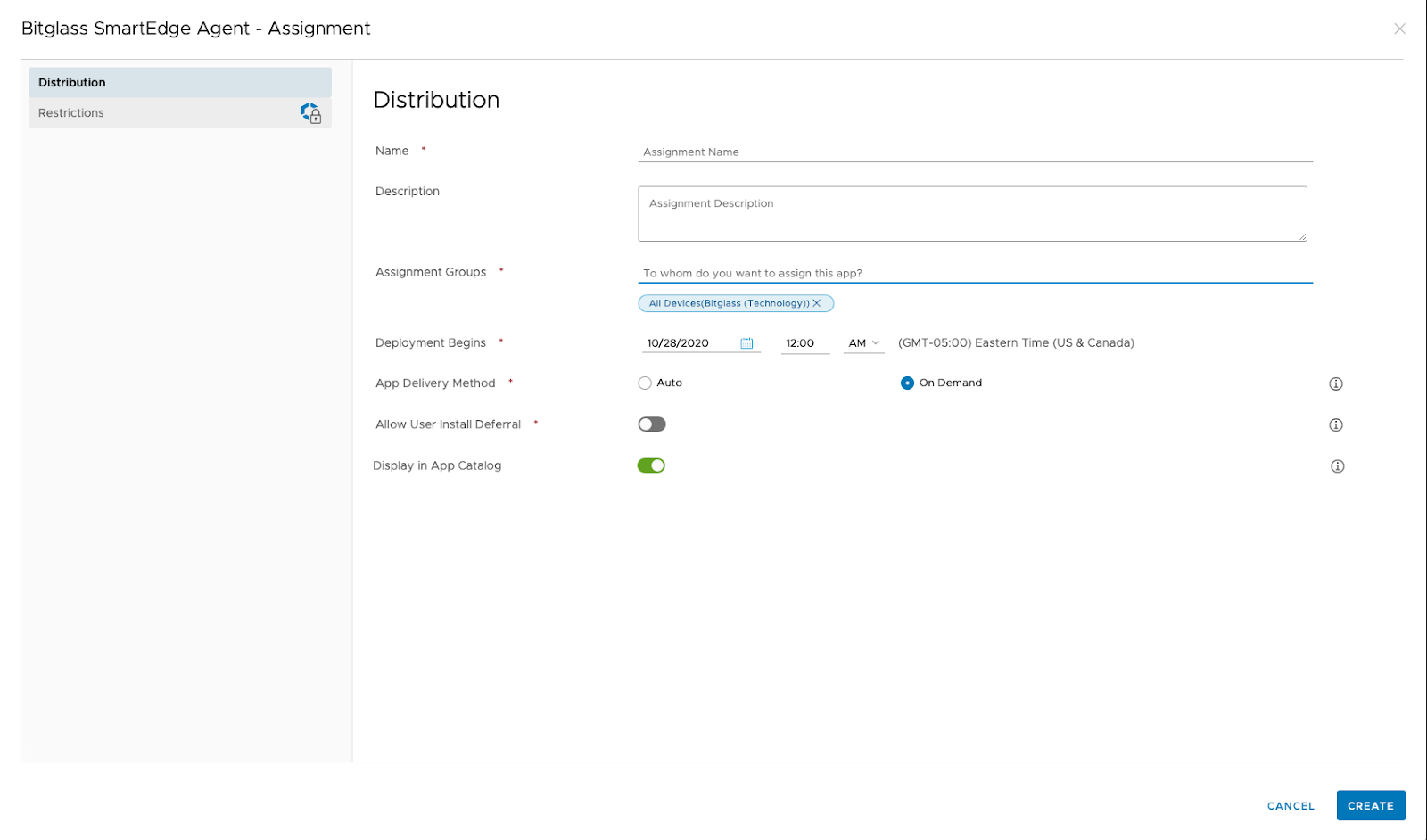
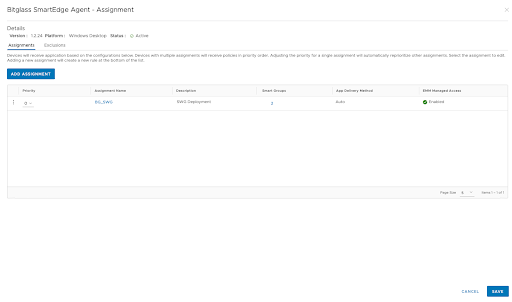
Choose your distribution policy and provide assignment and setup is complete.