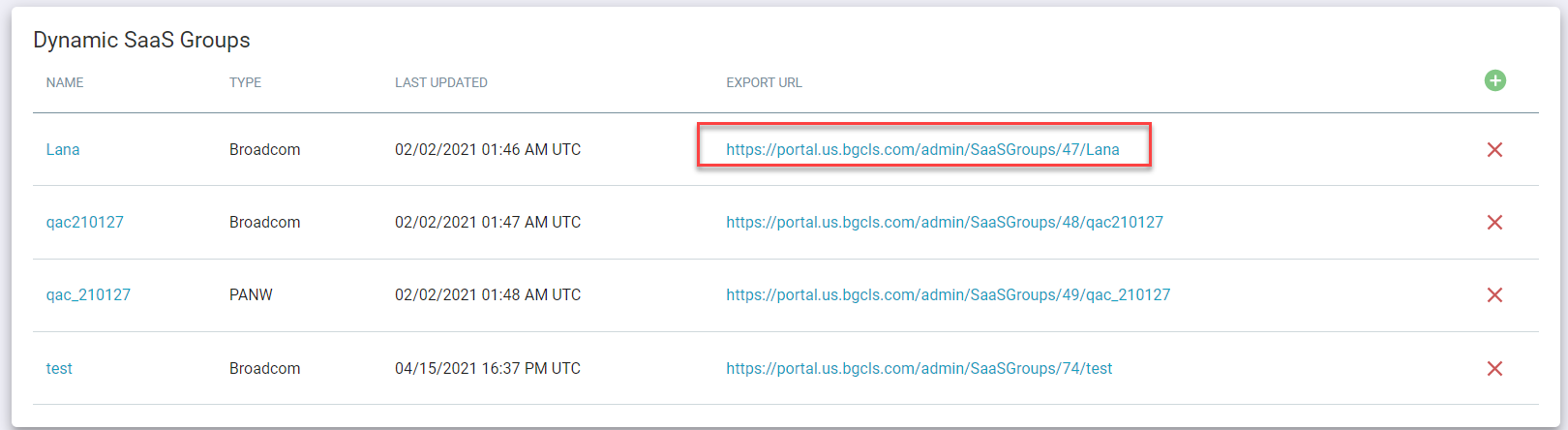
Dynamic SaaS groups
Customers can configure groups of SaaS apps from our cloud app repository and export that information to ingest that information into third-party SWGs for automated blocking. Currently, this feature supports Bluecoat (Broadcom) and Palo Alto Networks (PANW).
Steps
-
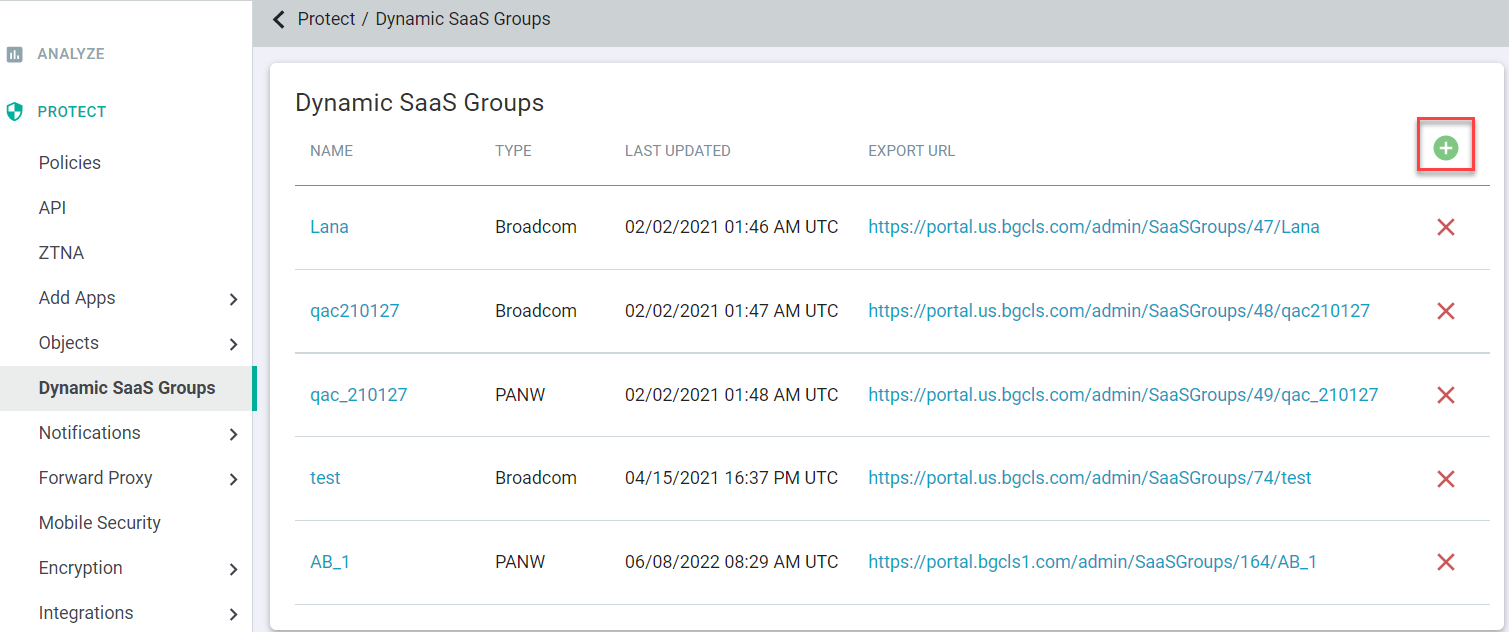
To add new custom SaaS groups, click the green plus icon.
-
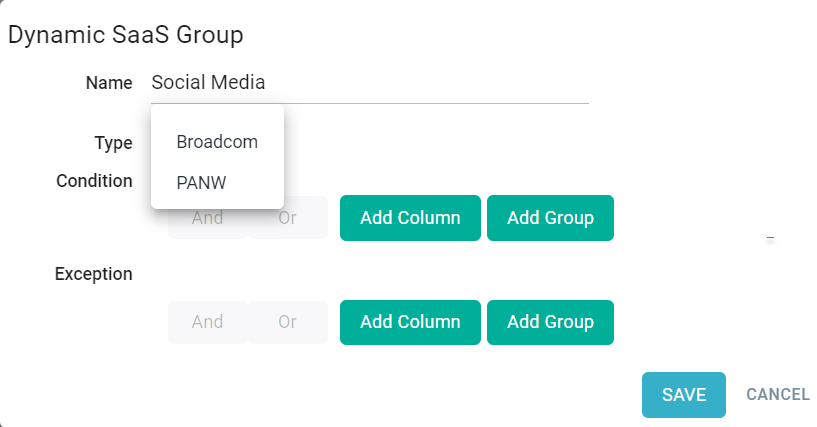
Enter a name for the newly created group and then select from the drop-down the type of export this will generate.
-
Now, you can add your conditions to determine which apps will be included or excluded. You have a couple of options for how to filter the apps for the group. Clicking
Add Column will add a new column field that you can modify with and or or to determine what is included.
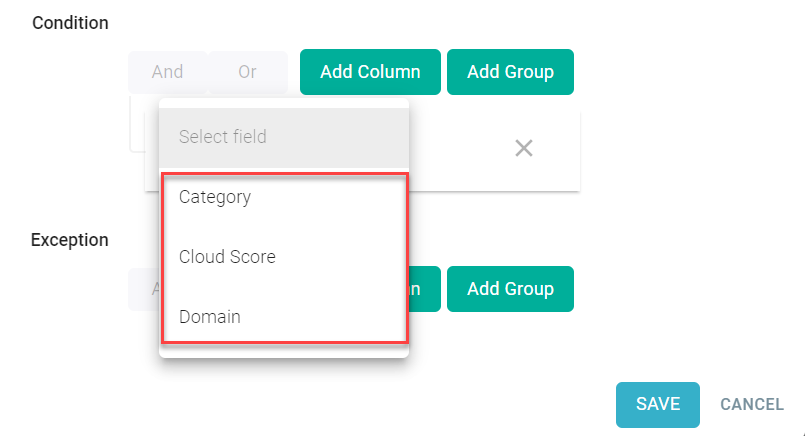
The columns have 3 primary options covered below. Clicking Add Group will create a nested group under a column if you want to be more refined.
-
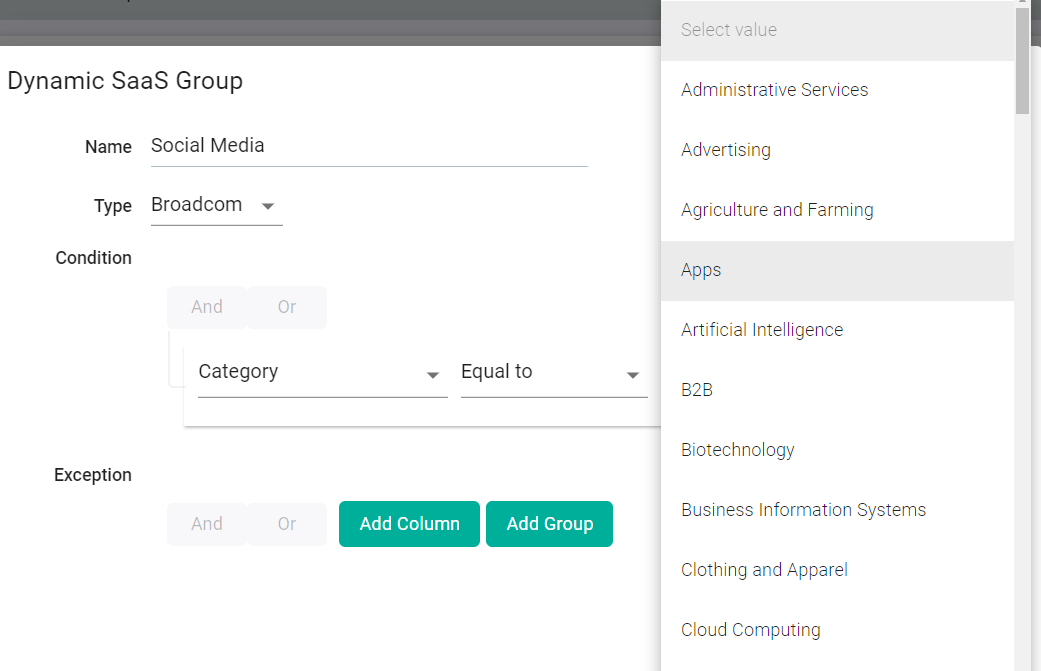
Category: Select the web category (Equal to or Not equal to) you are trying to match for the policy.
-
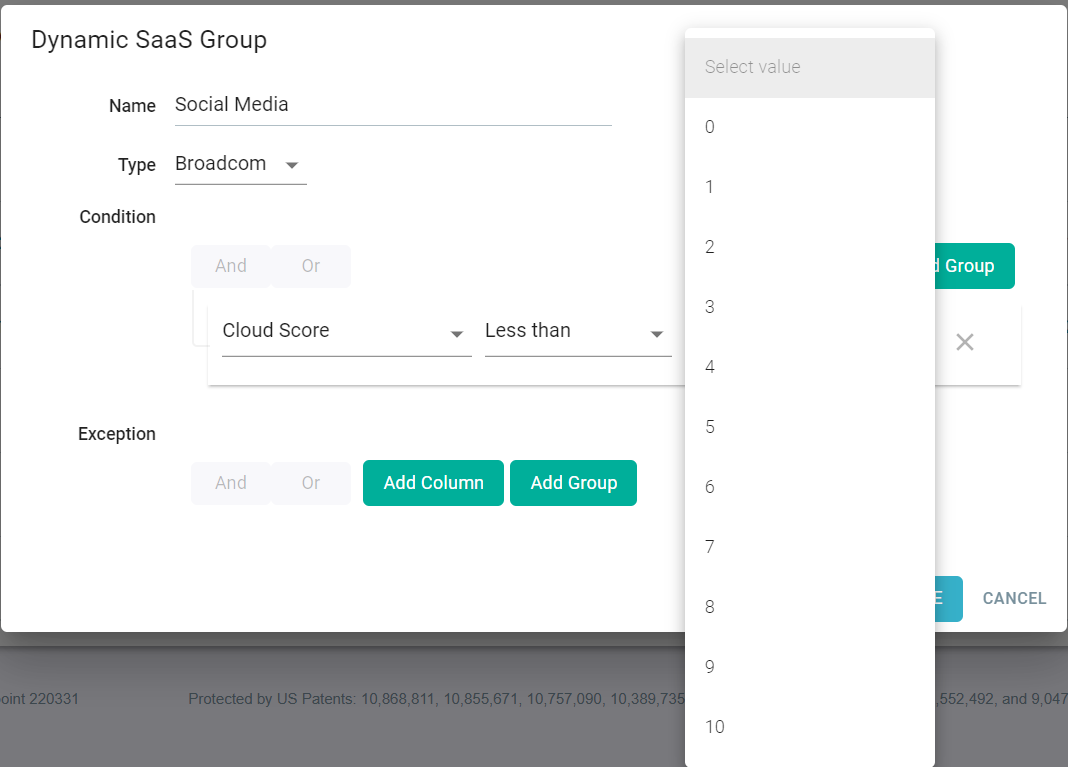
Cloud Score: Can set the field to equal to, greater than or less than a specific risk score. Risk scores are calculated on a weighted formula based
on the weights (1-10) you set per attribute. Refer to Adjusting Cloud Risk Scores to know more about cloud risks scores.
-
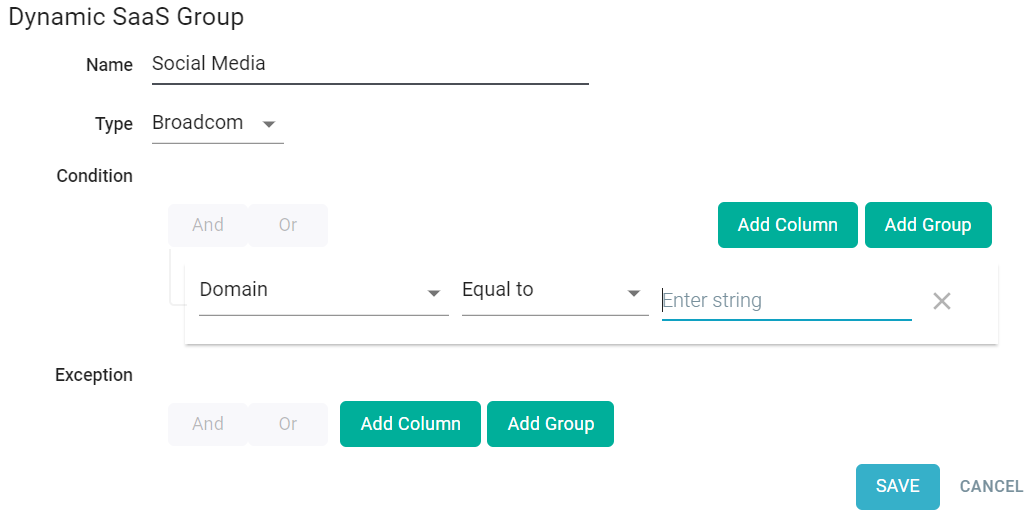
Domain: You can set specific domains in the event you want to make exceptions for specific SaaS apps that fall in a category but you only want that
app to be included or excluded.
-
Category: Select the web category (Equal to or Not equal to) you are trying to match for the policy.
-
Once you have created the group, you will see a new row added to the table. You will see a link that you can click to download the generated group and then import that into your
Secure Web Gateway (SWG) system.