Box: Configuring API access
These instructions show you how to authorize Forcepoint Data Security Cloud | App Security to access your Box account via the API. All the files at rest will then be analyzed against DLP patterns and a report will be generated to identify any DLP violations in your corporate account.
Before you begin
Note: The admin account being used in the Forcepoint Data Security Cloud | App Security portal to setup the API must be a system administrator and not a standard Role Admin. If you are using a Role Admin account the setup
will not be completed successfully.
Steps
-
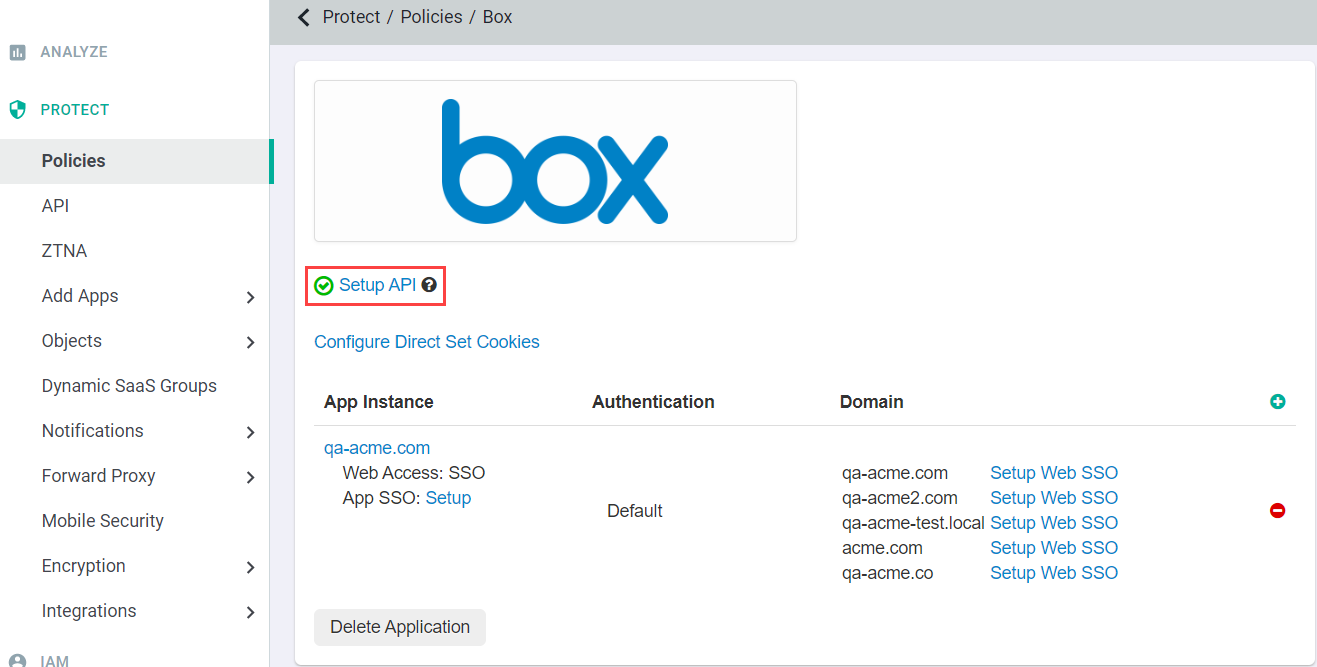
On the Box application settings page, click Setup API.
-
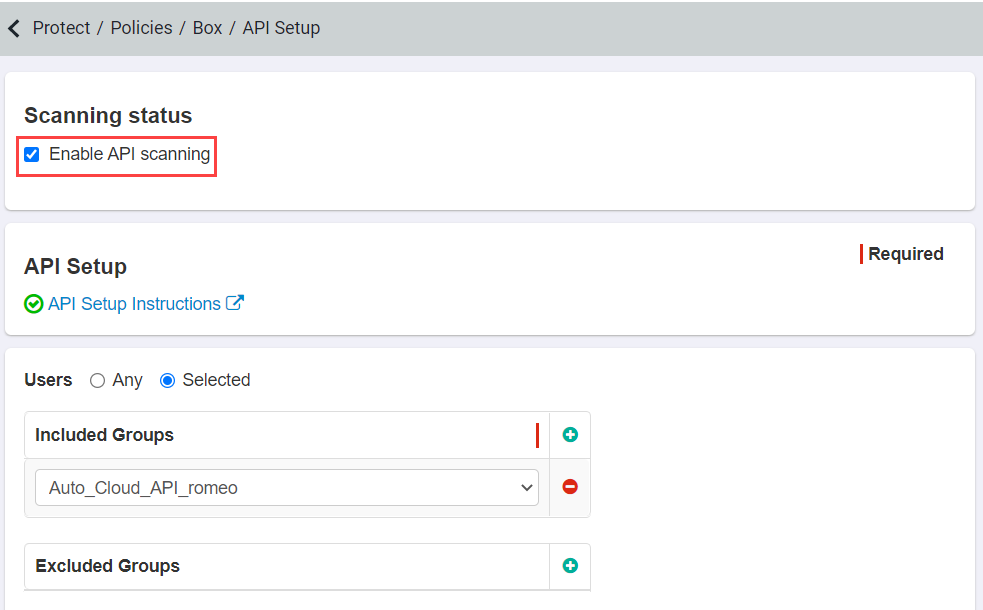
Click Enable API Scanning at the top and then click Save in the top right. Once you have done this step you can now authorize the
Forcepoint Data Security Cloud | App Security API.
Note: To configure API policies with the Forcepoint DLP data pattern, refer to Configuring FSM controlled policies for CASB and SWG channels. -
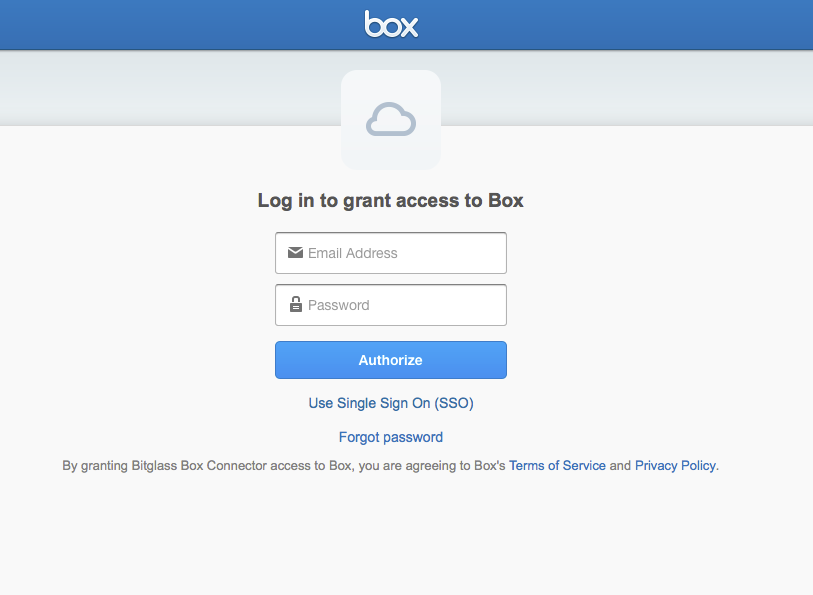
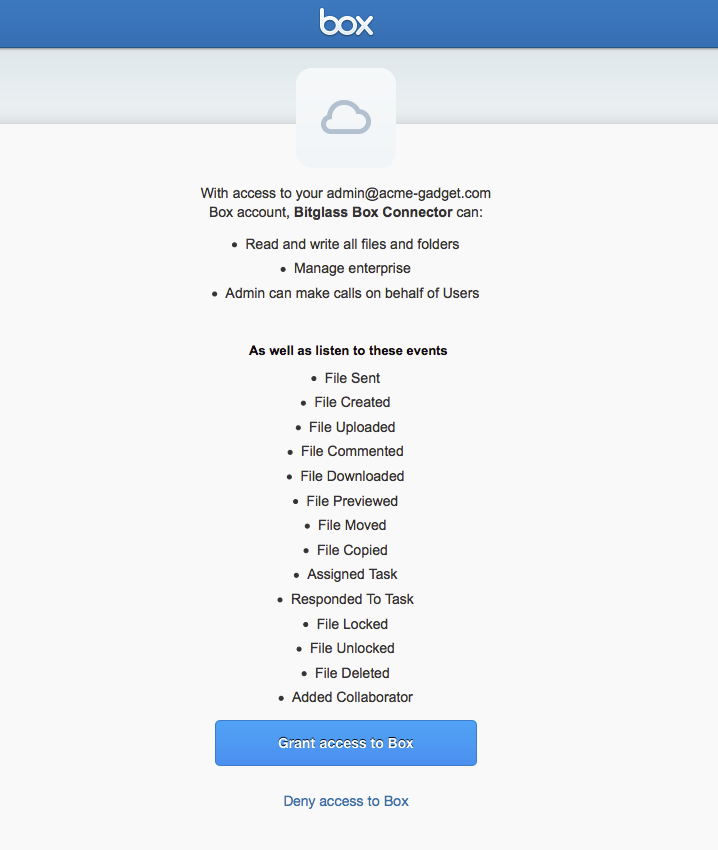
You will now be redirected to the authorization page to explicitly permit Forcepoint Data Security Cloud | App Security to access your account with the mentioned privileges.
After logging in you will need to click Grant Access to Box to give Forcepoint Data Security Cloud | App Security access to your organization's Box
account via API.