Procure an Engine License
This section guides you through the procedure for purchasing additional engine licenses beyond the one included with your SMCaaS subscription. It provides the steps to contact Forcepoint Sales, complete your purchase, and receive login credentials for accessing the Customer Hub to manage your license procurement.
Steps
- Contact Forcepoint Sales and purchase an engine license.
- When the Forcepoint Sales team contacts you, provide your information, including your email address and phone number.
- After the purchase is complete, check for an email containing your login credentials — a username and password — for accessing the Customer Hub.
Result
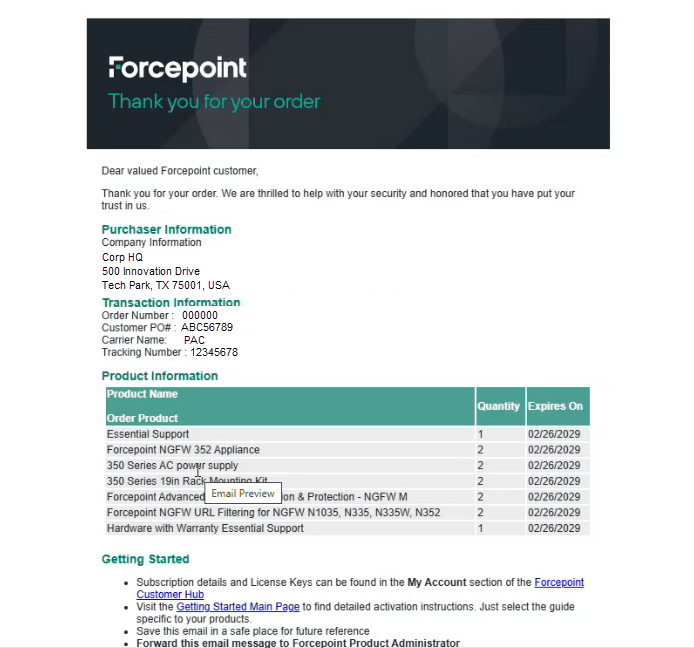
After a successful purchase, you are directed to the order fulfillment notification page. This page displays purchaser information, transaction details, and a summary of the products purchased.
Figure: Order Confirmation Notification