Content migration in progress, completing by midnight IST on 17 November 2026.
Step 3: Register and access the cloud tenant
Steps
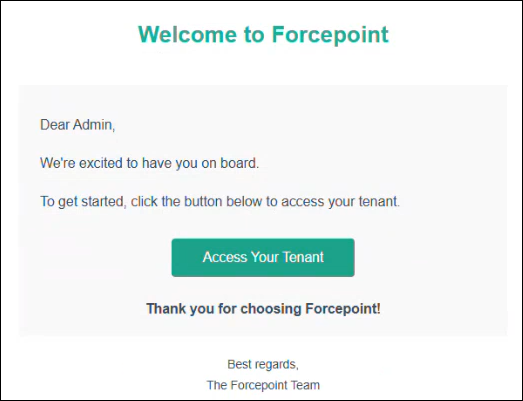
Open the registration email, and then select Access Your
Tenant.
A CISO or administrator new to the Forcepoint Data Security Cloud
Platform will be taken to the Forcepoint Data Security Cloud platform sign-in
page.
Note: A CISO or administrator who already has a Forcepoint Data
Security Cloud Platform account, is taken to the login page. If you already
have an account, skip to step 6 in this instruction set.
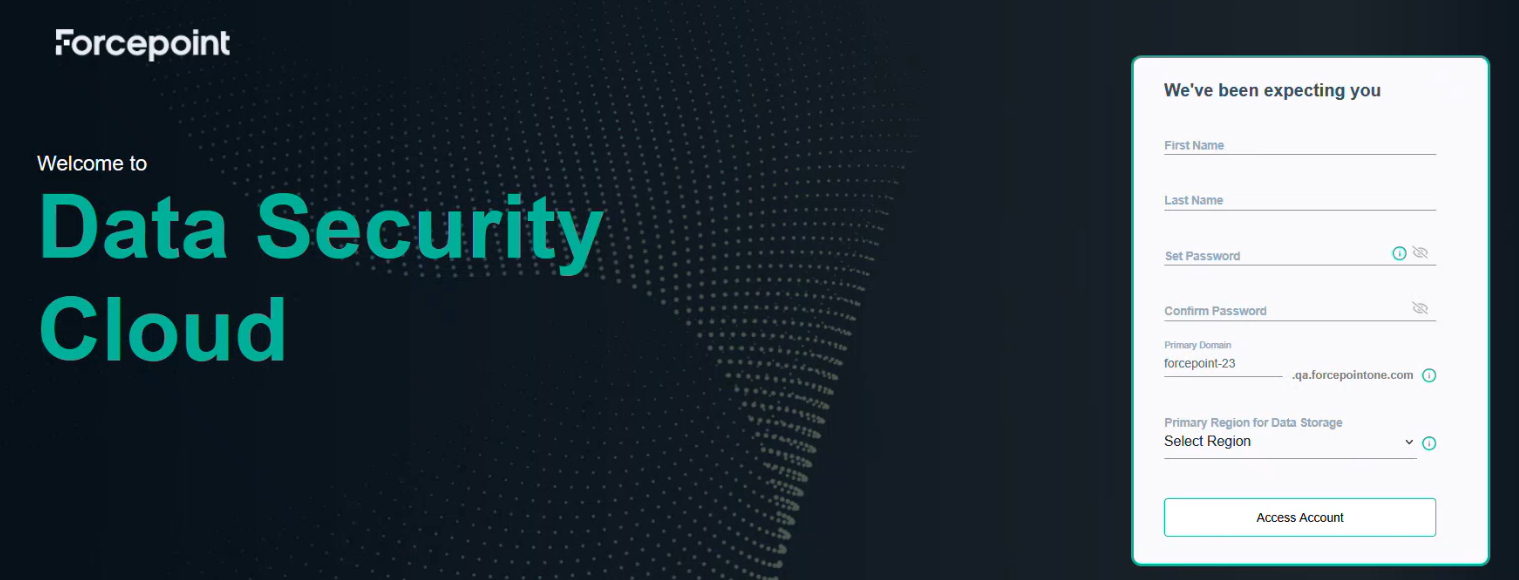
Complete the registration form:
Enter your first and last name.
Create and confirm a strong password.
Select your Primary Region for Data Storage.
Click Access Account.
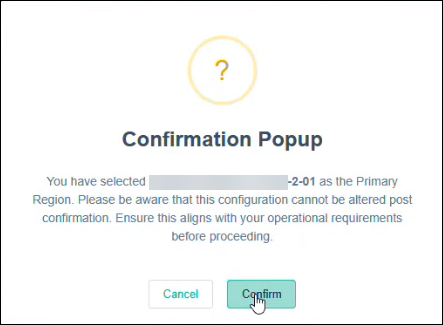
A message confirms successful tenant access.
Click Confirm.
To onboard the tenant, click OK.
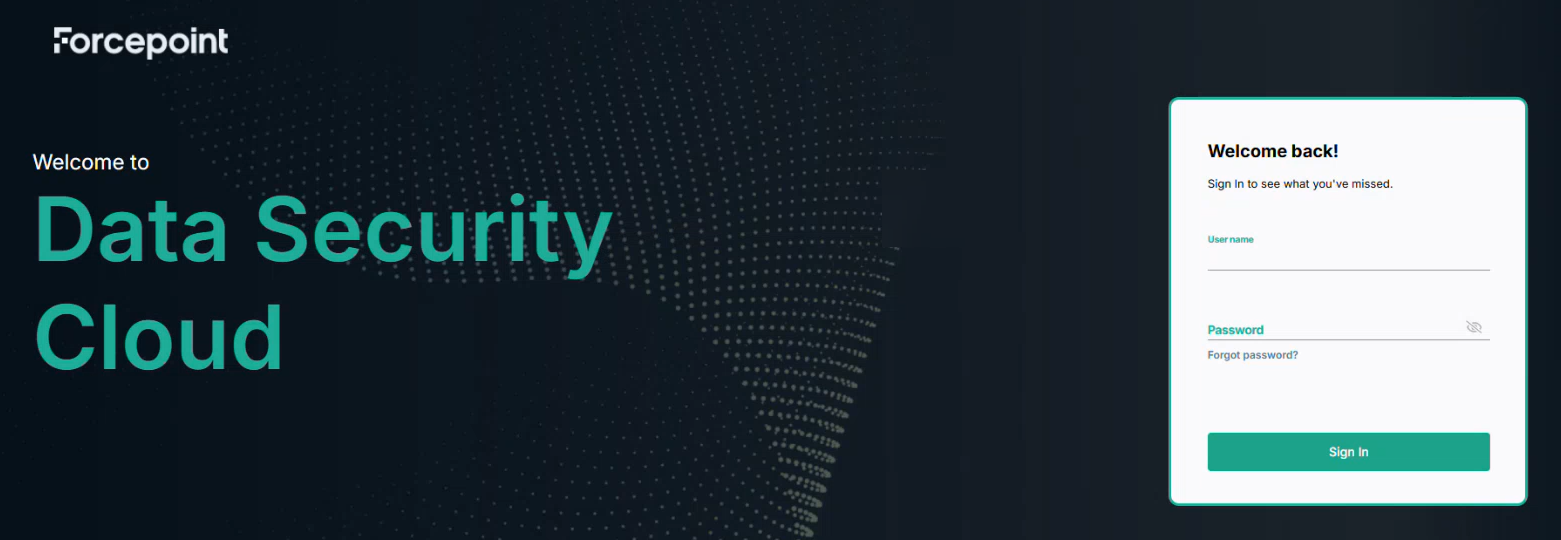
The Forcepoint Data Security Cloud Platform login page opens.
Enter the credentials, and click Sign In.
The credential details are provided in the registration email you receive when
you are assigned the CISO role by the Global Security administrator. When you log
in for the first time, you must change and confirm your new password, and then
click Save and Sign In.
 A CISO or administrator new to the Forcepoint Data Security Cloud Platform will be taken to the Forcepoint Data Security Cloud platform sign-in page.
 Note: A CISO or administrator who already has a Forcepoint Data Security Cloud Platform account, is taken to the login page. If you already have an account, skip to step 6 in this instruction set.