Installing for Hybrid DLP
Steps
-
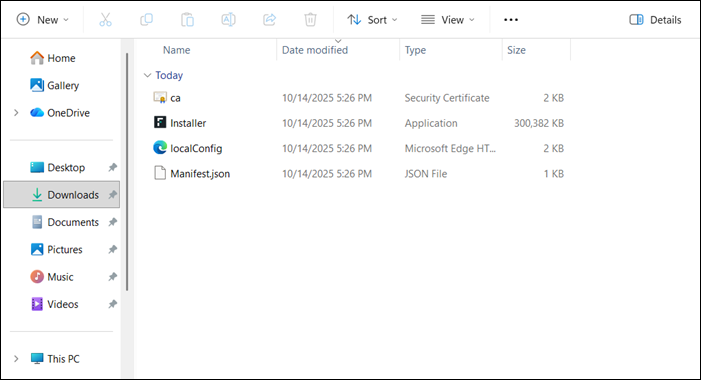
Unzip the downloaded installer. The following files should be present in the unzipped folder.
-
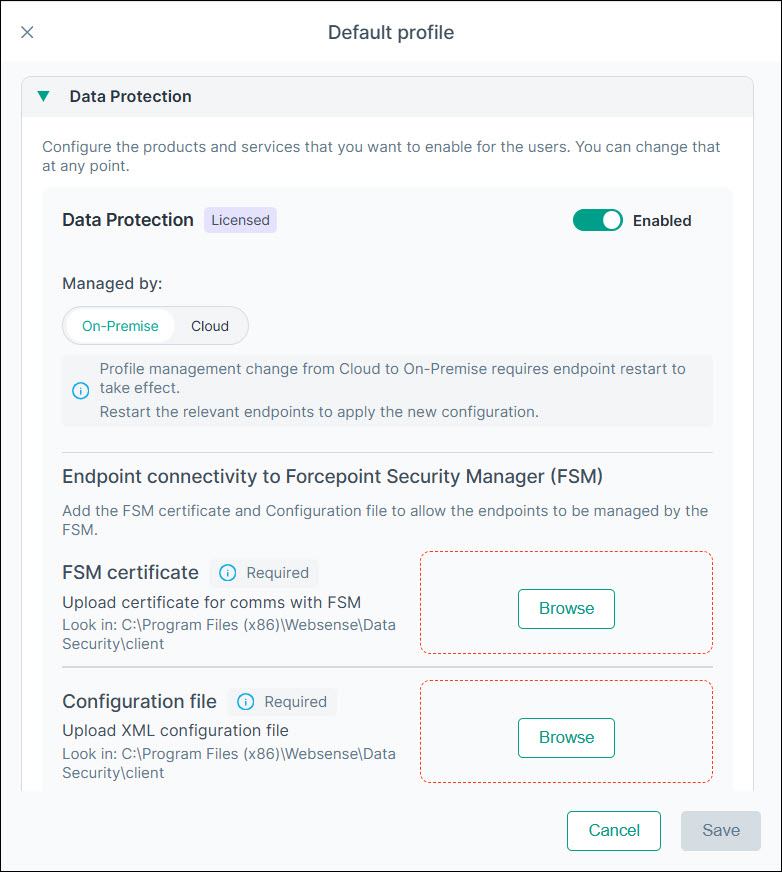
In the Forcepoint Portal, for the appropriate profile in , verify that the Managed by mode under Data Protection is set to On-Premise, and upload the same
ca.cer and localconfig.xml used in the installer package. Ensure this is done in the profile that contains the device on which the
agent will be installed.
-
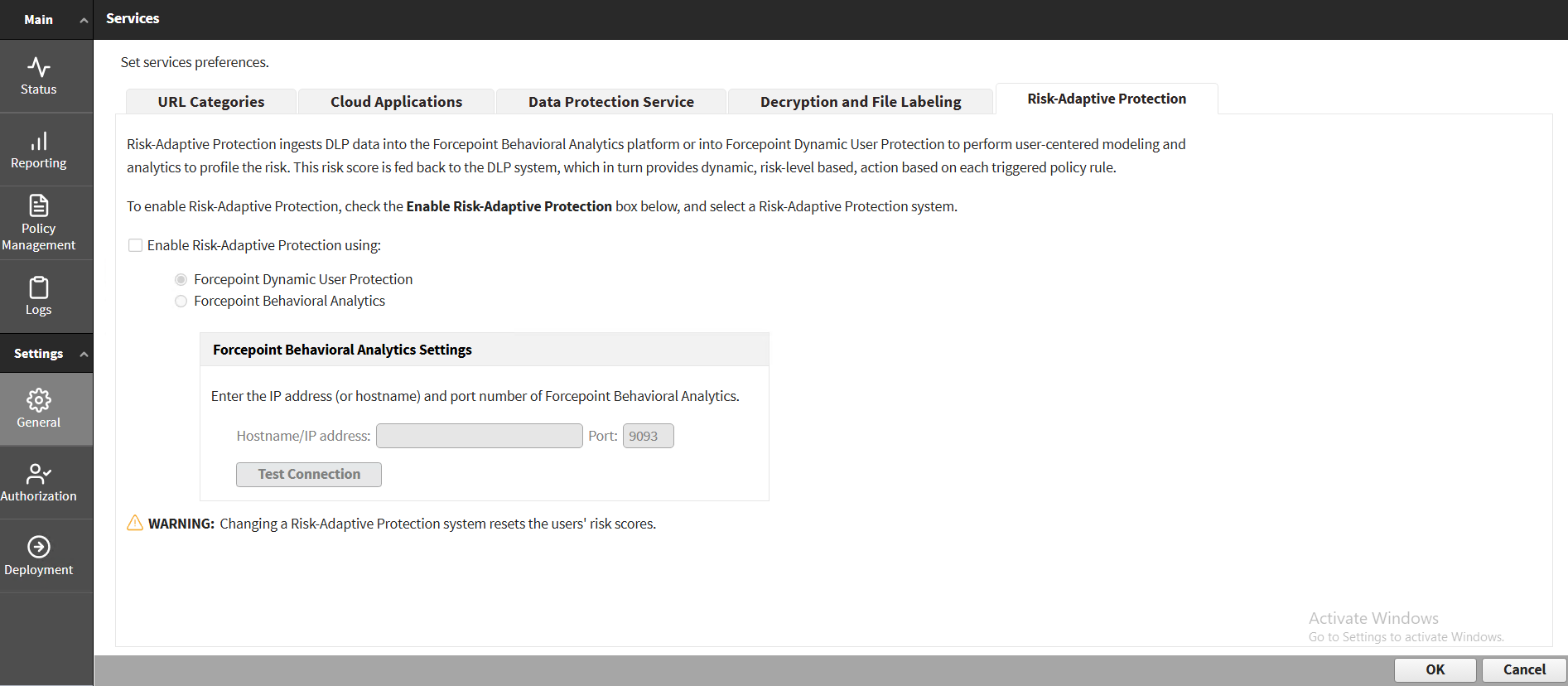
In Forcepoint Security Manager (FSM), go to and make sure that Forcepoint Dynamic User Protection is selected under the Enable Risk-Adaptive Protection using
option.
-
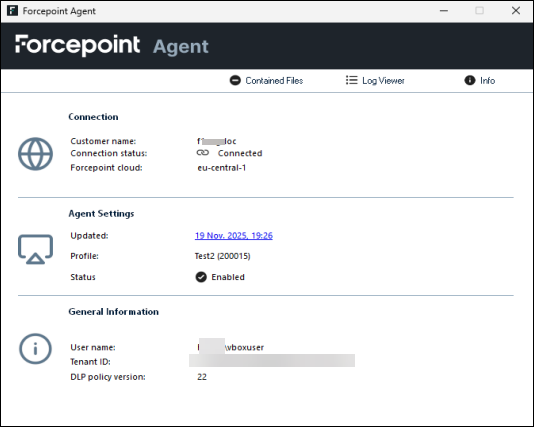
Go to the Task bar, right-click the Forcepoint icon and select Forcepoint Agent to validate the installation.