Choosing Between Guided Setup and Manual Configuration
Use this topic when you need to decide which setup path is right for you, or when you want to understand the difference between the two options before you begin.
Next steps
What are the two options?
-
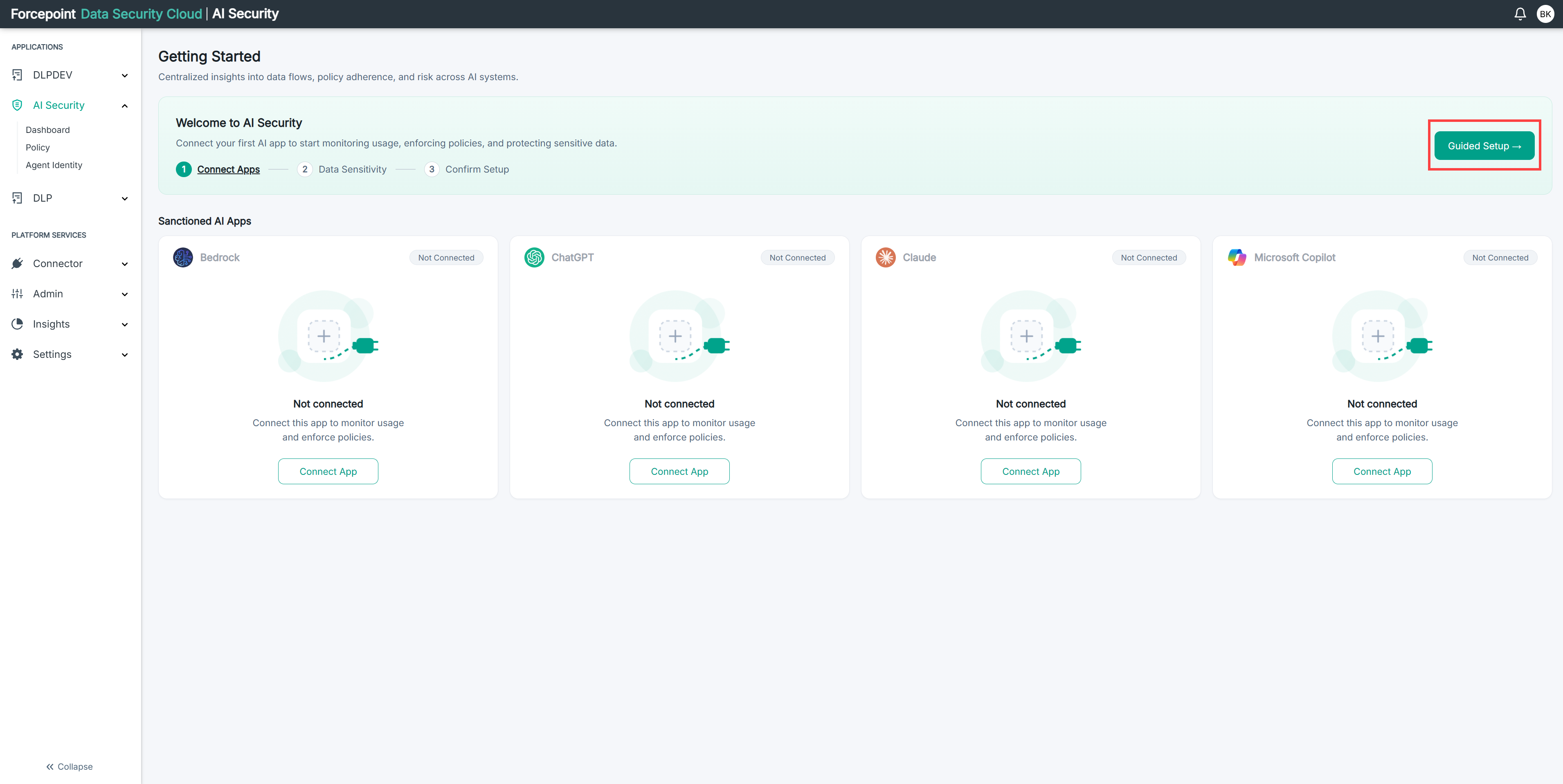
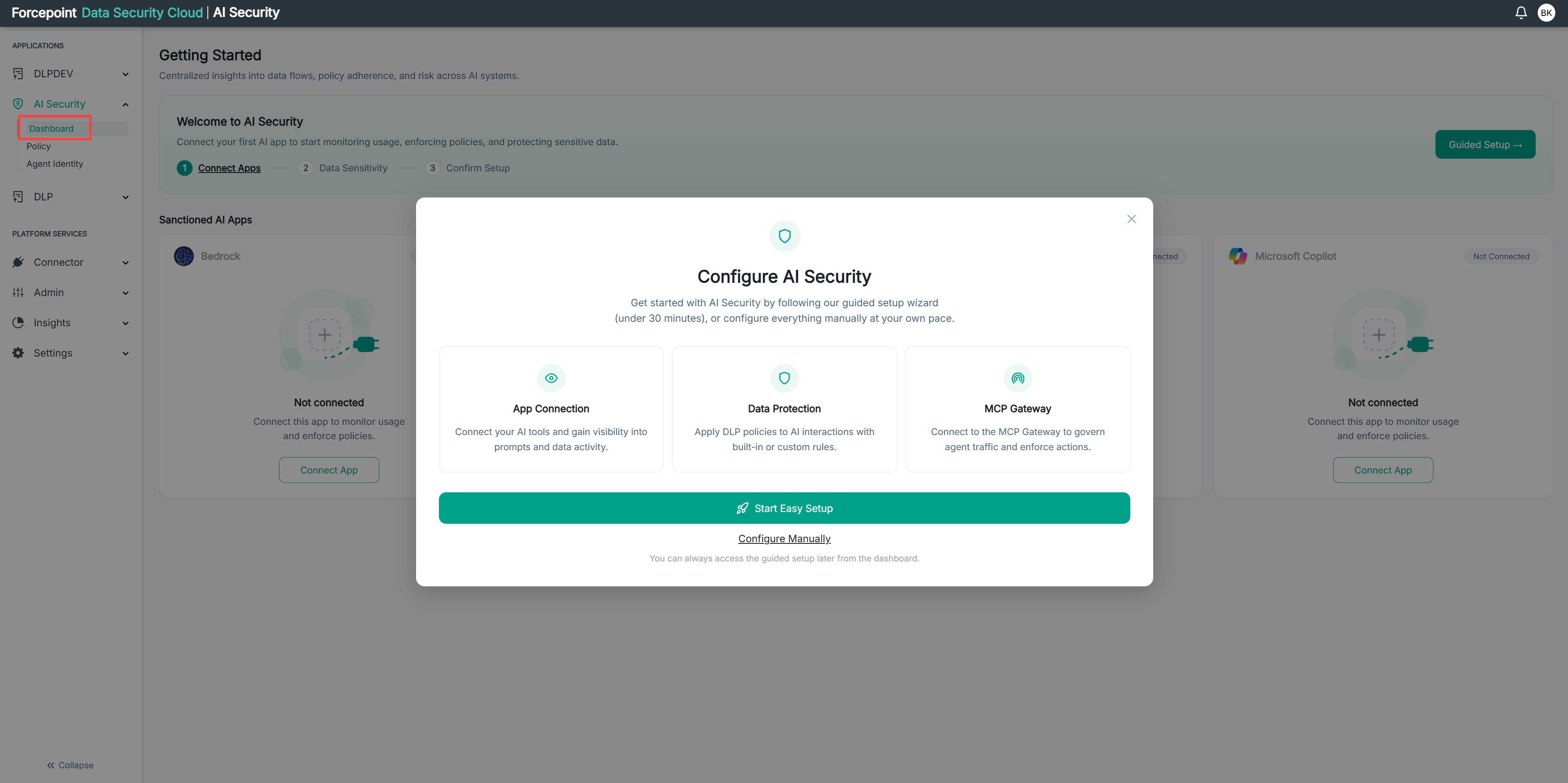
When you open AI Security, the Configure AI Security dialog gives you two ways to get started.
-
Start Easy Setup launches a guided three-step wizard:
-
Connect Apps
-
Data Protection
-
Confirm Setup
-
-
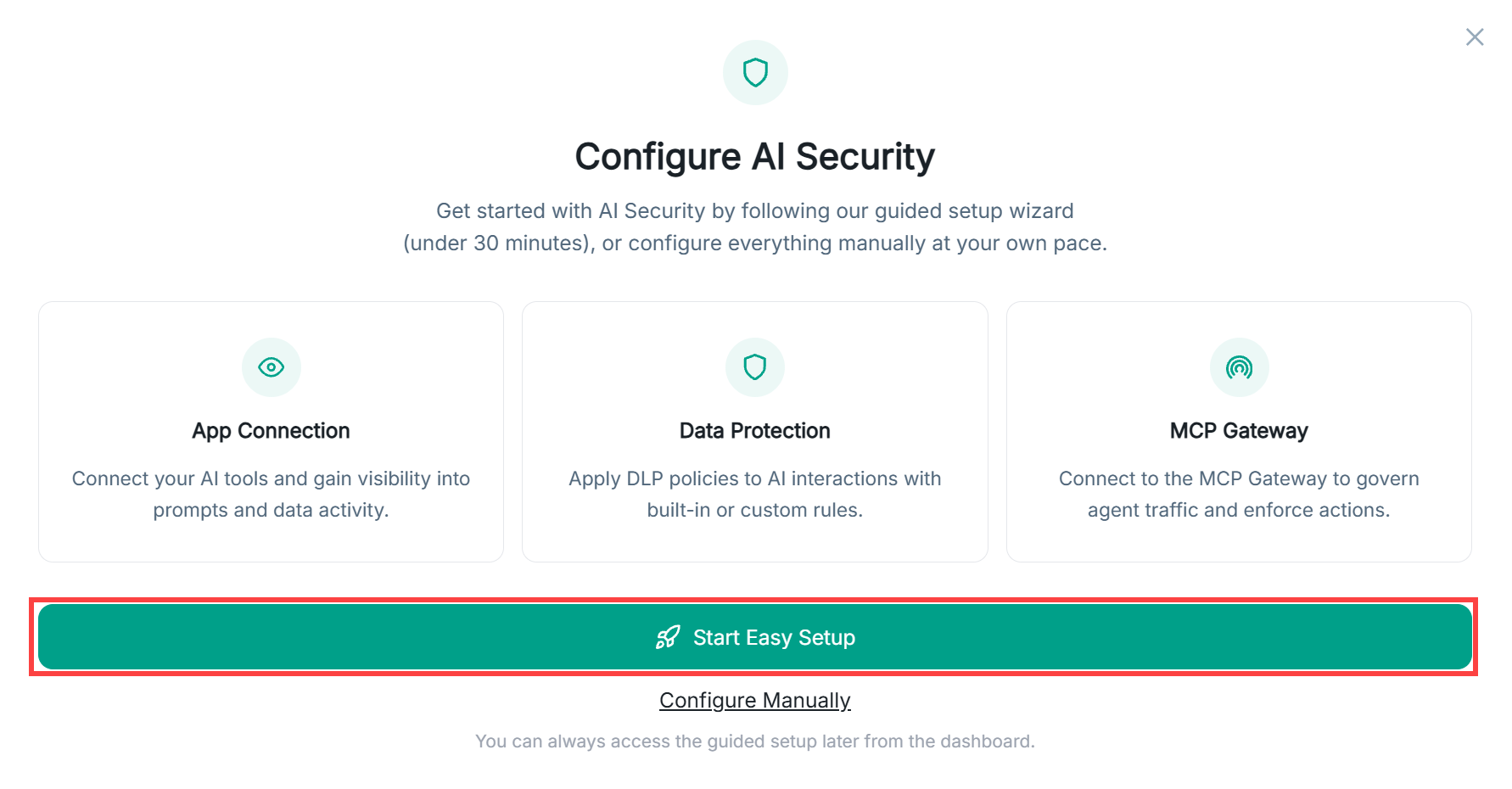
Configure Manually skips the wizard and takes you directly to the App Connectors page. From there you configure each area — App Connectors, Policies, and MCP Gateway — on your own, in any order.
Which one should I use?
-
Use Start Easy Setup if:
- This is your first time setting up AI Security.
-
Use Configure Manually if:
- You have set up AI Security before and know exactly what you need to configure.
- You only need to update one specific area, such as adding an app connector, without going through the full wizard.