Creating a new user account
To get the Secret Access Key, you will need to create a new user at which point you can download the key and retain for future uses.
Steps
-
Login to the Amazon Amazon Web Services (AWS) console and navigate to and then click Add Users.

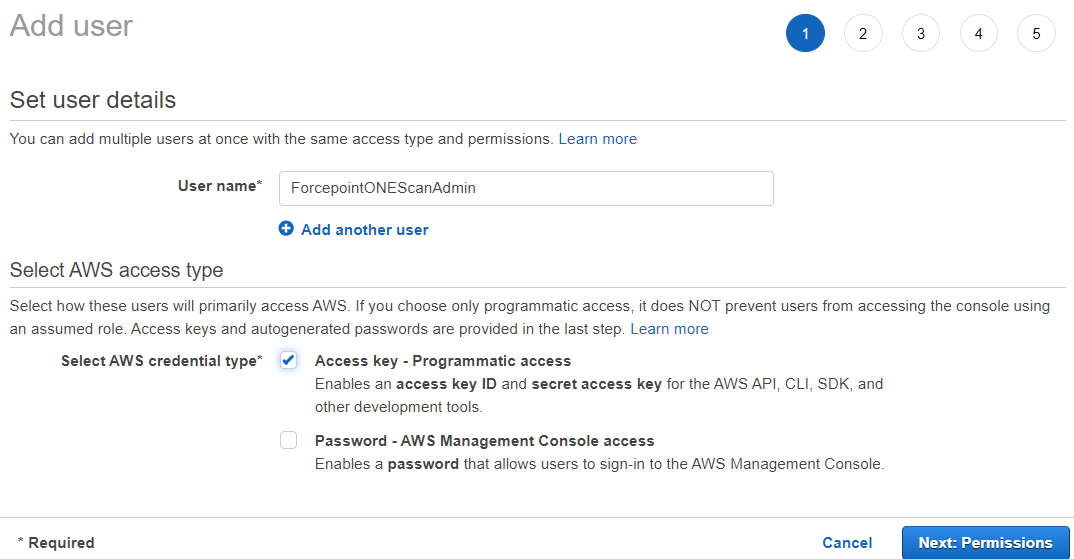
- Create the User with a given name and select Access Key - Programmatic Access for the Select AWS credential type.
-
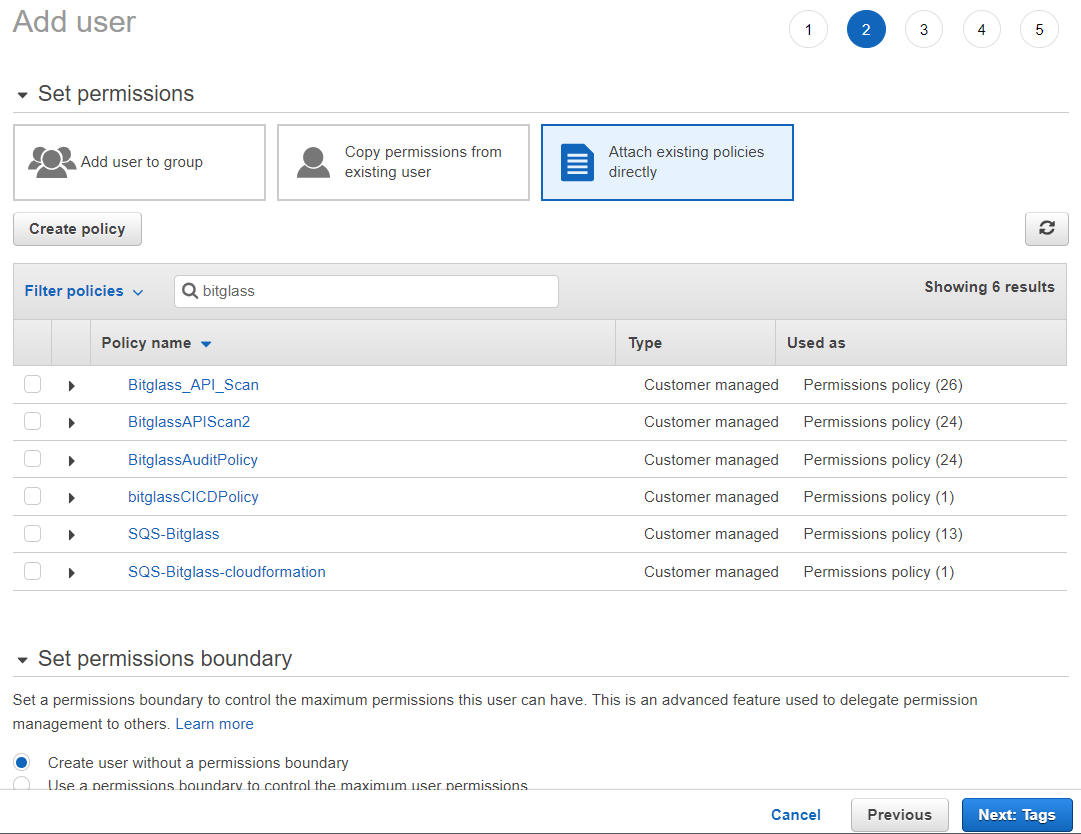
On the Set Permissions page, select Attach existing policies directly and then search for the name of your policy and select it.
-
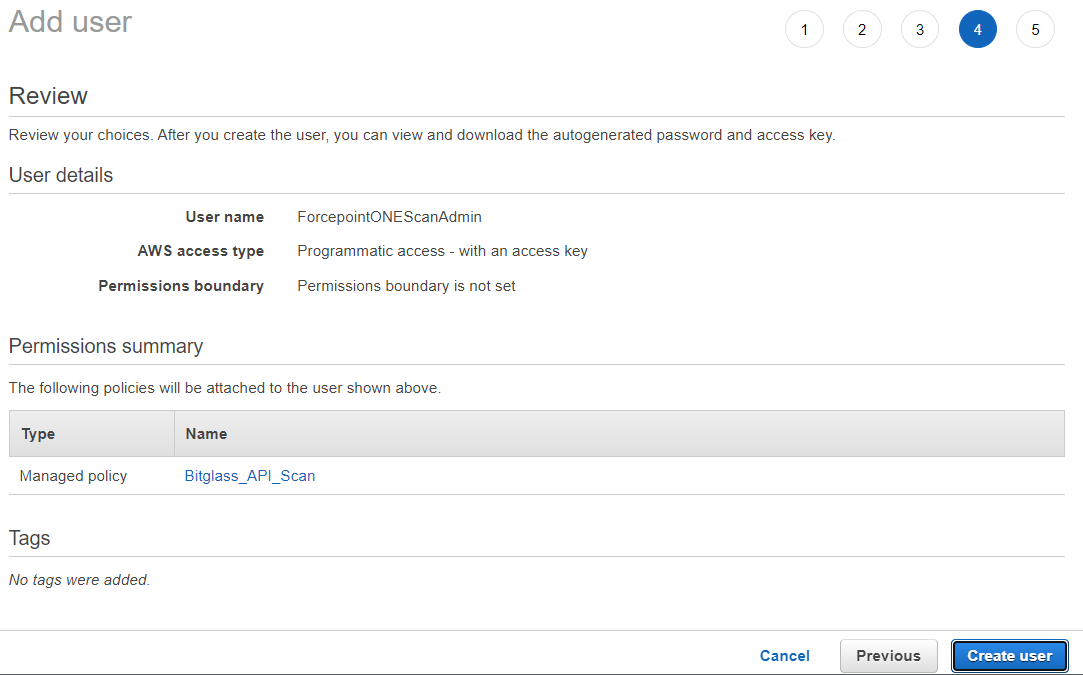
On the Review page, you see the Access Key ID and click Show to view the Secret Access
Key. Copy these down to be used in the Forcepoint Data Security Cloud | App Security configuration.