Uploading license JSON on Forcepoint Data Security Cloud | SSE
Upload the JSON file provided with your Forcepoint order confirmation email during onboarding, or request it from Forcepoint Technical Support. This lets Forcepoint Data Security Cloud | SSE interact with the Data Protection Service (DPS) configured on the Forcepoint Security Manager (FSM).
You should upload DPS license JSON file in FSM and then upload the same license JSON file in Forcepoint Data Security Cloud | SSE so that both systems can interact with the same DPS instance.
To upload the DPS license JSON in Forcepoint Data Security Cloud | SSE, follow the steps below:
Steps
-
At the bottom of the Forcepoint DLP card, click Save.
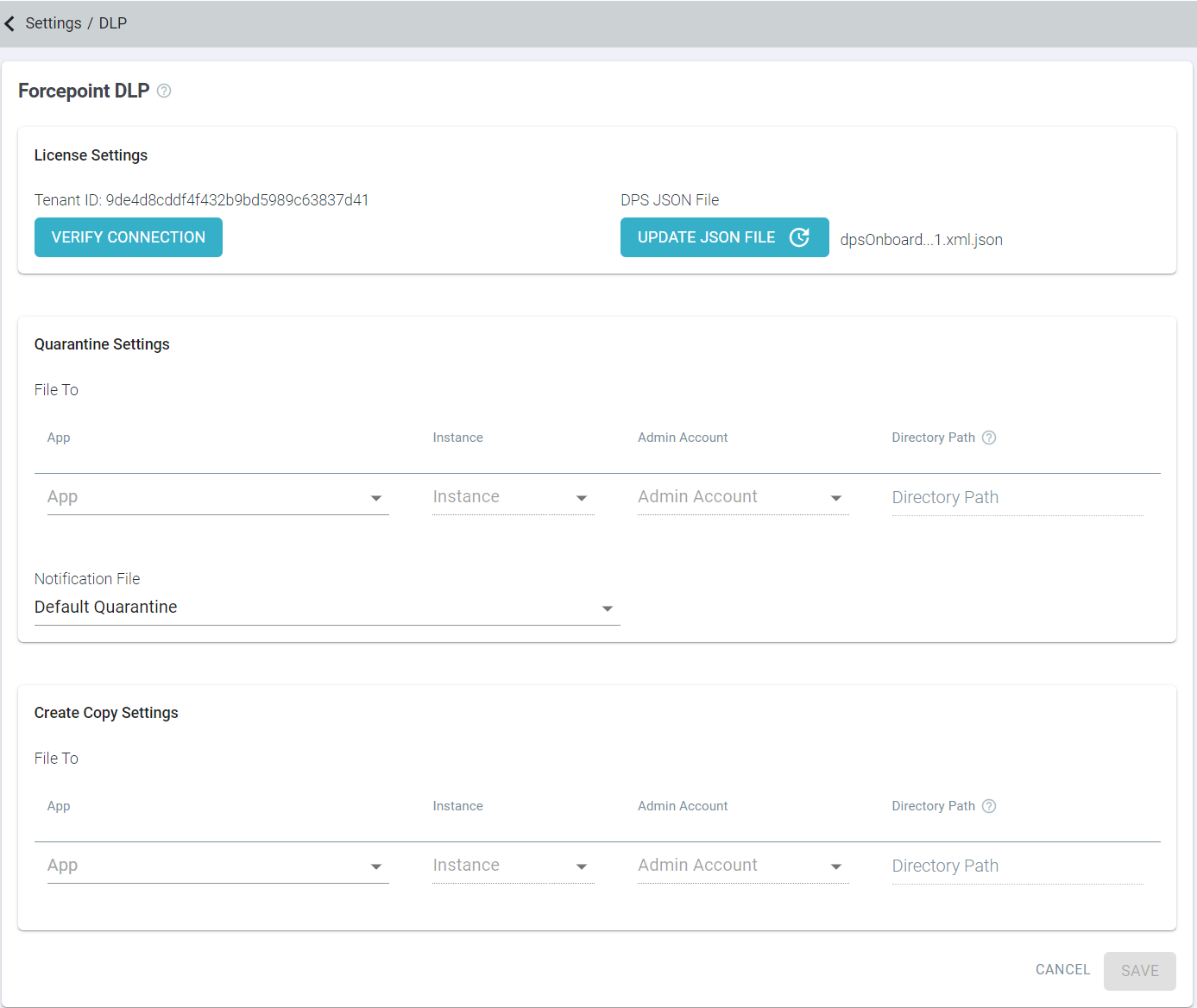
Once you have saved the JSON file, you can find DPS Tenant ID, an option to verify DPS connection and another option to update the JSON file.
-
Click Verify Connection to validate JSON and to check the connection to the DPS.
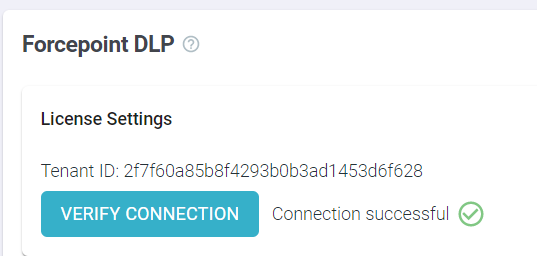
After successful validation of the license JSON file, a green checkmark appears along with the Connection Successful message.
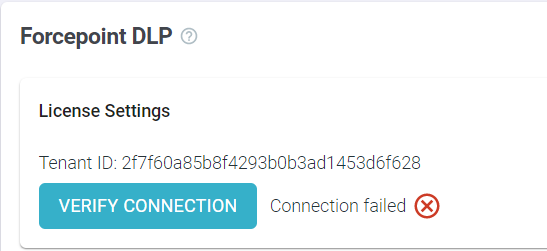
If the validation of the license JSON file failed for some reason, then a red mark appears along with the Connection failed message.