DLP Scanning Bypass
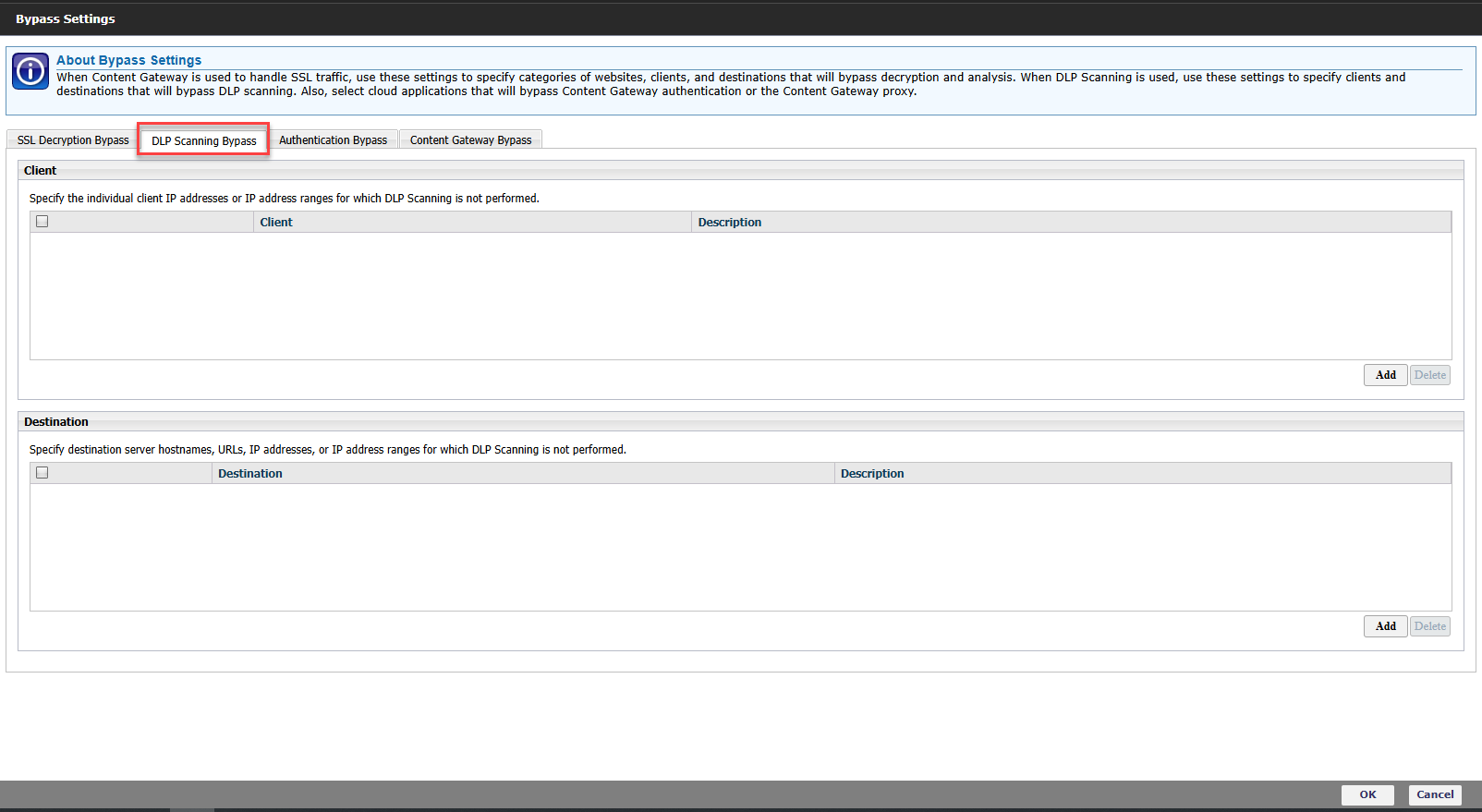
The DLP Scanning Bypass feature allows traffic to be excluded from DLP scanning based on the client IP address, destination host, or destination IP address. This feature helps prevent unnecessary inspection of trusted clients and destination servers. A client list can be configured by adding trusted client IP addresses or IP address ranges to bypass DLP scanning. A destination list can also be configured by adding trusted destination hostnames, URLs, IP addresses, or IP address ranges to exclude traffic from DLP scanning.
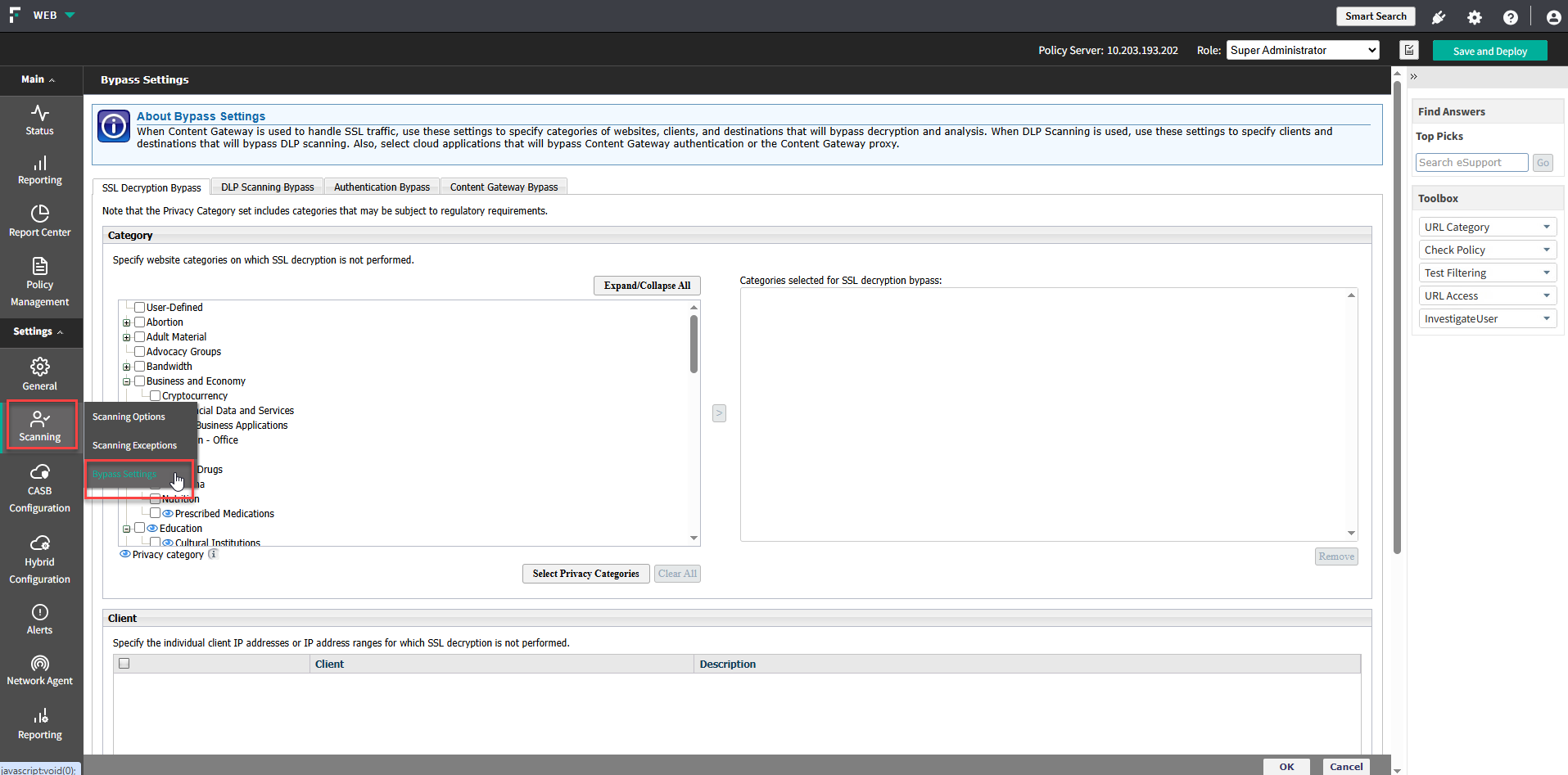
Click on to navigate to DLP Scanning Bypass.