
Starting AI Security for the First Time
Use this topic when you are signing in to the Forcepoint Data Security Cloud Platform for the first time and need to reach the AI Security setup. It also explains the two setup options so that you can choose the one that suits you.
Before you begin
Before you begin, make sure that you have:
- An account in the Forcepoint Data Security Cloud Platform with AI Security enabled.
- Administrator rights in that account.
- Credentials ready for at least one AI application, if you intend to connect one during setup.
For the licences and permissions each connection requires, see What You Need Before You Begin.
The Configure AI Security dialog appears automatically the first time you open AI Security, before any connectors are set up. It offers two ways to get started. Both lead to the same result, so the choice is about how you prefer to get there.
Table 1. Choosing your setup option
| Choose | If you |
|---|---|
| Start Easy Setup |
|
| Configure Manually |
|
Next steps
-
Sign in to Forcepoint Data Security Cloud Platform.
-
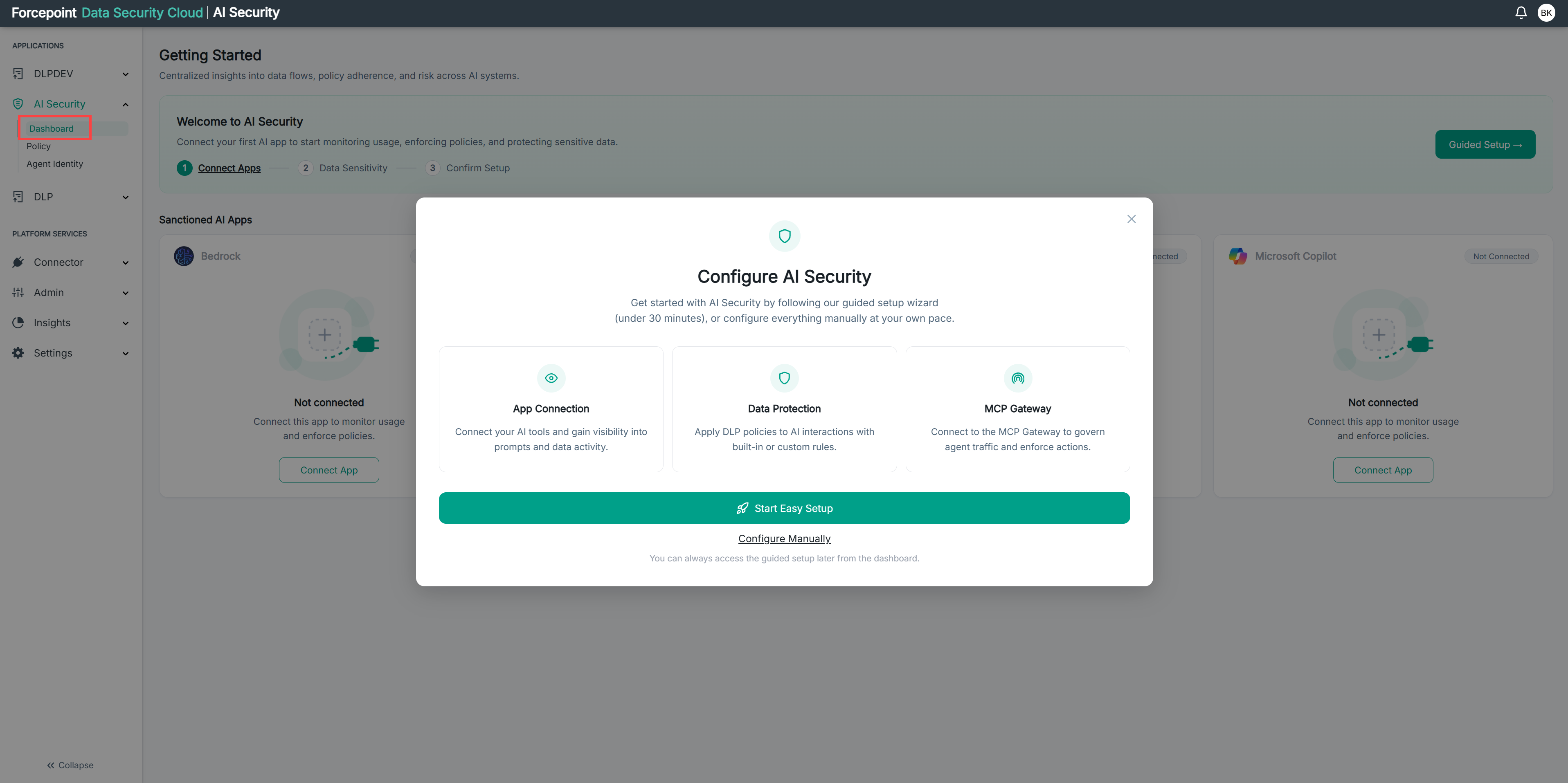
In the left navigation under APPLICATIONS, click AI Security, then Dashboard.
-
The Configure AI Security dialog appears automatically on your first visit.
-
Choose how you want to set up AI Security:
-
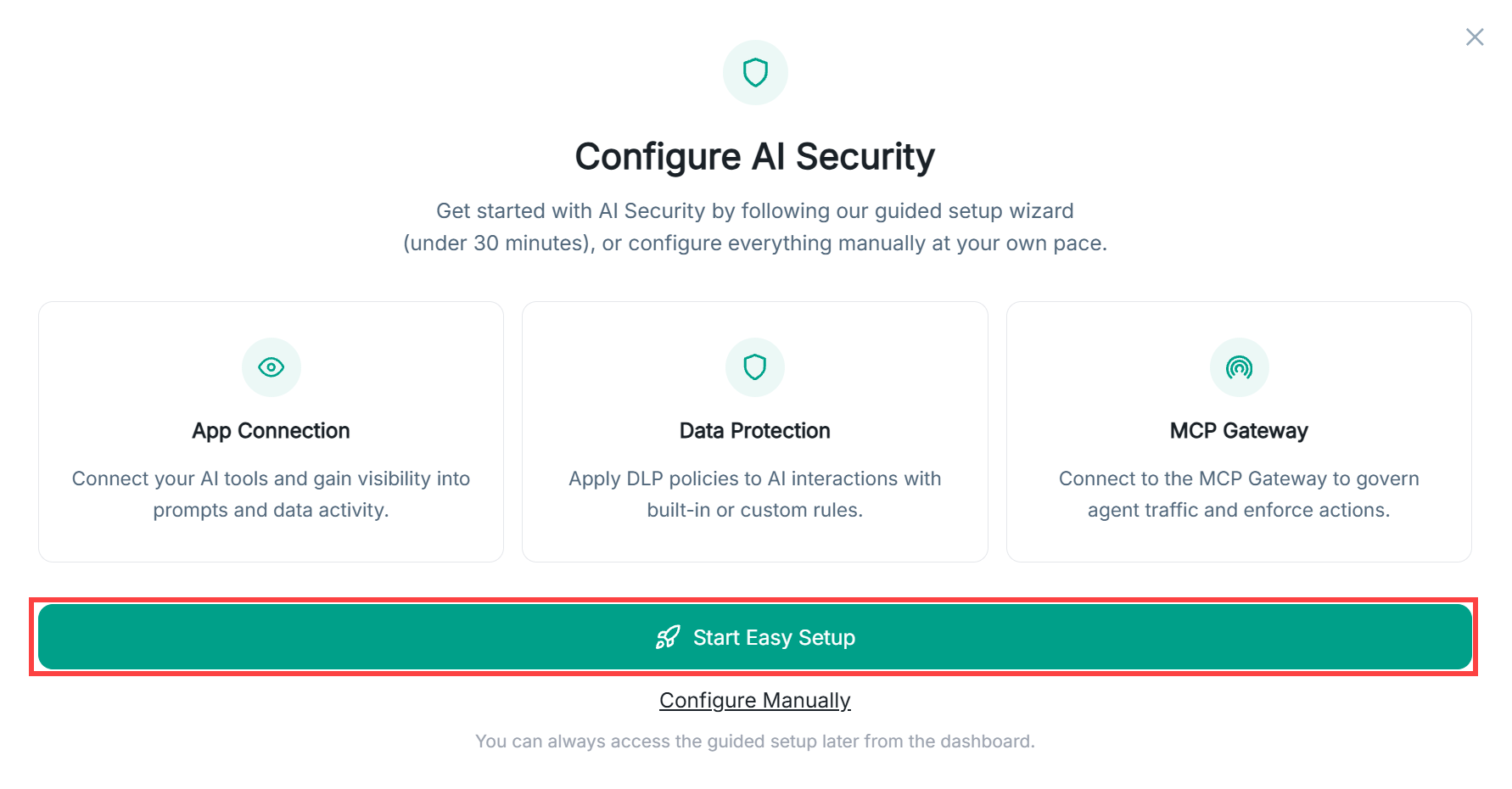
Click Start Easy Setup to use the guided wizard. The wizard walks you through each area step by step and takes under 30 minutes.
-
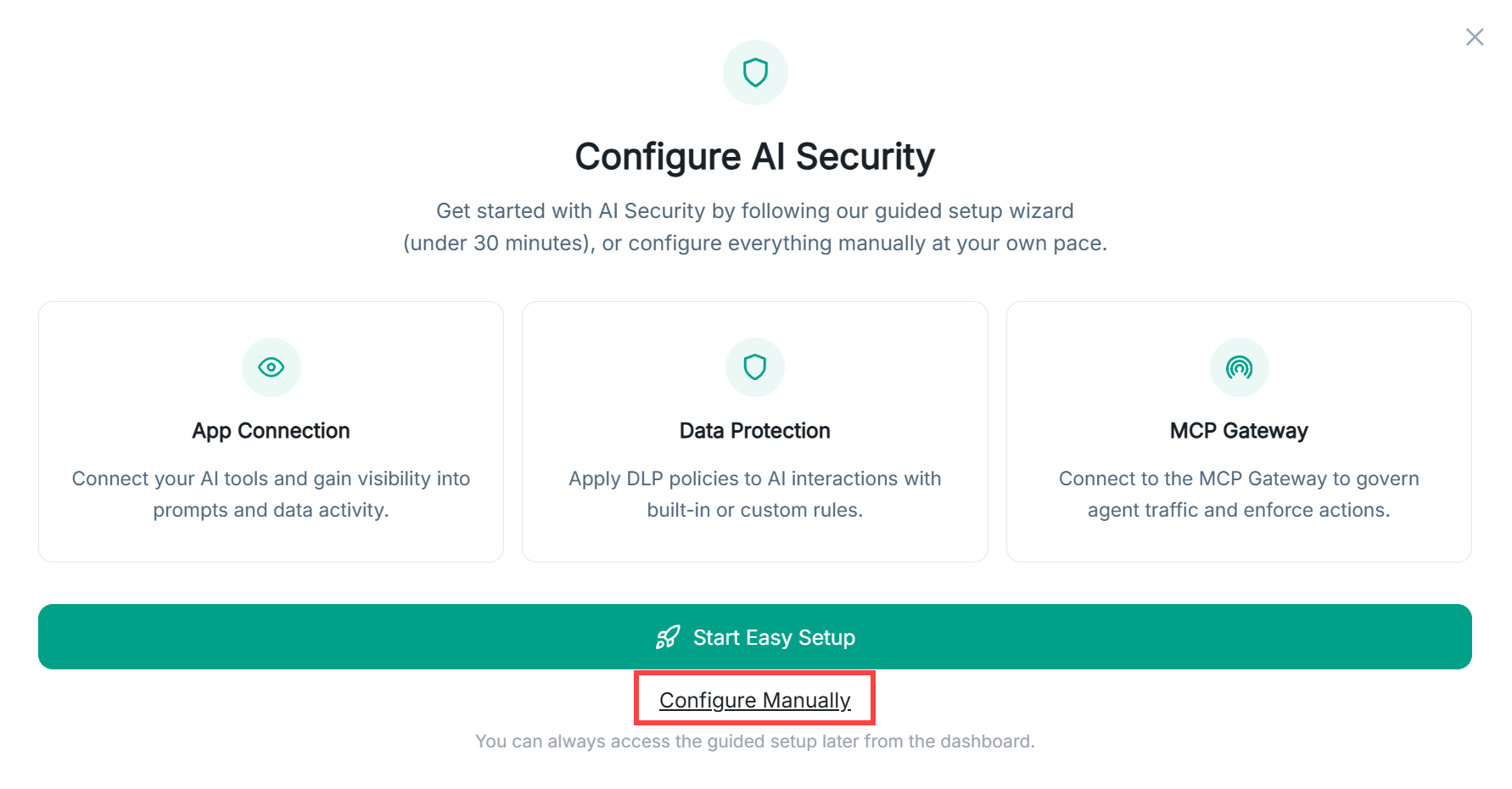
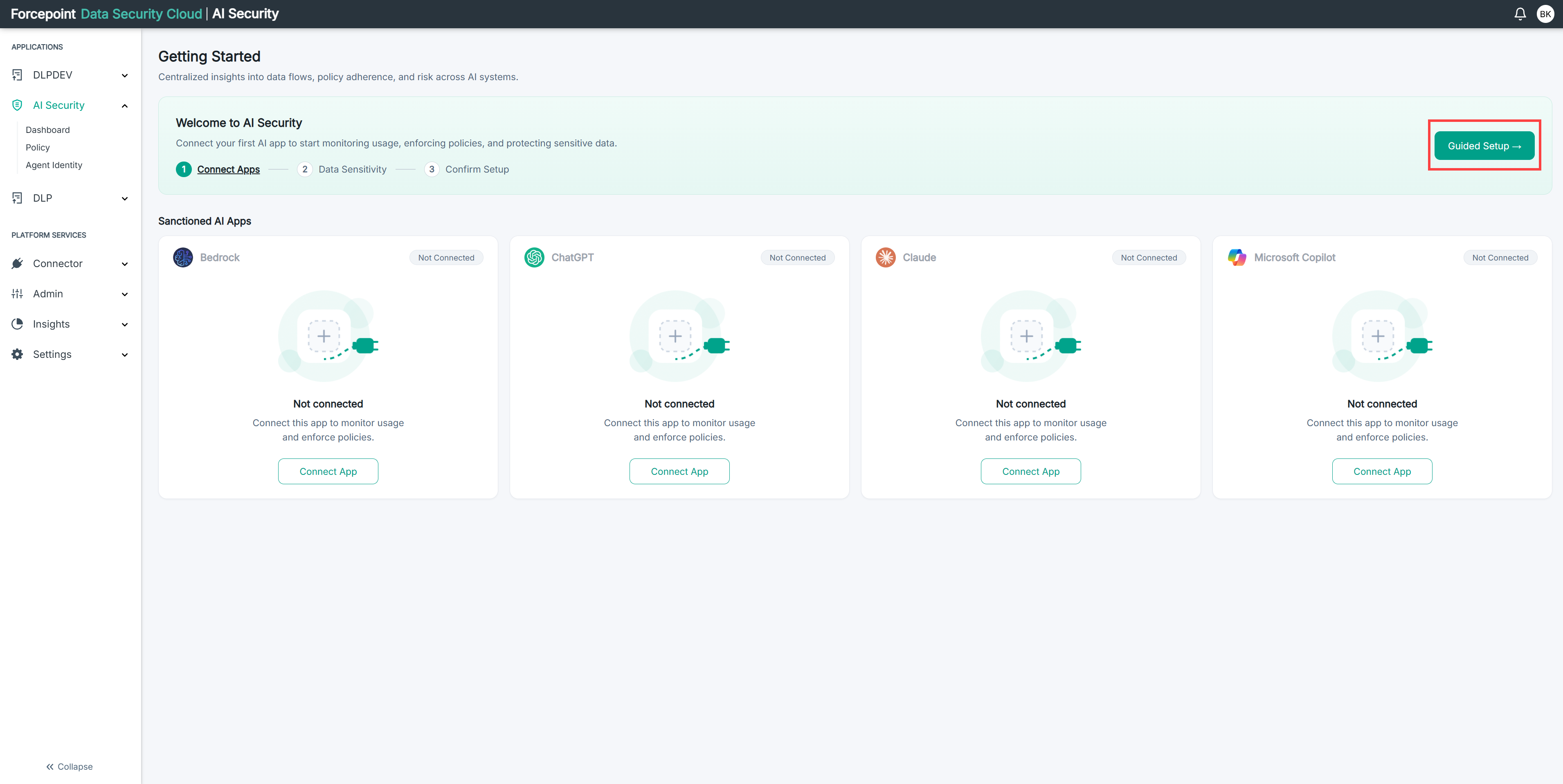
Click Configure Manually if you prefer to set up each area yourself at your own pace.
-