Resetting MFA setup (by Admin)
The Forcepoint Data Security Cloud's administrator can reset the authenticator app setup at any time from the Users page.
Steps
-
From the left Navigation Pane, click Users.
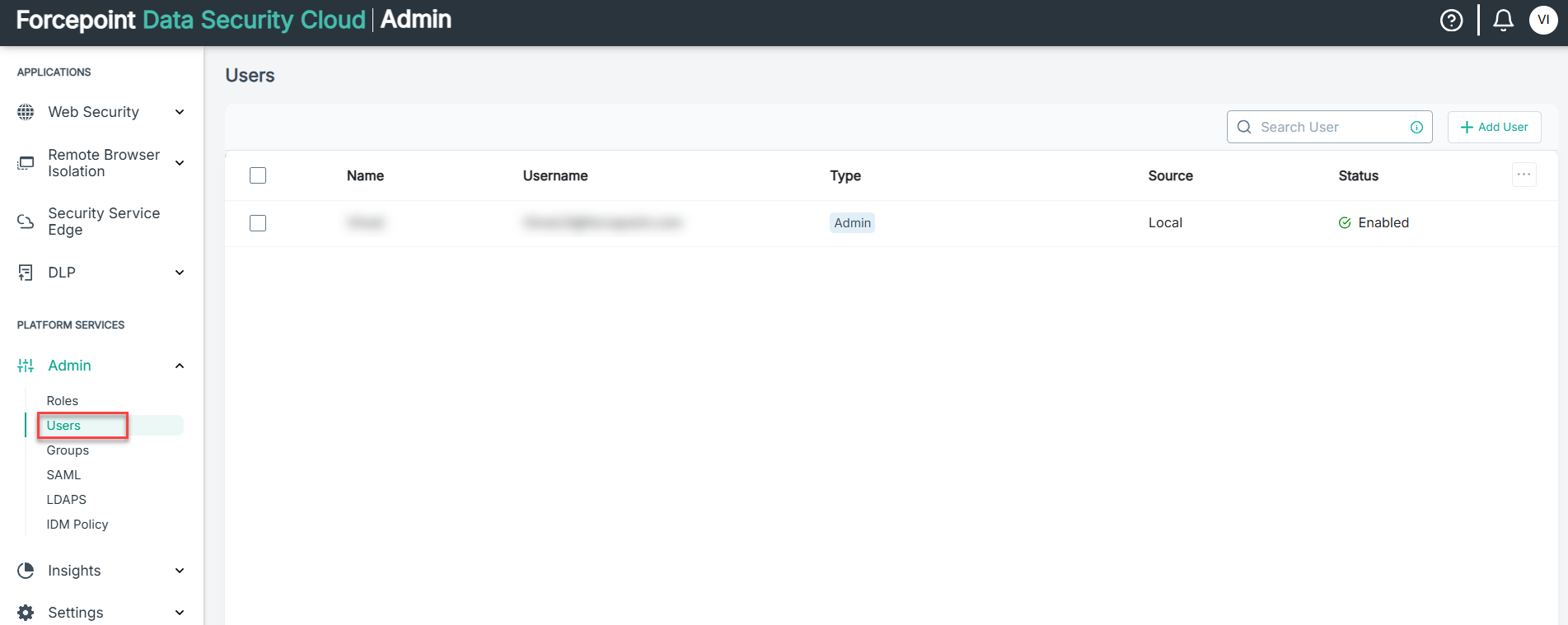
-
On the Edit User pane, place your mouse pointer on the
 icon and
then click Reset TOTP MFA.
Once the reset of MFA setup is successful, then a confirm message appears.
icon and
then click Reset TOTP MFA.
Once the reset of MFA setup is successful, then a confirm message appears.