App status
This section describes the various application statuses and error messages displayed in the Forcepoint Mobile application, helping administrators understand conditions that require attention or corrective action.
| Status | Description |
|---|---|
 |
Initial backend provisioning before VPN begins accepting traffic. Typically, it appears only on the first connection for approximately 30 seconds. |
 |
Connected to the Forcepoint cloud and web traffic is being inspected. |
 |
The app lost connection to the Forcepoint cloud due to a network or cloud issue. If configured, traffic fails to open. |
 |
User has turned inspection Off using the VPN toggle button, which is available only if the administrator has enabled the option to allow users to switch inspection on or off. |
 |
Traffic is bypassing inspection and sent directly to the corporate network |
| Error | Description |
|---|---|
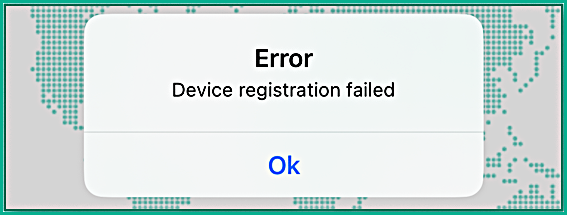 |
A network or cloud issue prevented registration. Users can tap Retry to attempt re-registering. Communications remain restricted until registration succeeds. |
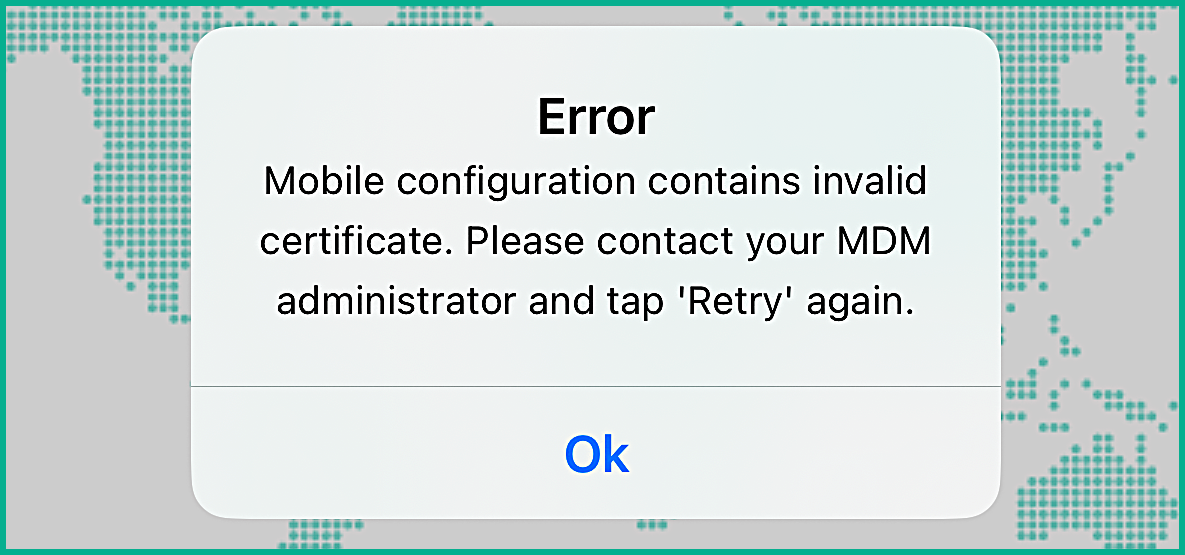 |
The device has an invalid, expired, or revoked user certificate. The user should contact the administrator to update the device. |