Using the application
This section describes how the Mobile Endpoint Agent functions after installation, including how users interact with the app, view connection status, and understand the protection enforced on their device.
After the Mobile Endpoint Agent is deployed and security policies are configured, the Forcepoint Mobile application runs primarily in the background to protect mobile web traffic based on administrator‑defined policies.
When a user signs in through Intune, it evaluates the user’s group membership and applies all policies assigned to that group. As part of this process, Intune installs the required VPN profile, issues a user certificate for the device, and installs and trusts the configured root certificates. No manual configuration is required from the end user.
Once provisioning is complete, the VPN profile becomes visible in the device settings and is automatically connected. In the background, the Mobile Endpoint Agent registers with the Forcepoint Data Security Cloud and retrieves the security configuration associated with the user and device.
Once the device is successfully registered, users can browse the internet without needing to open the Forcepoint Mobile application. All outbound web traffic is routed through a secure connection and inspected according to the configured security policies. Allowed websites load normally, while access to websites that are restricted by policy is blocked and a policy‑defined block page is displayed.
The Forcepoint Mobile application has the following screens:
Home
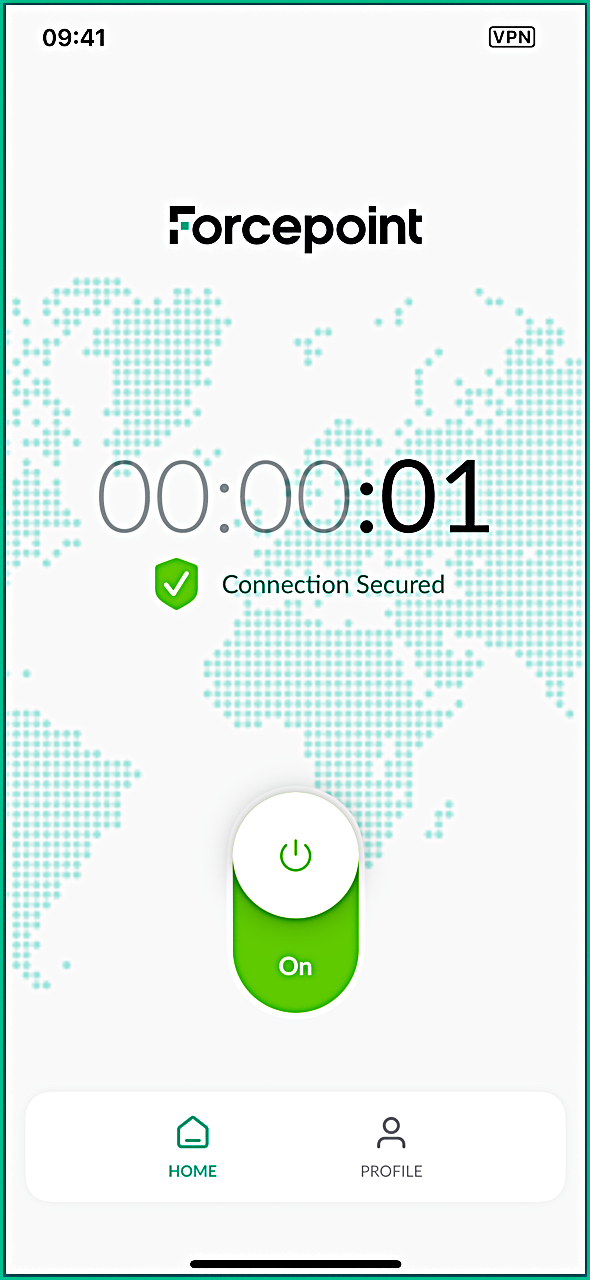
This tab displays the current connection status of the Forcepoint Mobile application. It shows whether the secure connection is active, how long it has been connected, and highlights any connection issues. Depending on configuration, the screen may display a VPN On/Off toggle or a read-only connection status. A timer indicates the duration of the protected session.
For more details about the available application statuses and errors, see the App status page.
Profile
This tab displays key details about the enrolled device. This includes the device identifier, along with basic device information such as the registration ID, manufacturer, device type, model, OS version, application version.
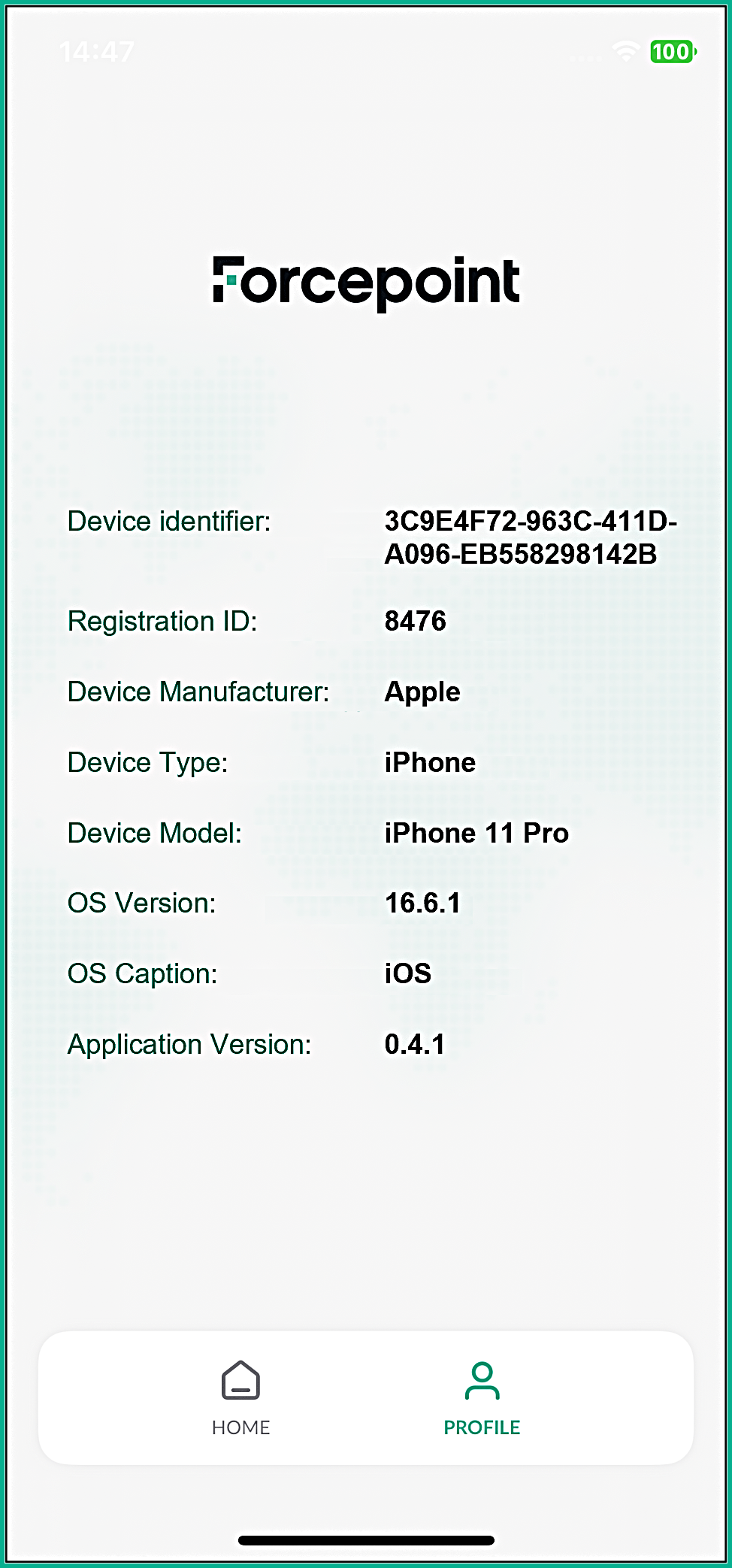
The device identifier shown on this screen uniquely identifies the device and matches the identifier displayed in the Forcepoint Data Security Cloud. This same identifier is also attached to web logs in the Secure Gateway, allowing administrators to correlate web traffic with a specific device. Using this identifier, admins can verify whether inspected traffic is associated with a particular device or user, enabling efficient troubleshooting and activity validation.