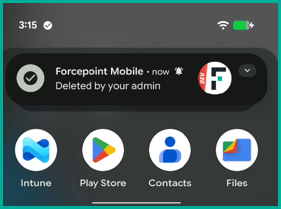
Uninstall agent via Microsoft Intune
This task explains how to uninstall the Mobile Endpoint Agent from managed Android devices using Microsoft Intune.
Note: The steps outlined below have been validated using Microsoft Intune. While similar configurations may be possible with other Mobile Device Management (MDM) solutions, they have not been verified.
Steps
-
Step 1: Remove the app assignment.
-
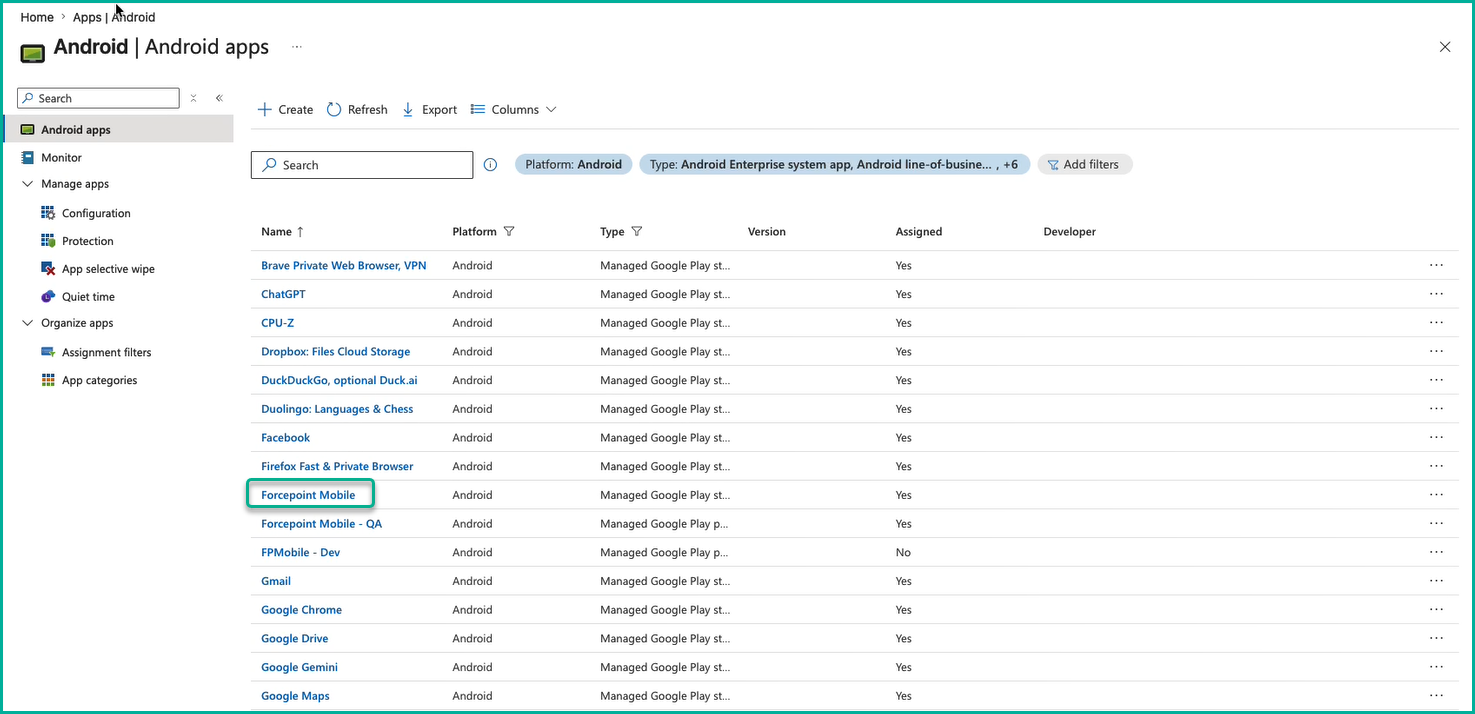
From the Android apps list, select Forcepoint Mobile.
-
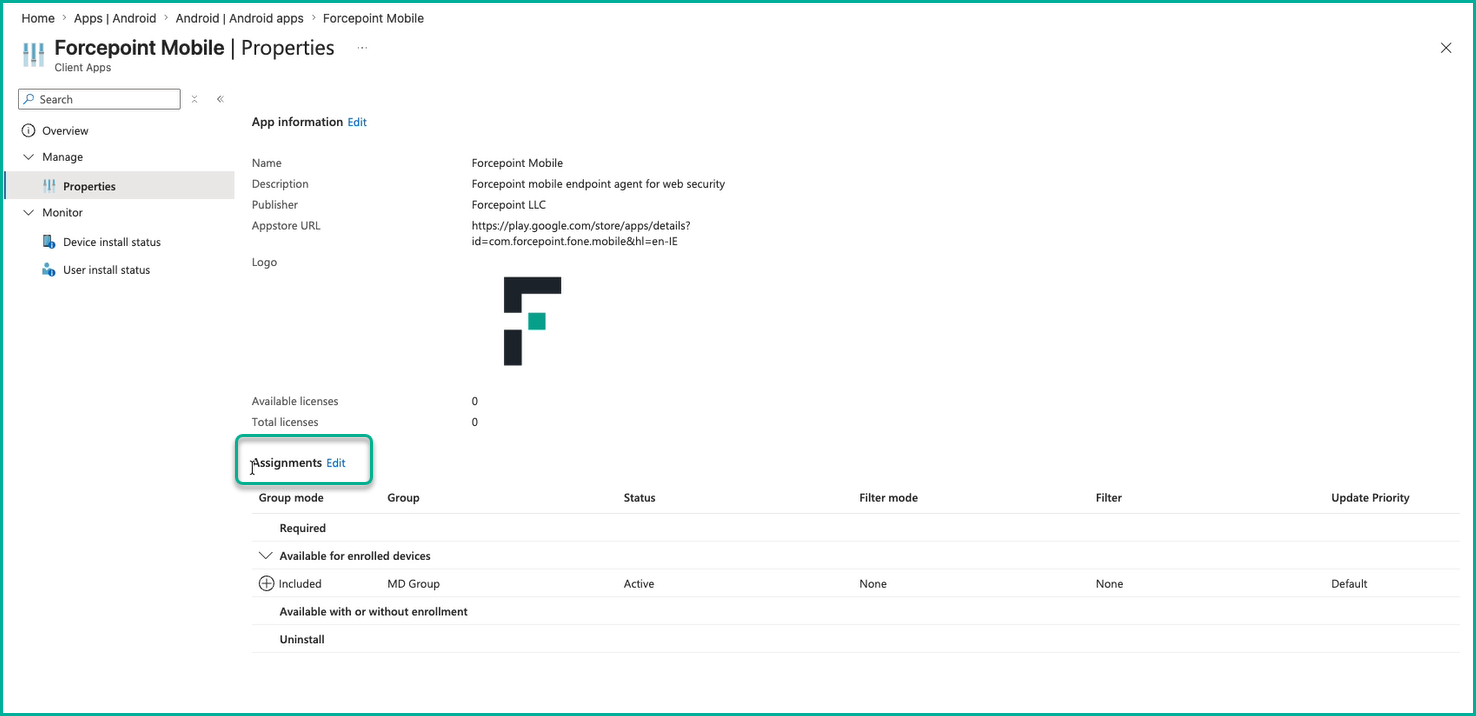
Navigate to .
-
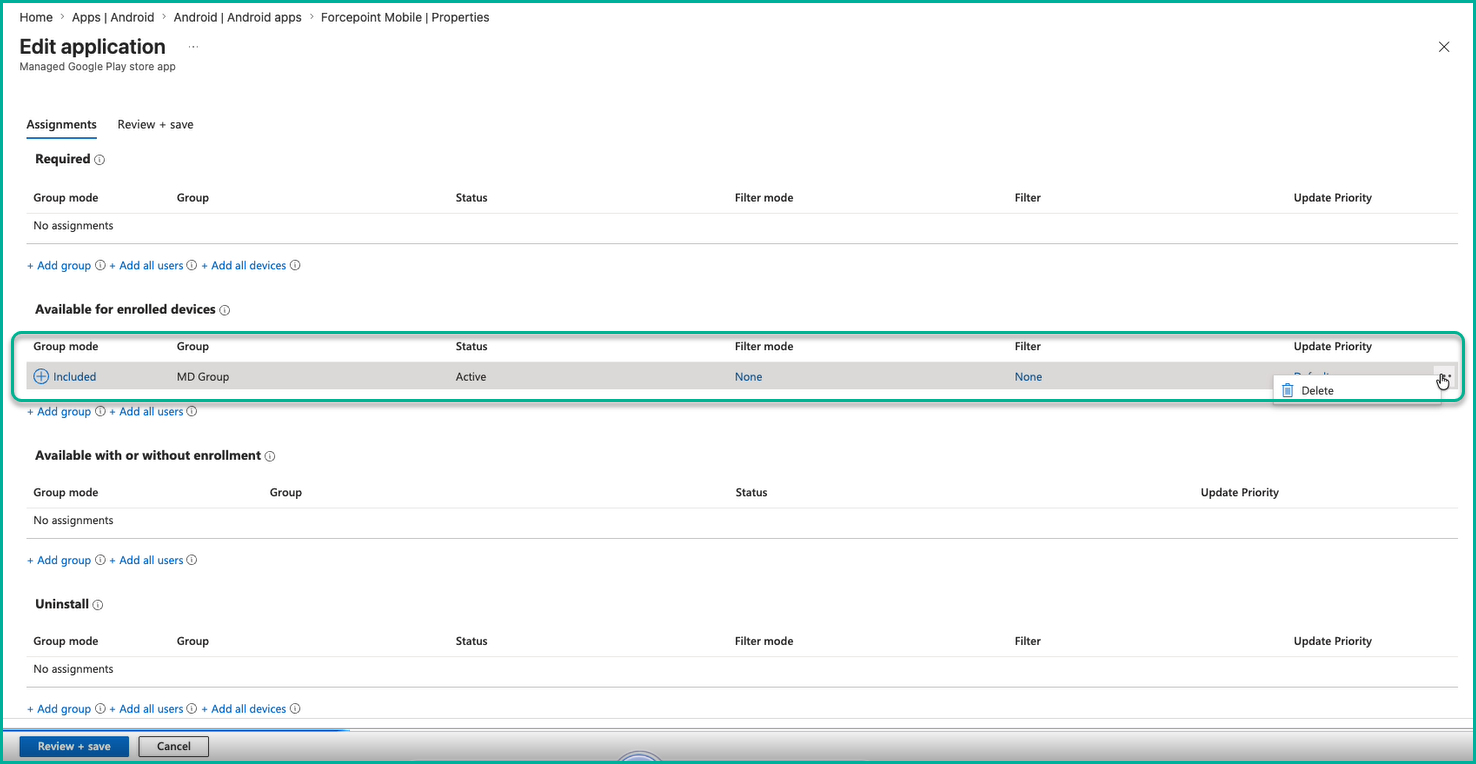
Under the Required or Available section, delete the existing group assignment.
-
From the Android apps list, select Forcepoint Mobile.
-
Step 2: Assign the app for uninstallation.
-
In the Select groups panel, search for, and select the required device group, then click Select.
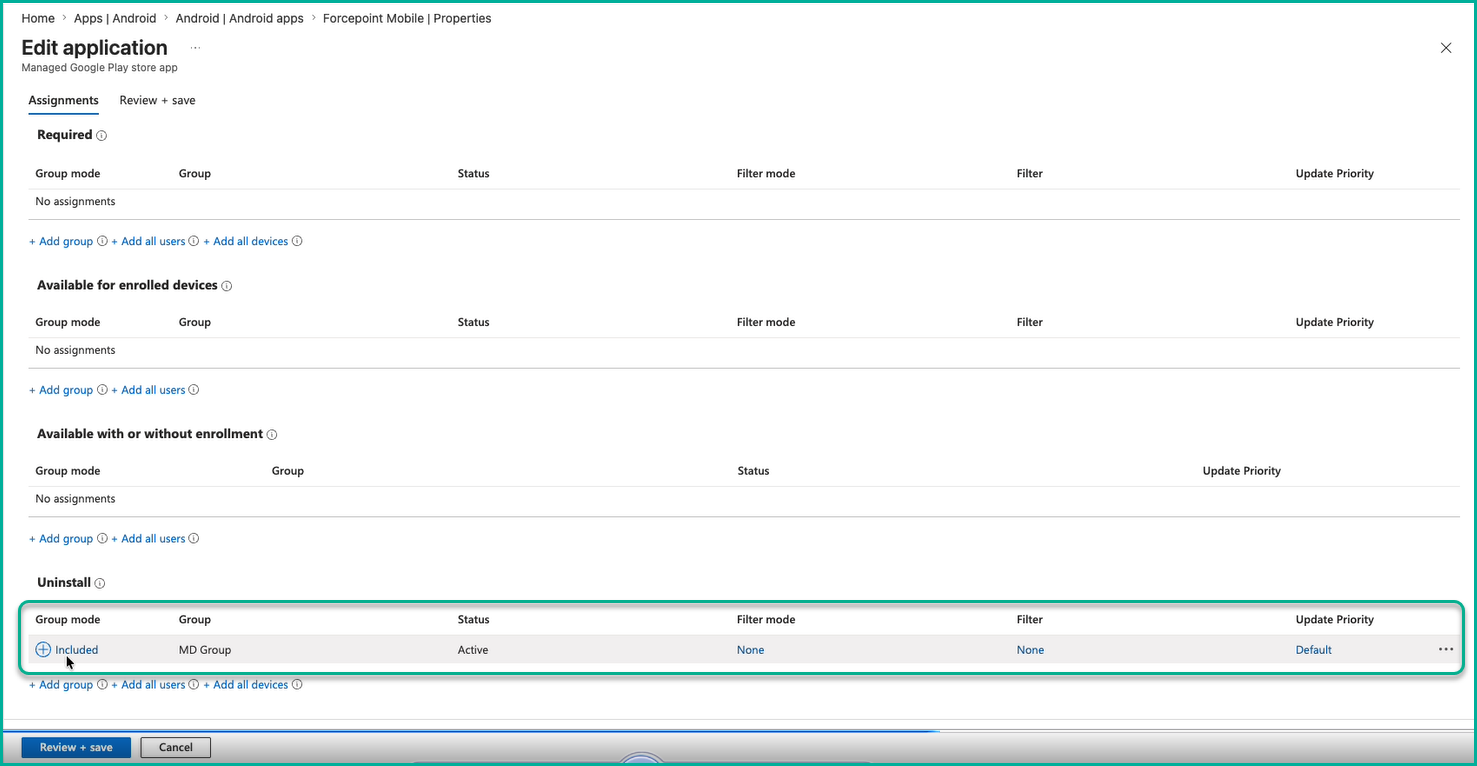
The selected group appears under the Uninstall section with Active status.
-
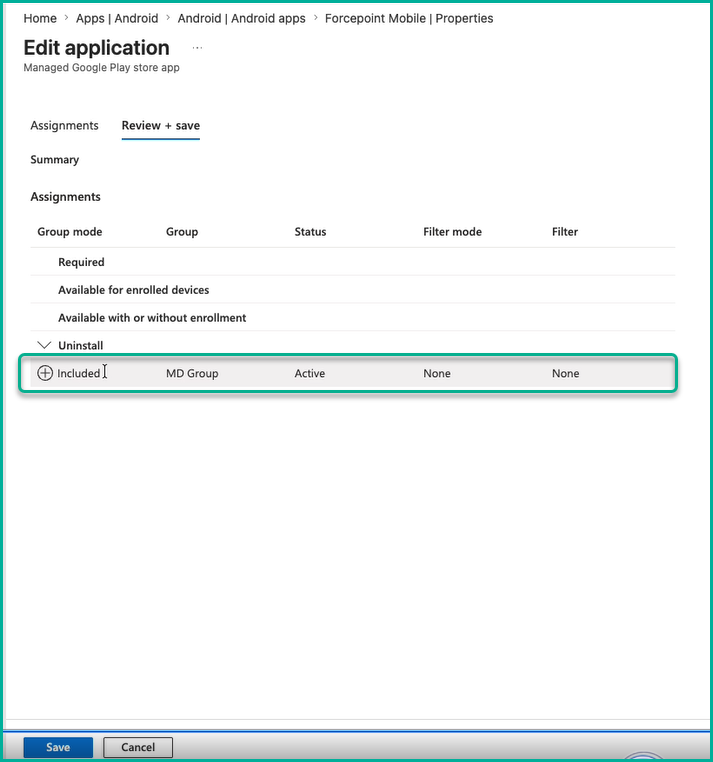
Click Save. A confirmation banner confirms that the app assignment has been saved.
-
In the Select groups panel, search for, and select the required device group, then click Select.
Result