Configuring FSI
You can update the FSI score based on your Forcepoint Data Security Cloud | SSE deployments.
Steps
-
To adjust FSI score based on your Forcepoint Data Security Cloud | SSE deployments, click
either on the FSI donut chart or Configure.
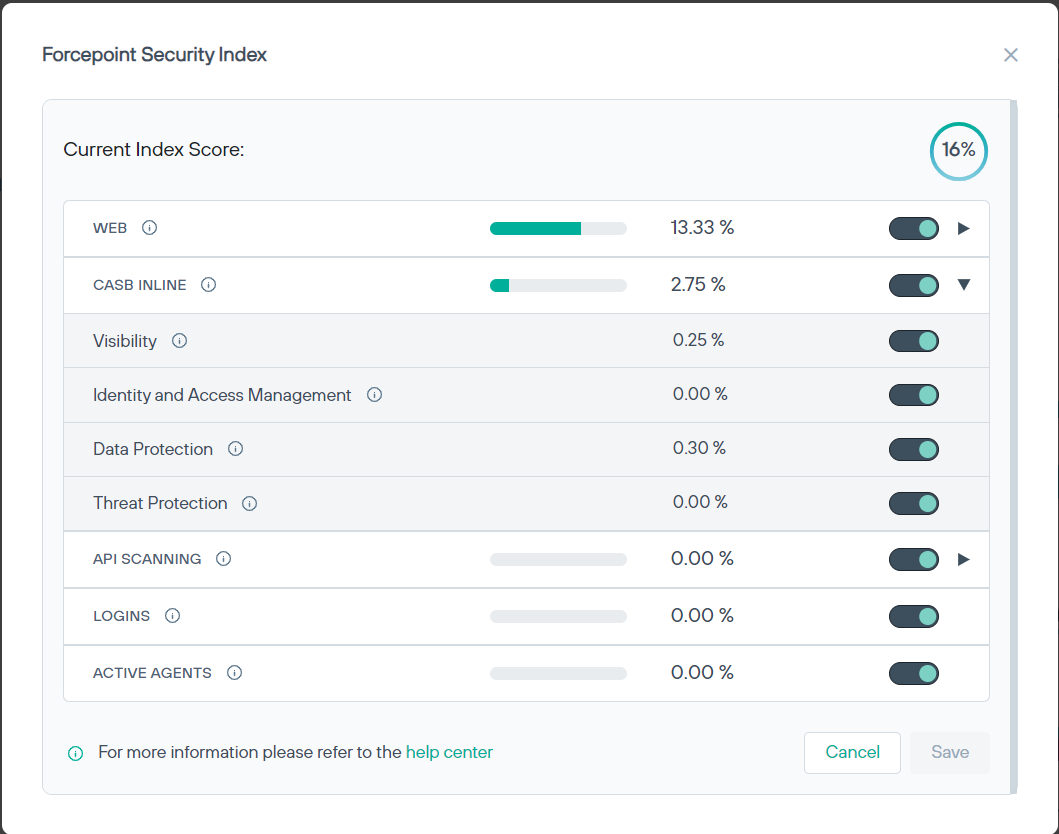
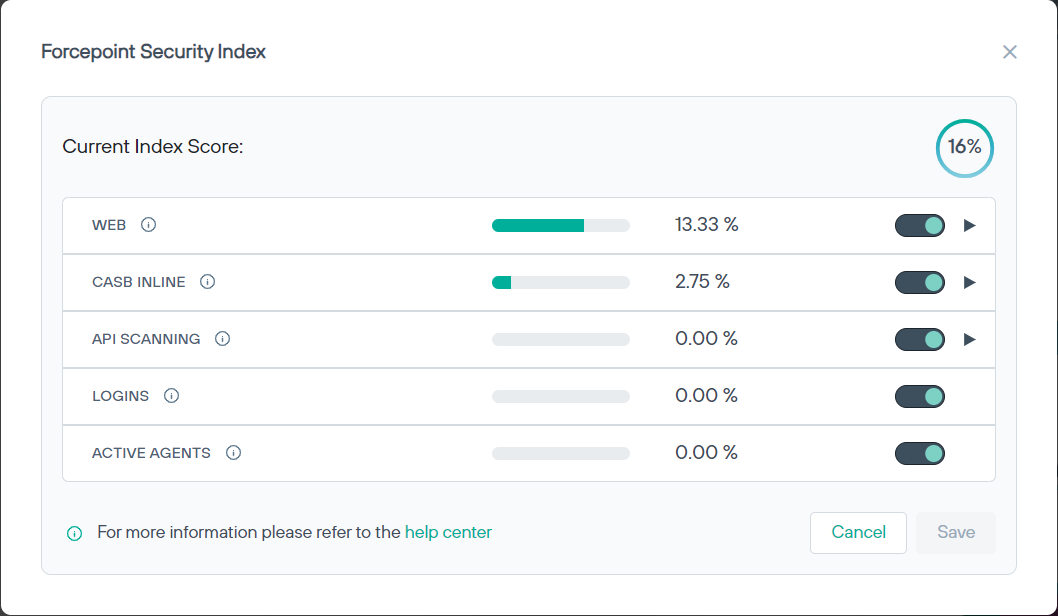
The Forcepoint Security Index dialog opens displaying current index score along with the score of each component.
-
To expand and view sub-components, click the
 icon adjacent to the component.