Prerequisites
Complete the following prerequisites before you deploy the Mobile Endpoint Agent.
Before you begin
- Internet Connectivity: Your administrator system must have internet access.
- Access to Forcepoint Data Security Cloud portal:
- You must have enabled the initial setup in the Secure Gateway.
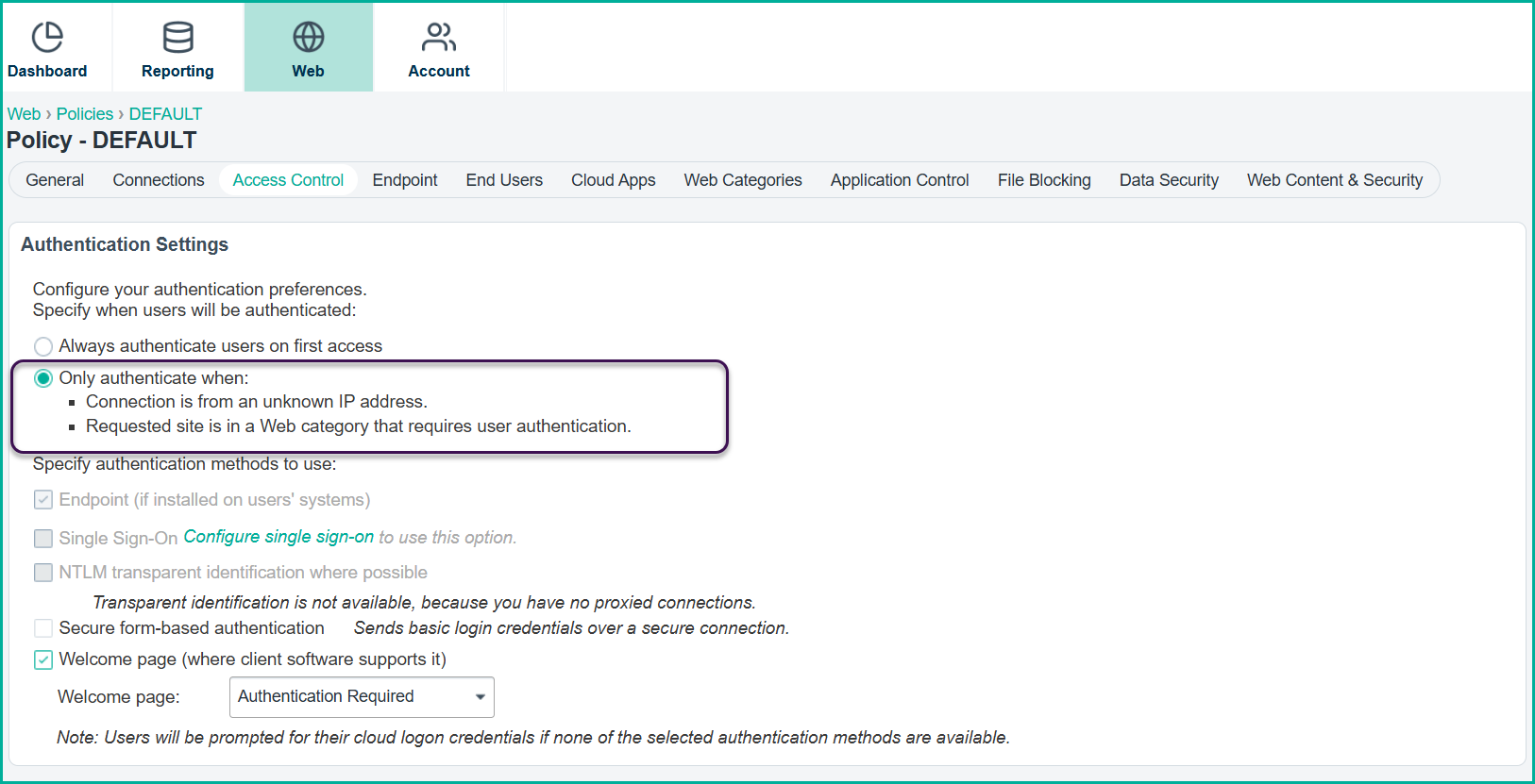
Open the application and navigate to , then enable the Only authenticate when: option.
- Also, you must be able to access the Global Settings on the Mobile Endpoint Agent page to retrieve the configuration values required for deployment.
- You must have enabled the initial setup in the Secure Gateway.
- Administrator Access to Microsoft Intune: You must have the necessary administrative permissions in Microsoft Intune to create, configure, and deploy policies.