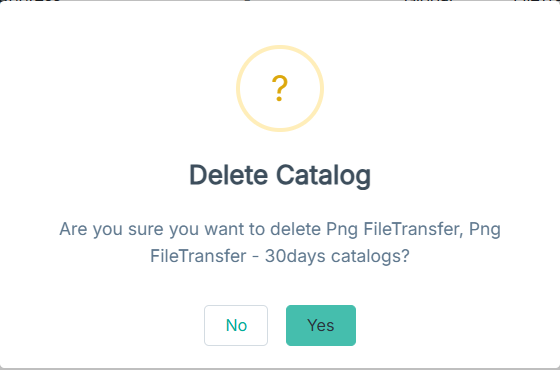
Deleting saved views in bulk
You can delete saved views, if they are no longer needed.
Steps
-
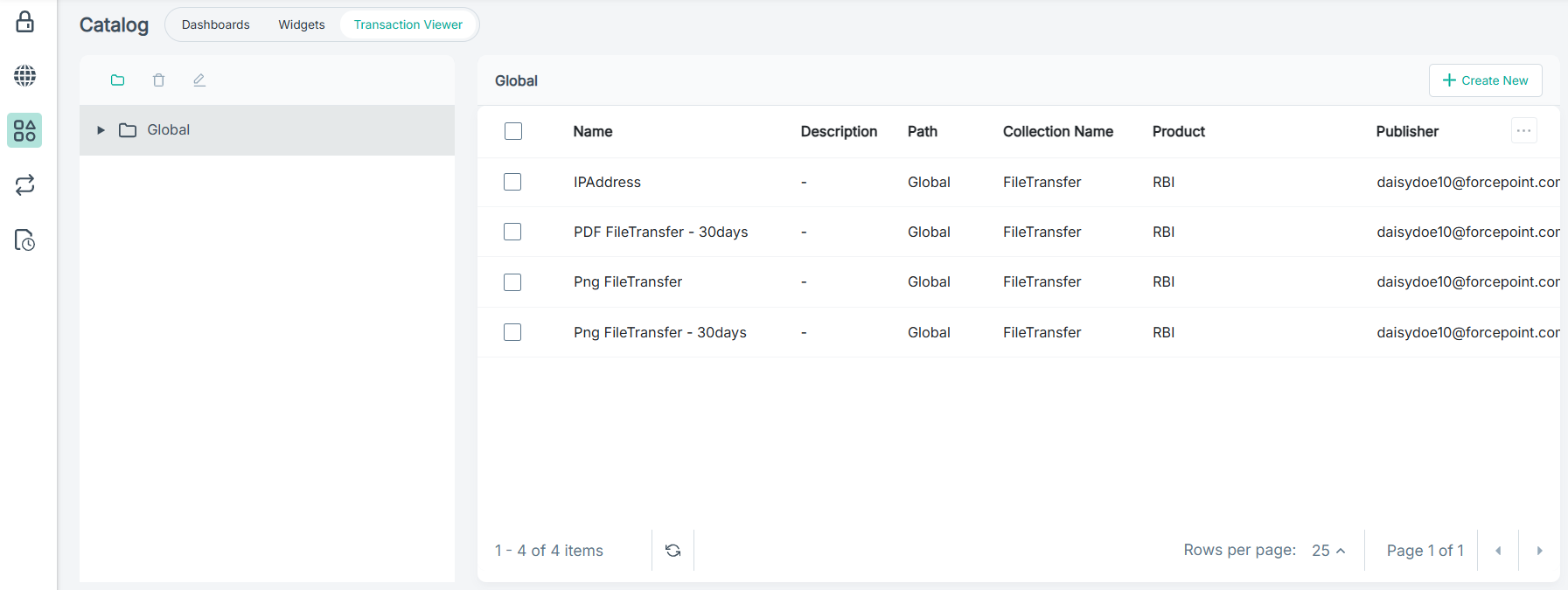
On the left navigation pane, click Catalog to open the Catalog page.
The Catalog page opens displaying the Dashboards tab details.

-
To view the saved transaction views, click the Transaction Viewer tab.
-
Click the Delete Catalogs
 icon.
A confirmation dialog opens.