Widget Configuration Limits
To improve usability and ensure consistent performance, the Discover page now includes clear limits and validation rules for selecting dimensions, measures, and filters when creating or editing a custom widget.
Dimension Limits
A widget can contain a maximum of 4 dimensions in total. These can be a combination of regular and array dimensions:
- Up to 2 array dimensions
- Up to 4 regular dimensions
- Any combination is allowed, as long as the total does not exceed 4 dimensions.
Examples:
- 4 regular dimensions
- 2 array + 2 regular
- 1 array + 3 regular
UI Behavior
- As you select fields, counters appear at the bottom of the list (for example, “Included: 1/2 array, 3/4 total”).
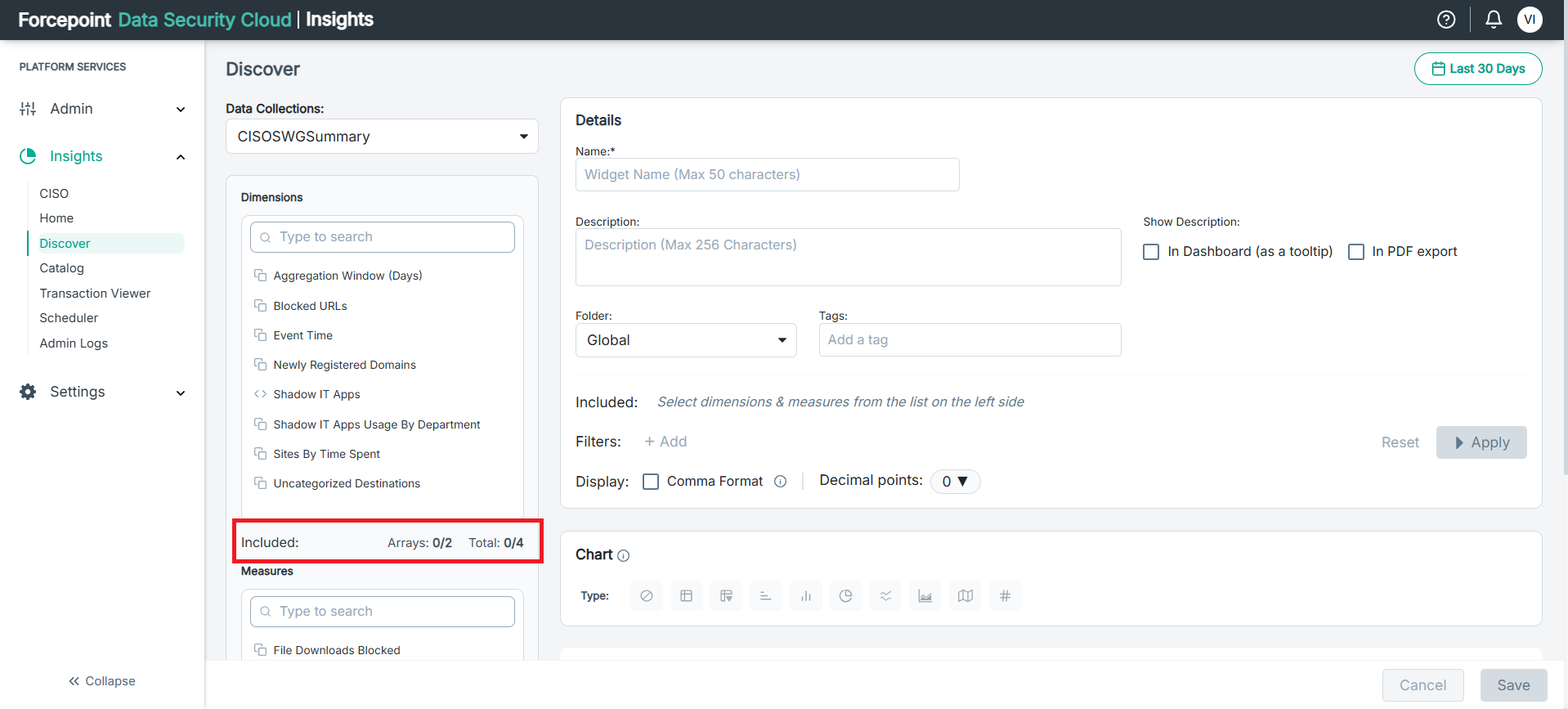
- When you reach the limit, remaining dimensions are disabled (greyed out).
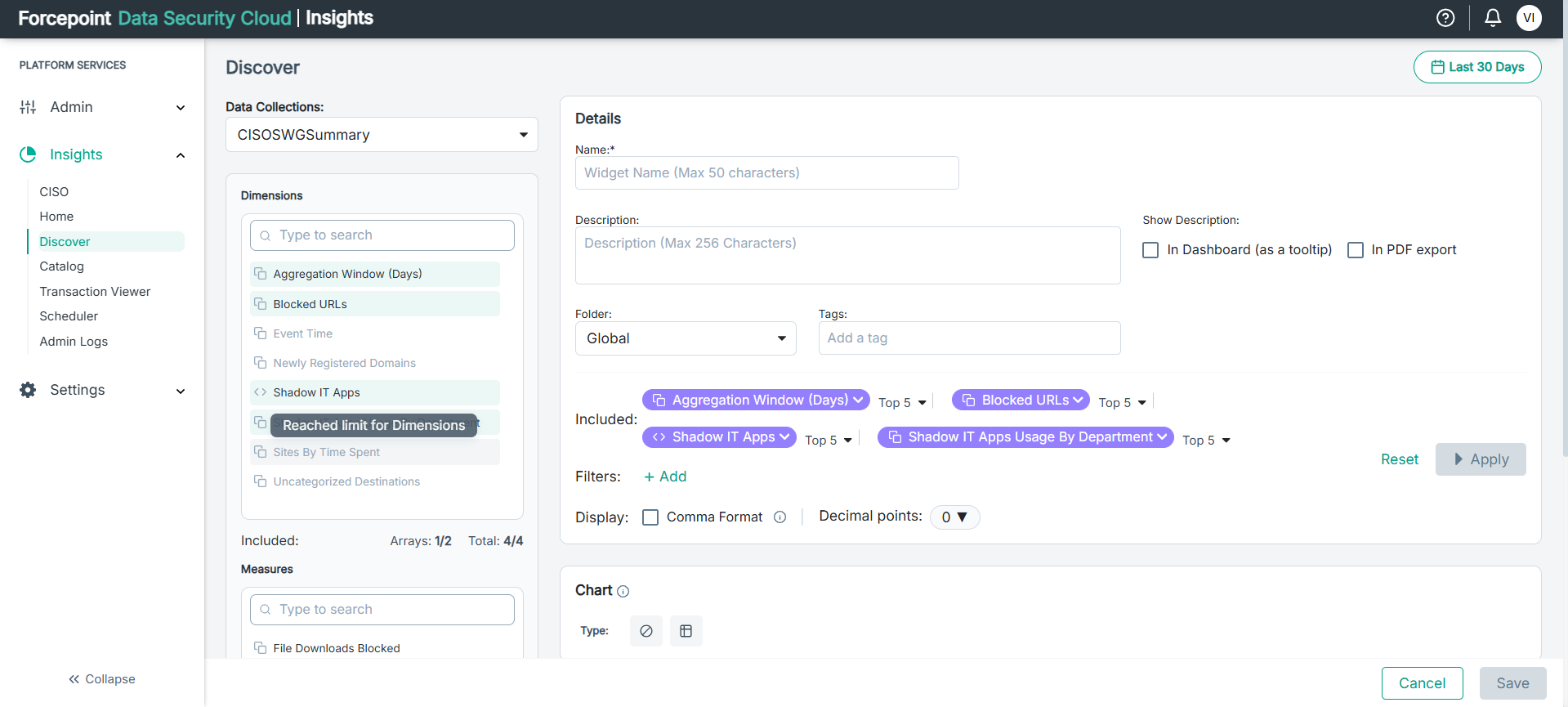
- Deselecting a dimension re enables the others.
Measure Limits
A widget can include a maximum of 2 measures.
UI Behaviour
- Counters indicate how many measures are selected (for example, “Measures: 2/2”).
- Once the limit is reached, additional measures are disabled.
Filter Limits
A widget can contain up to 2 filters.
UI Behaviour
- After adding two filters, the Add Filter button becomes disabled.
Custom Widget Limit (Per Tenant)
Each Tenant can create upto 15 custom widgets.
When the 14th custom widget is created, a warning pop-up appears:
- "You are approaching the maximum limit of 15 custom widgets for this tenant"
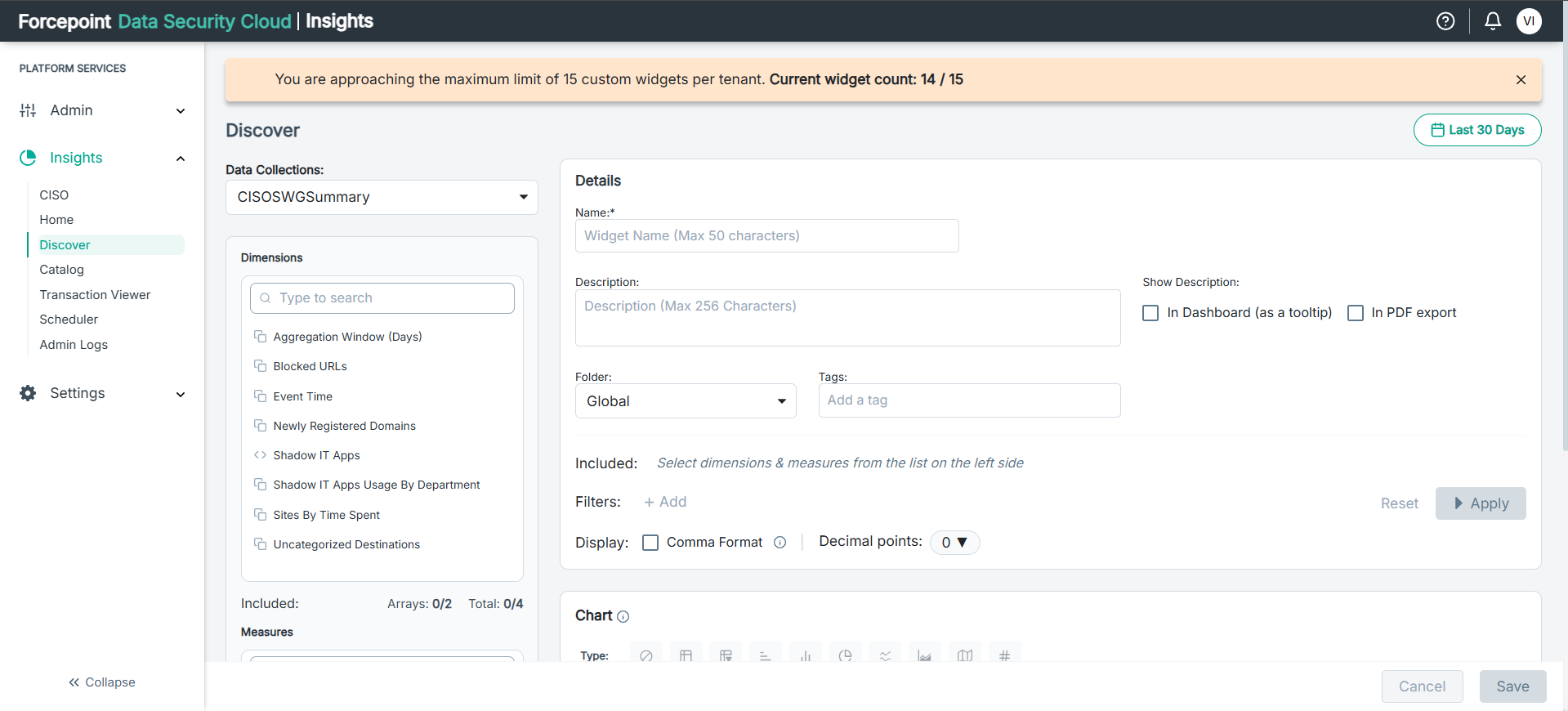
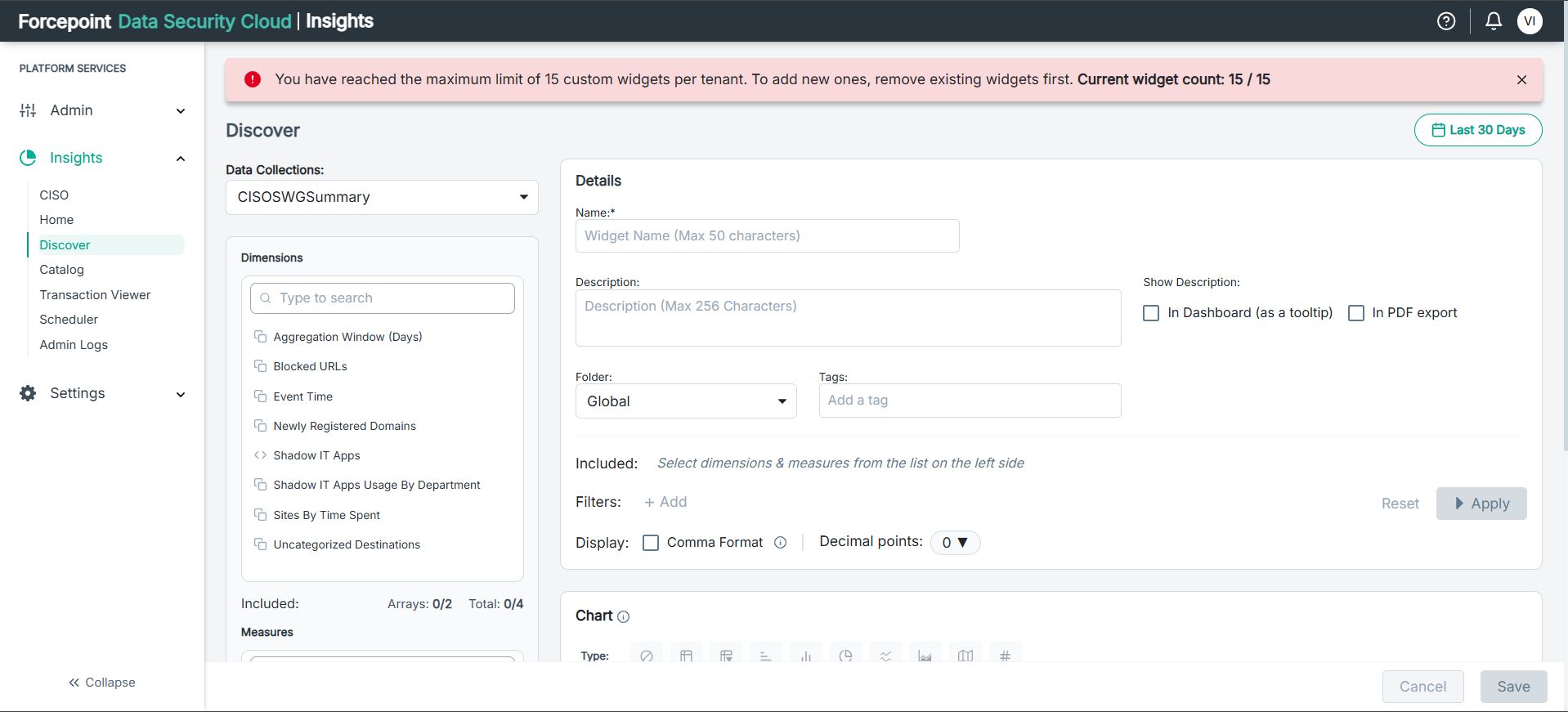
If you attempt to create a 16th widget, a blocking pop-up appears with the message:
- "You have reached the maximum limit of 15 custom widgets per tenant."
Query Timeout
If a query in Discover runs longer than 90 seconds, a floating sticky banner appears:
- The banner indicates that the query is too heavy.

- The banner can be dismissed at any time.