Verification on SMC Web UI
Steps
-
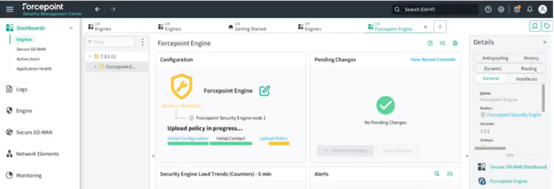
Navigate back to the SMC Web UI and confirm that the policy push is running.
-
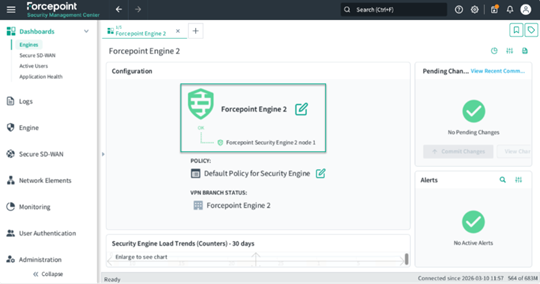
Wait for the policy push to complete. The firewall icon on the dashboard will turn green when the push is successful.
Result
The security engine is now successfully configured and connected to the SMC cloud service.