Step 4: Configure DLP policies for URL categories, and deploy
Enable endpoint profile whose endpoints should enforce category-based rules.
Steps
-
Select Enable URL Categories in DLP Policies.
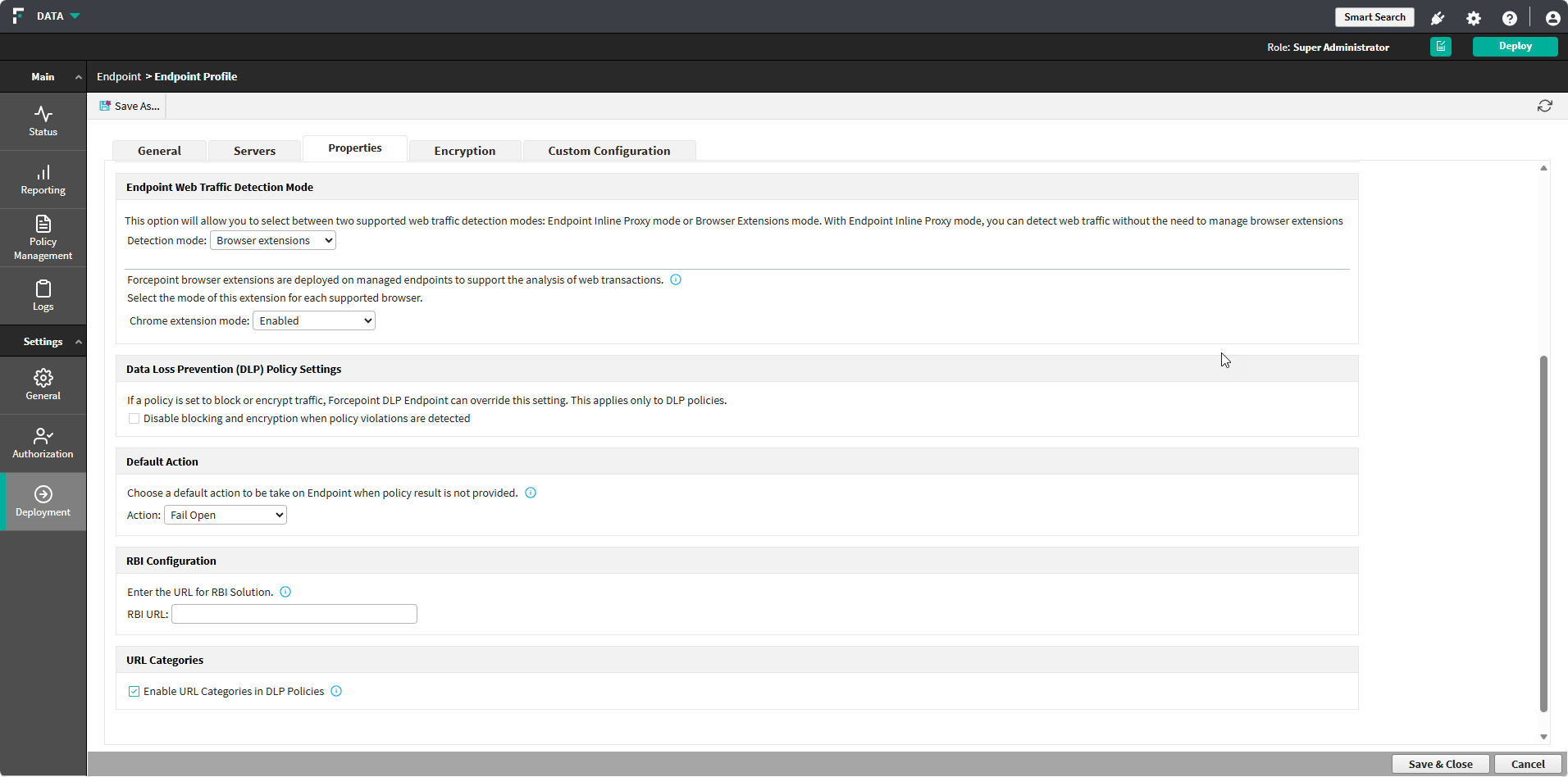
Enable endpoint profile whose endpoints should enforce category-based rules.