Step 2: Import the URL categories
Forcepoint Linking Service is not supported for URL Categories for DLP Endpoint. You must upload URL categories XML file. You have 2 options:
- If you have access to the Forcepoint Web Security Cloud portal and export the URL categories. The exported XML file contains the full category list, including predefined and custom categories. For more information, see Exporting the Forcepoint Web Security Cloud URL categories in the Cloud Security Gateway Integration Guide.
- If you have access to the Forcepoint Data Security Cloud | SSE SWG and export the URL categories. The exported XML file contains the full category list, including predefined and custom categories. For more information, see Forcepoint DLP and Forcepoint Data Security Cloud SSE SWG Integration Guide.
- If you do not have access to either Forcepoint Web Security Cloud or Forcepoint Data Security Cloud | SSE SWG, download the XML file from Predefined URL categories XML file.
Steps
- Go to the page and select the
URL Categories tab.
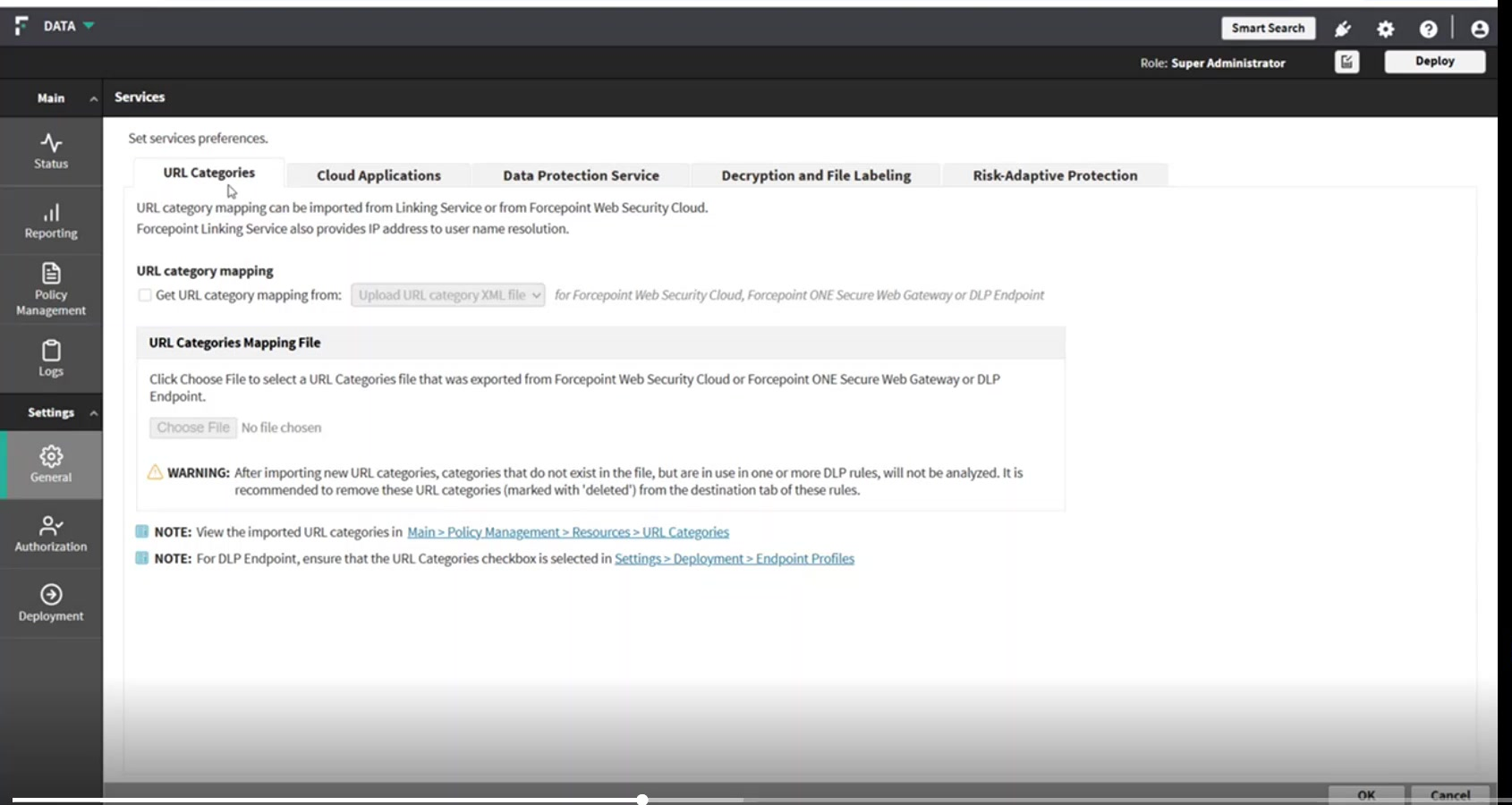
- Select Upload URL category XML file.
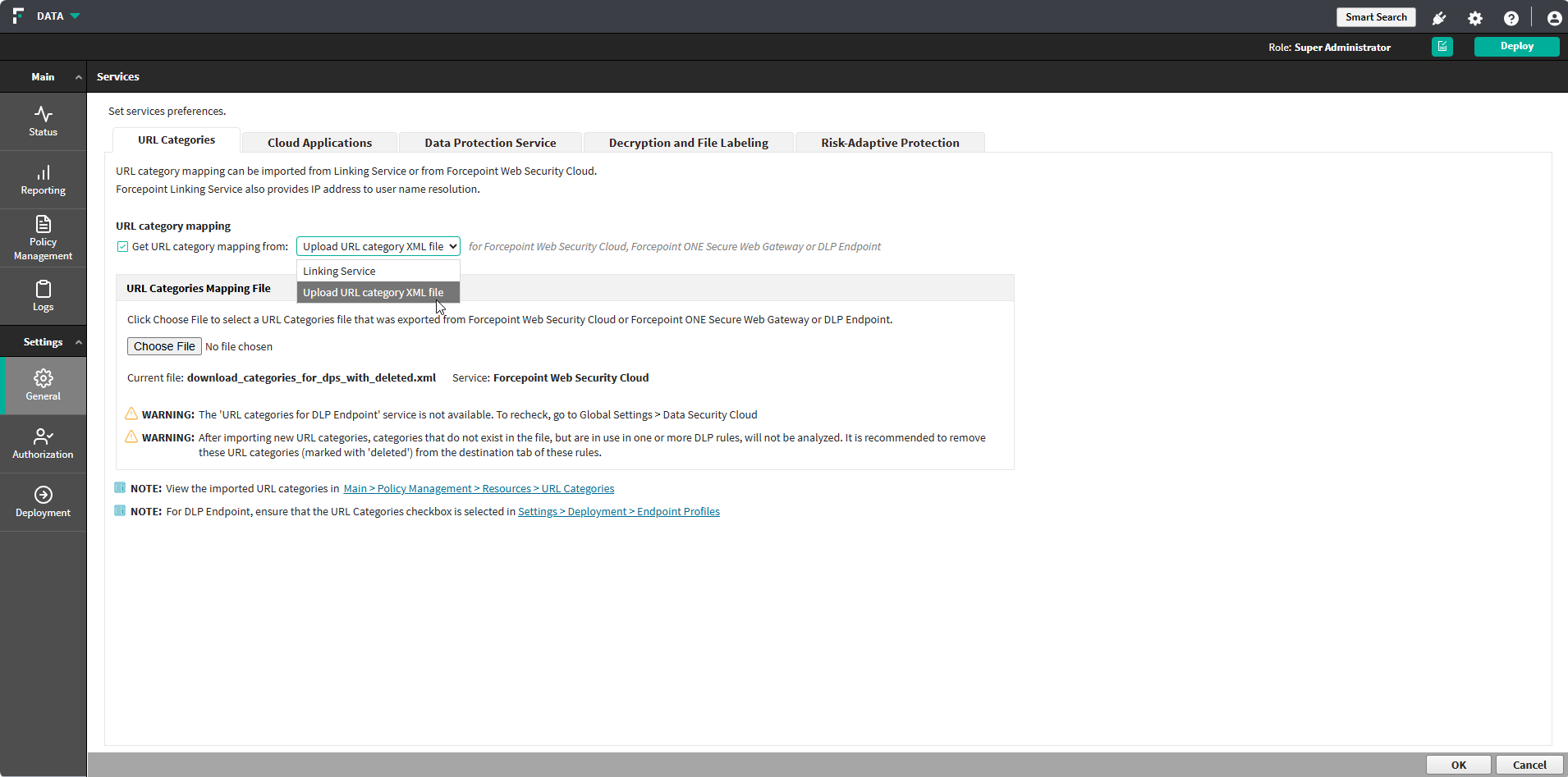
This option applies to Forcepoint Web Security Cloud, Forcepoint ONE Secure Web Gateway, and DLP Endpoint.
Result
The imported categories are available under and can be selected as web destinations in a policy rule.