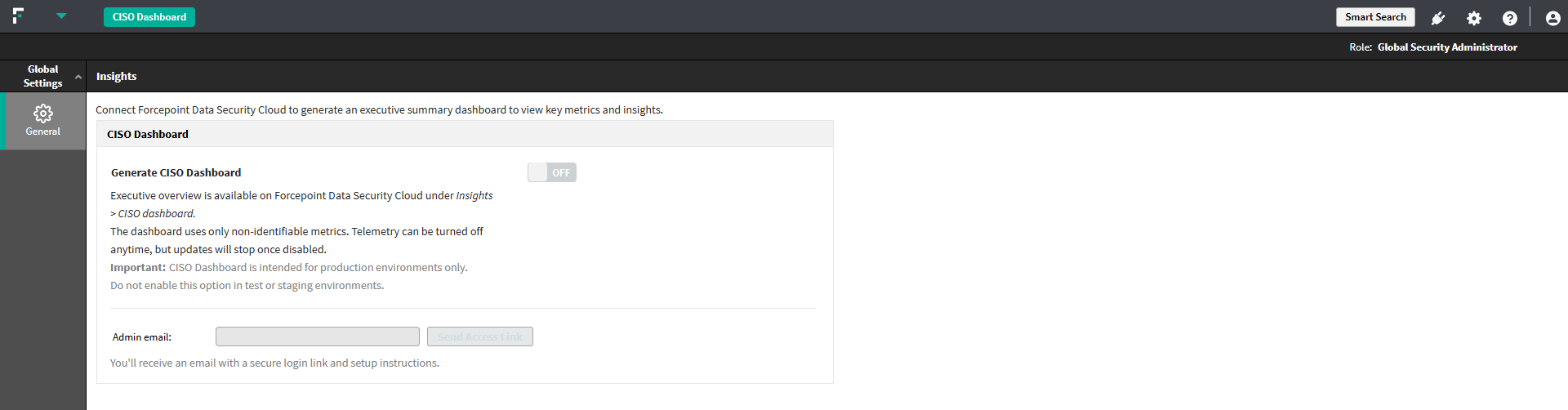
Step 1: Send Access Link
Steps
-
In Forcepoint Security Manager (FSM), click the Executive Overview button. (This button appears only on first-time configuration. You can revisit this
configuration later via Global Settings > General > Data Security Cloud).
The Data Security Cloud configuration page opens.
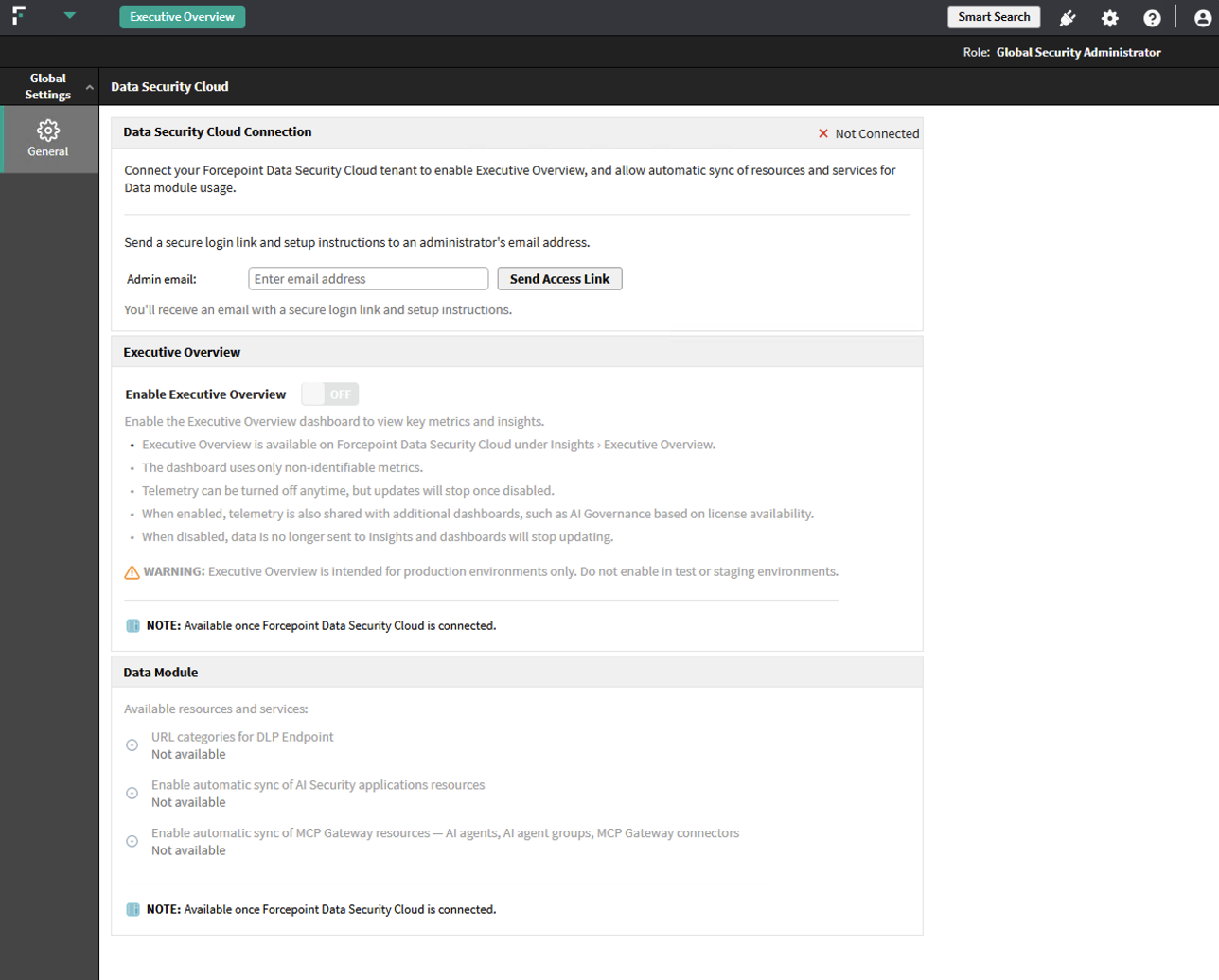
- In the Admin email field, enter the email address of the user or administrator who will manage the dashboard.
-
Click Send Access Link.
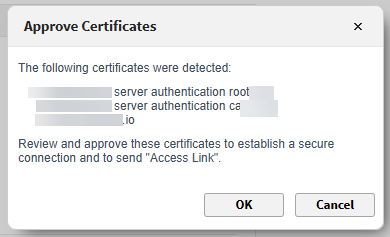
The certificate is validated at this stage. If certificates do not match expected values, FSM displays a popup prompting approval.
-
The Forcepoint Data Security Cloud Platform sends a registration link to the configured email.
It is verified if this user or administrator already has a Forcepoint Data Security Cloud Platform tenant associated to them.
The connection status displays Pending until you access the link and establish the connection.
- Click Recheck to refresh the connection status.