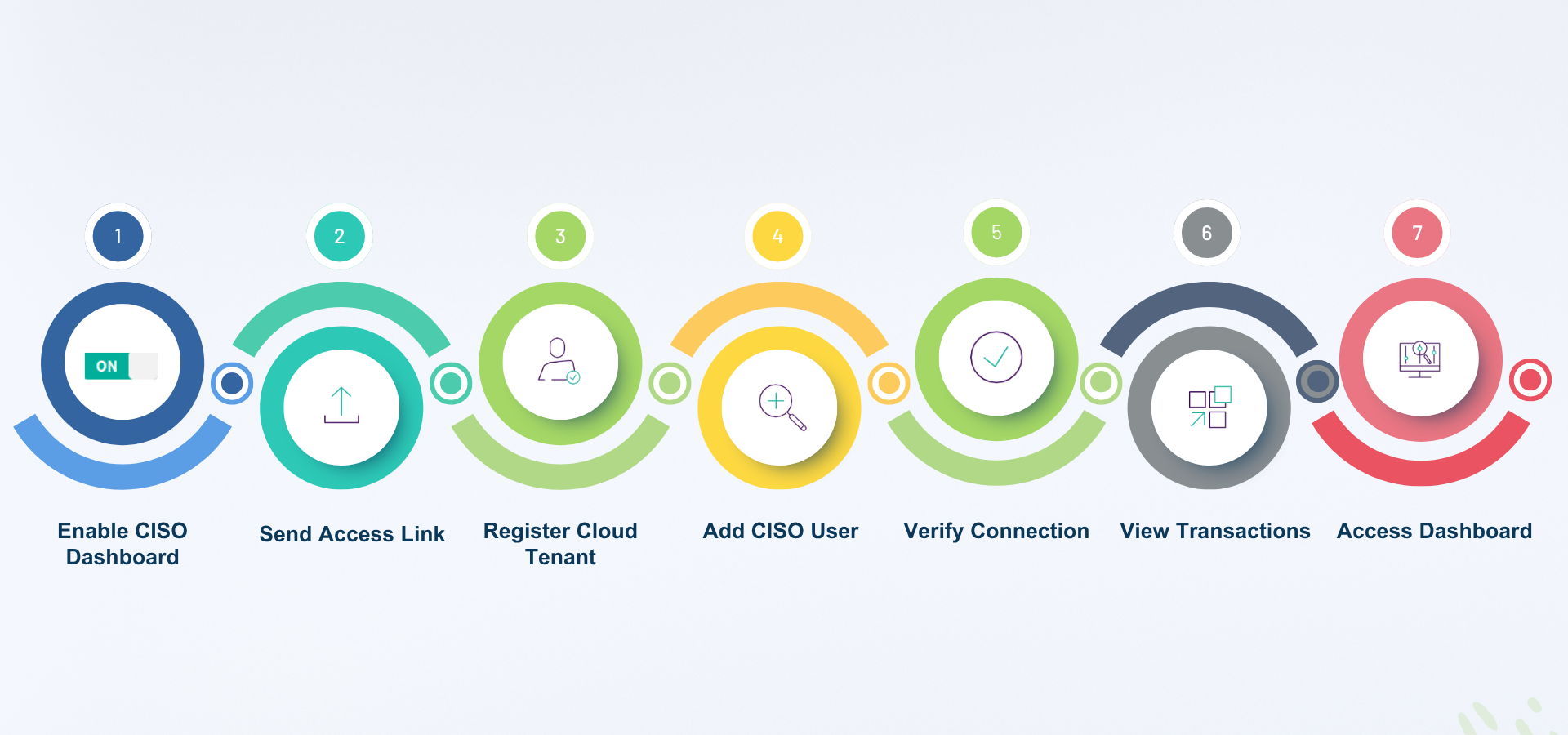
Executive Overview Dashboard Generation User Journey: Forcepoint DLP on-premises to Forcepoint Data Security Cloud Platform
This section provides a detailed walkthrough of enabling and configuring the Executive Overview dashboard for Forcepoint DLP on-premises, including how incidents are collected, transmitted, and visualized in the Forcepoint Data Security Cloud Platform.
Note: A Global Security Administrator can perform the following steps: