User Management
Forcepoint DSPM can be deployed standalone or can be used as a service integrated with Forcepoint Data Security Cloud. When using Forcepoint DSPM as an application under Forcepoint Data Security Cloud, all user management is done from the Forcepoint Data Security Cloud console.
New Forcepoint Data Security Cloud Users
- Signing into Forcepoint Data Security Cloud Platform for the first time, see Creating a new user.
- Once you are navigated to the main landing page, click DSPM on the left navigation under Applications.

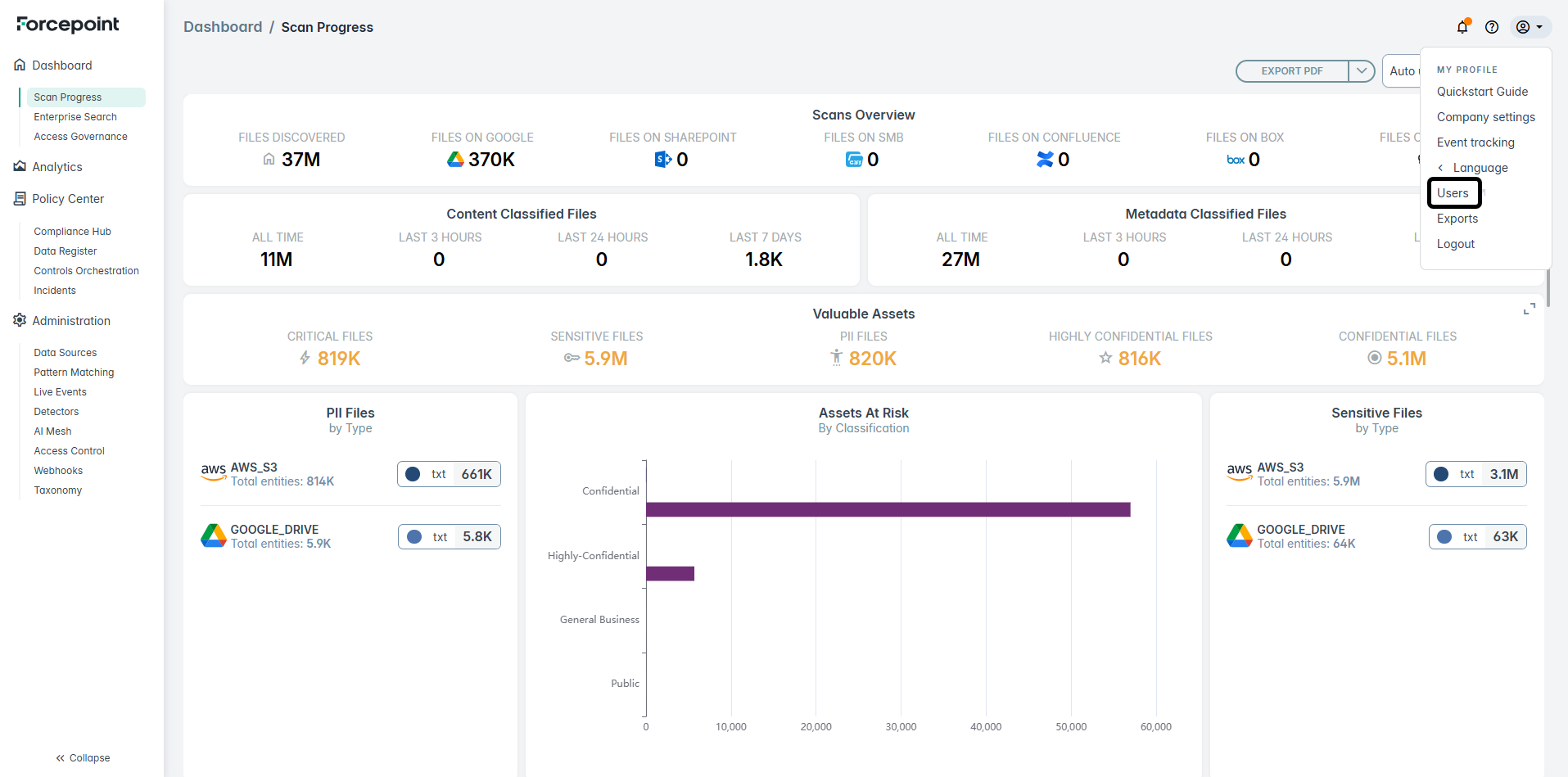
- The DSPM application screen opens on a separate tab as shown below. You can then on configure DSPM scans and data sources as explained in other sections of this document.
Existing Forcepoint Data Security Cloud Users
- Open the Forcepoint Data Security Cloud console url in a browser window. Enter your email id and click Next.

- Next, enter your log in credentials for Forcepoint Data Security Cloud console:
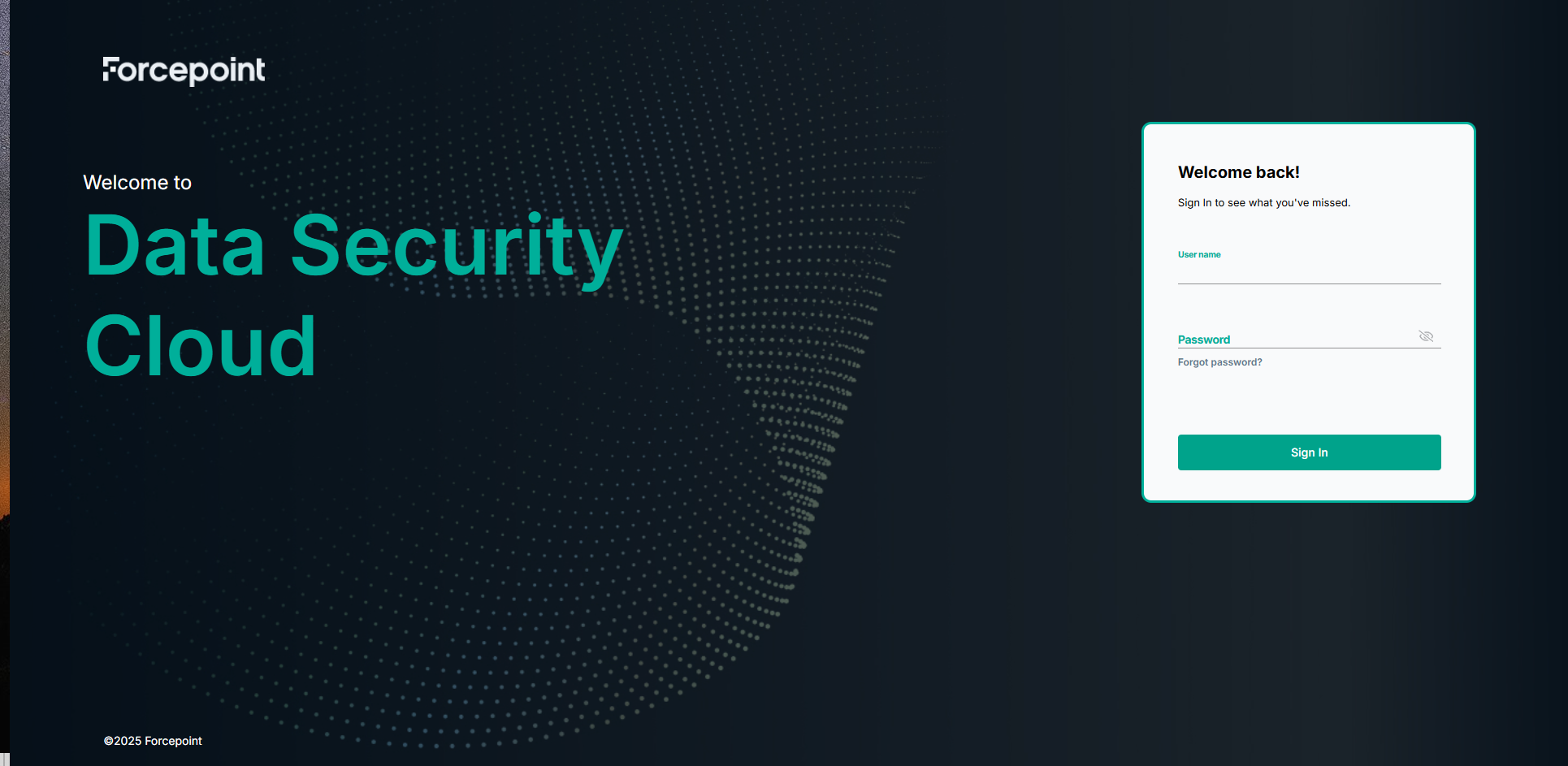
- Once you are navigated to the main landing page, click DSPM on the left navigation under Applications.
- The DSPM application screen opens on a separate tab as shown below. You can then on configure DSPM scans and data sources as explained in other sections of this document.
For other user management related operations, refer to following sections in the Forcepoint Data Security Cloud documentation:
Modifying user accounts
User accounts previously created in Forcepoint Data Security Cloud and those that were granted roles to access the DSPM console can be modified from the Forcepoint Data Security Cloud. For details, see Editing user details.
User Deactivation
When an administrator deactivates a user account from the Forcepoint Data Security Cloud or removes a DSPM entitlement, the user will automatically lose access to DSPM. The change takes effect immediately upon the next authentication attempt. For details, see Disabling and enabling a user or for removing a single user account, see Deleting a user or for removing users in bulk, see Deleting users in bulk.
Logging out from an active DSPM session
When a user logs out of the Forcepoint Data Security Cloud, the Forcepoint DSPM session they were logged in will be automatically terminated, thereby ensuring consistent log out behavior across both services.