Generating the master release code
Generate a temporary master release code to perform restricted actions on endpoints.
Steps
-
Go to .
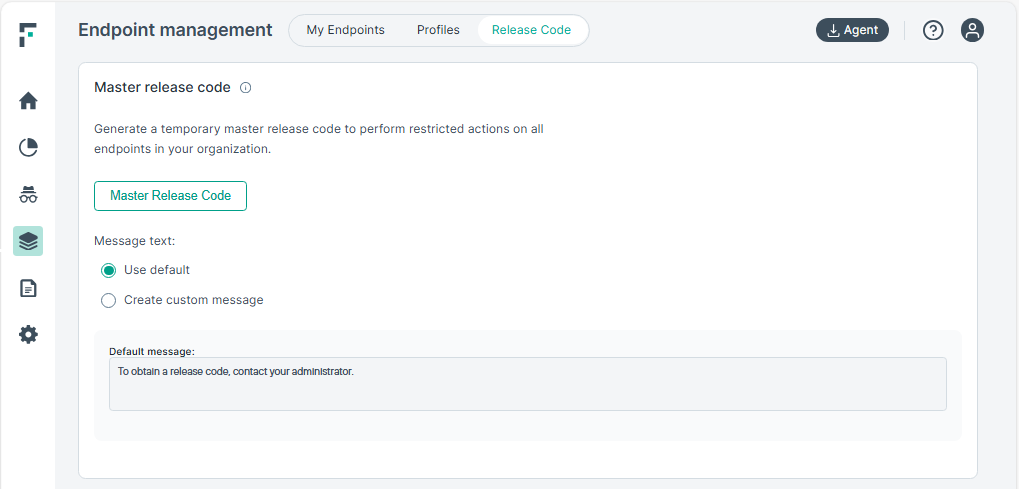
-
Click the Master Release Code button.
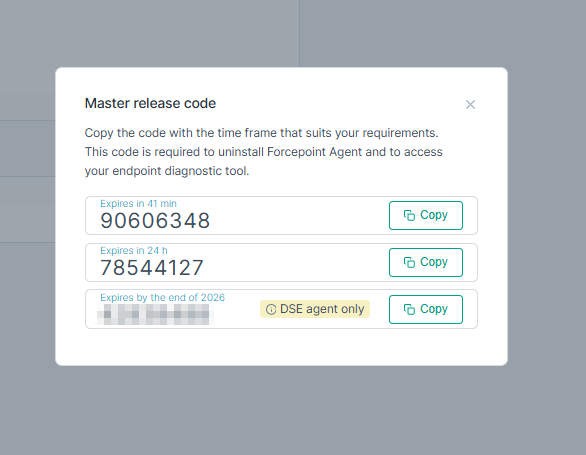 Note: The persistent release code only works for Forcepoint DSE v30.5.184 or newer.