Installing for Cloud DLP

Use the following steps to install the Forcepoint agent in Cloud DLP mode. This is the default installation path and does not require additional configuration files.

Steps

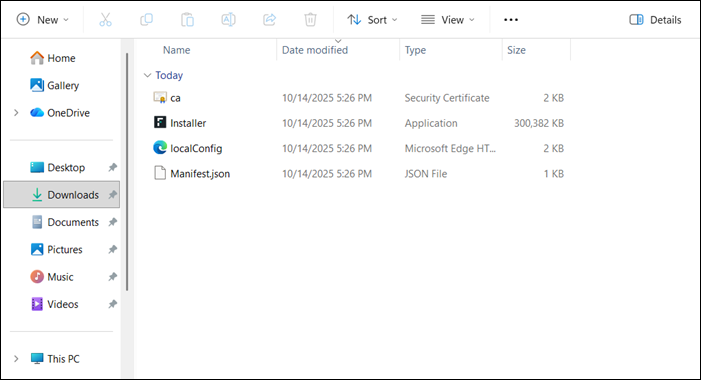
  1. Unzip the downloaded installer. The following files should be present in the unzipped folder.
  2. Run the installer file.
    The Forcepoint Agent Setup window opens.
  3. Select I agree to the license terms and conditions and click Install.
    The installer displays a confirmation message indicating that the installation has successfully completed. Upon completion, the files are installed in the C:\Program Files\Forcepoint\Forcepoint Agent directory.
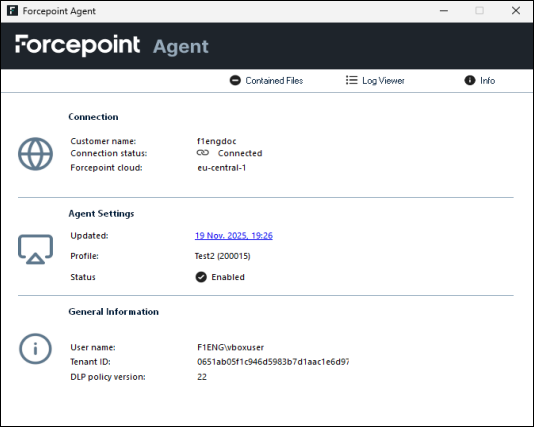
  4. Go to the Task bar, right-click the Forcepoint icon and select Forcepoint Agent to validate the installation.