Download the Software License
First-time users must register their software subscription license before downloading the license file and importing it into SMC.
Steps
-
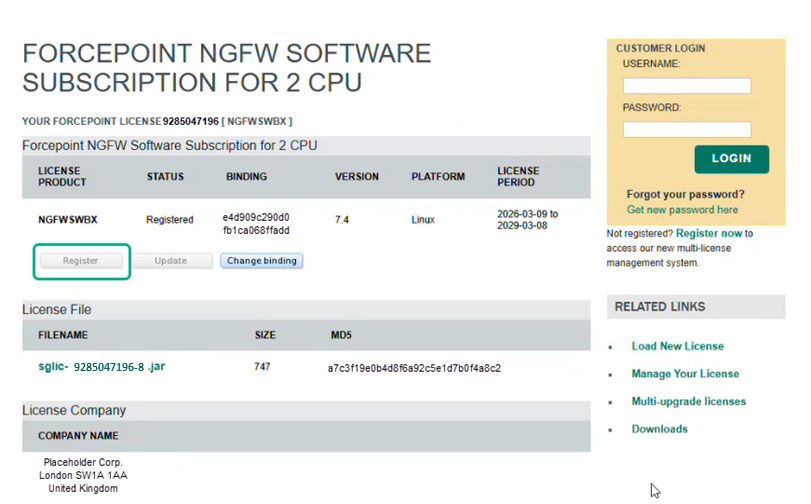
If you are a first-time user, click Register to bind the license to SMC as a Service.
Figure: Software Subscription License
-
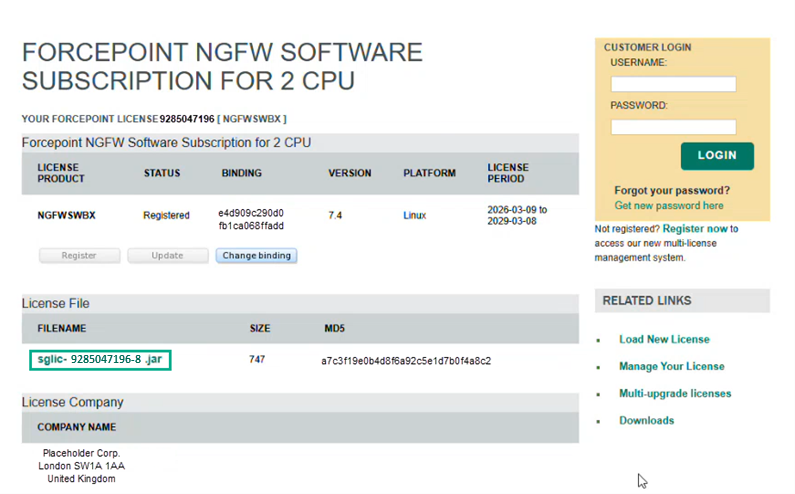
Download the .jar license file.
Figure: Download .jar File