Access the Forcepoint Customer Hub

Ensure you have your username and password received after purchasing the license. See Procure an Engine License.

Steps

  1. Navigate to support.forcepoint.com/s/.

    Figure: Forcepoint Customer Hub
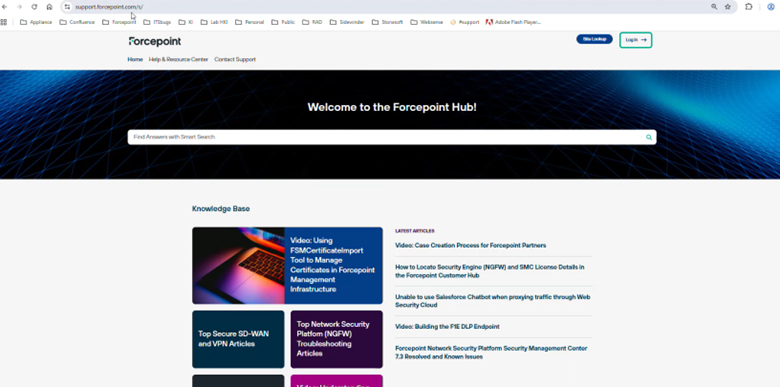
  2. Click Login to open the Customer Hub login page.

    Figure: Customer Login Page
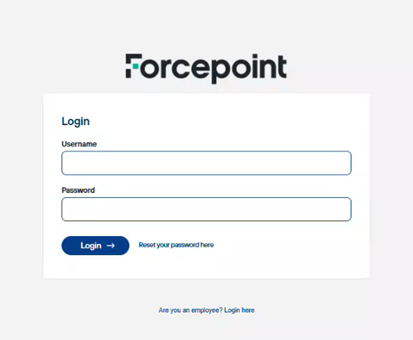
  3. Enter the username and password generated for you, then log in.

Result

You are logged in to the Customer Hub and can view your confirmed orders and associated license details.

Next steps

Proceed to Retrieve Your POL and POS Numbers.