Step 1: View the synchronized AI applications
Confirm that the connected AI applications have synchronized into the Forcepoint Security Manager before you reference them in a policy. Refer Configuring Data Security Cloud in the Forcepoint Security Manager Help.
Steps
-
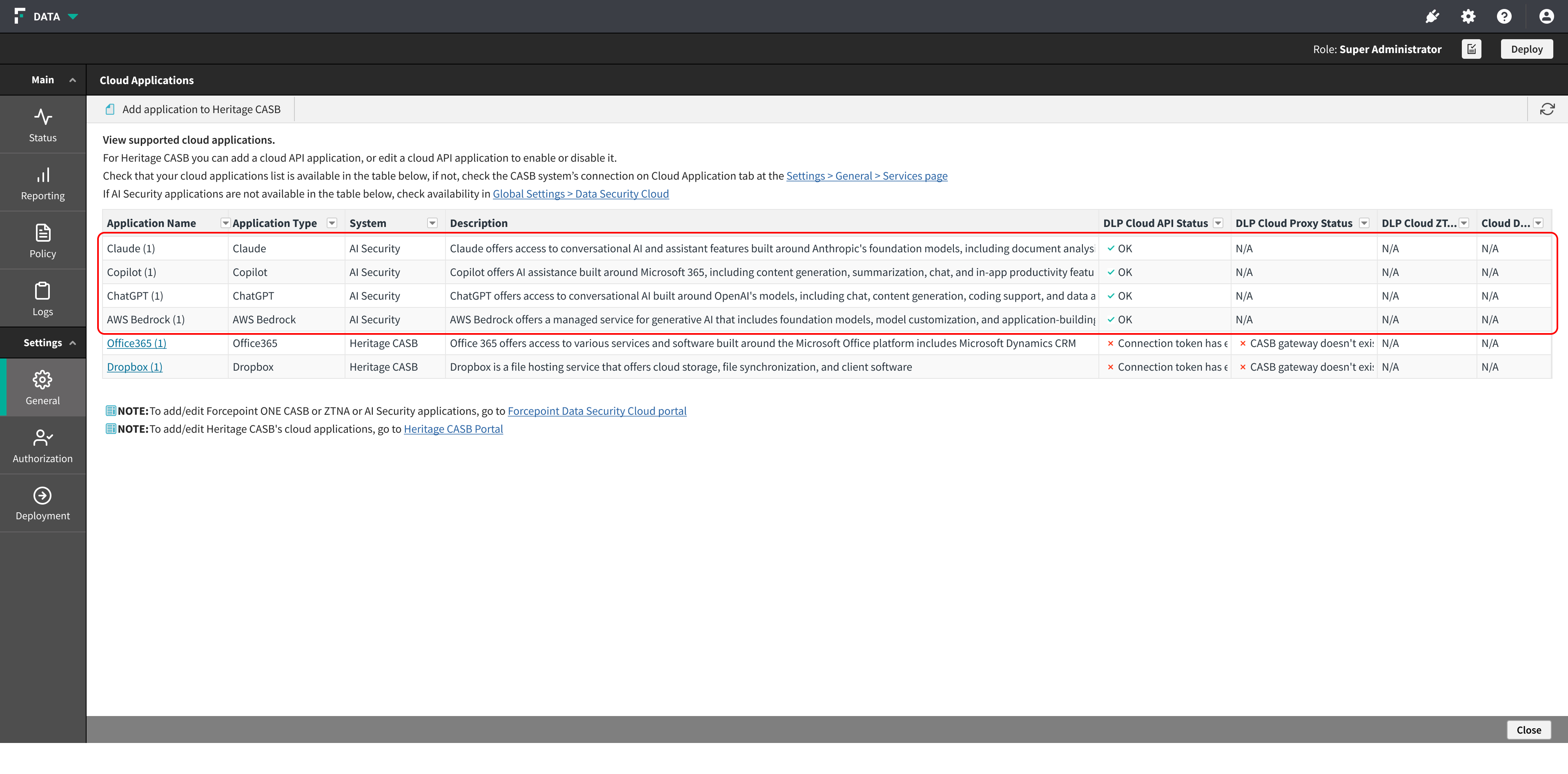
Confirm that each application you connected on the Forcepoint Data Security Cloud Platform is listed, and that its DLP Cloud API Status is OK.
The DLP Cloud Proxy, DLP Cloud ZTNA, and Cloud Discovery columns show N/A for AI Security applications. These applications are inspected through the API channel only.
Result
The AI applications are available for selection in policy rules.