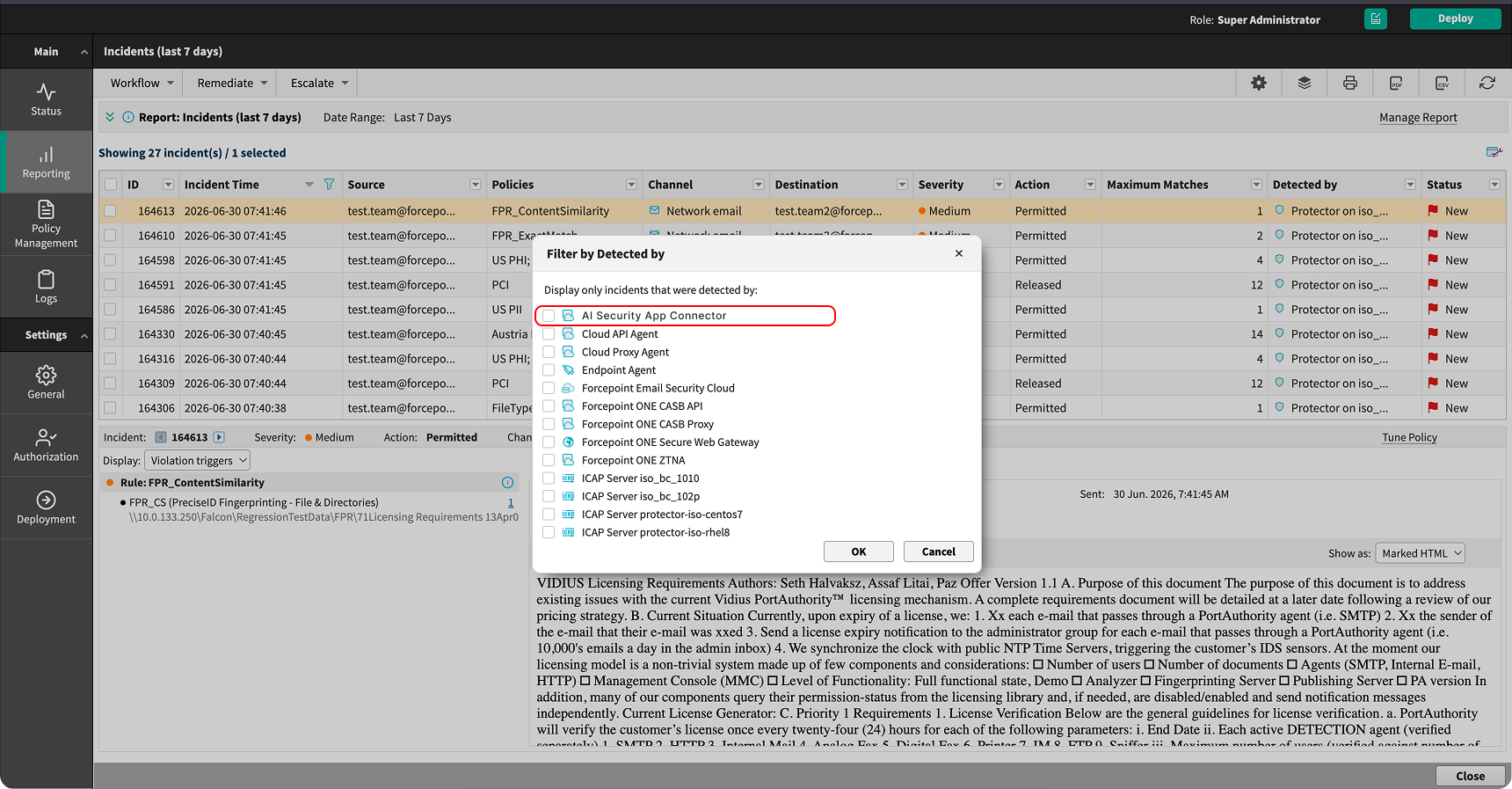
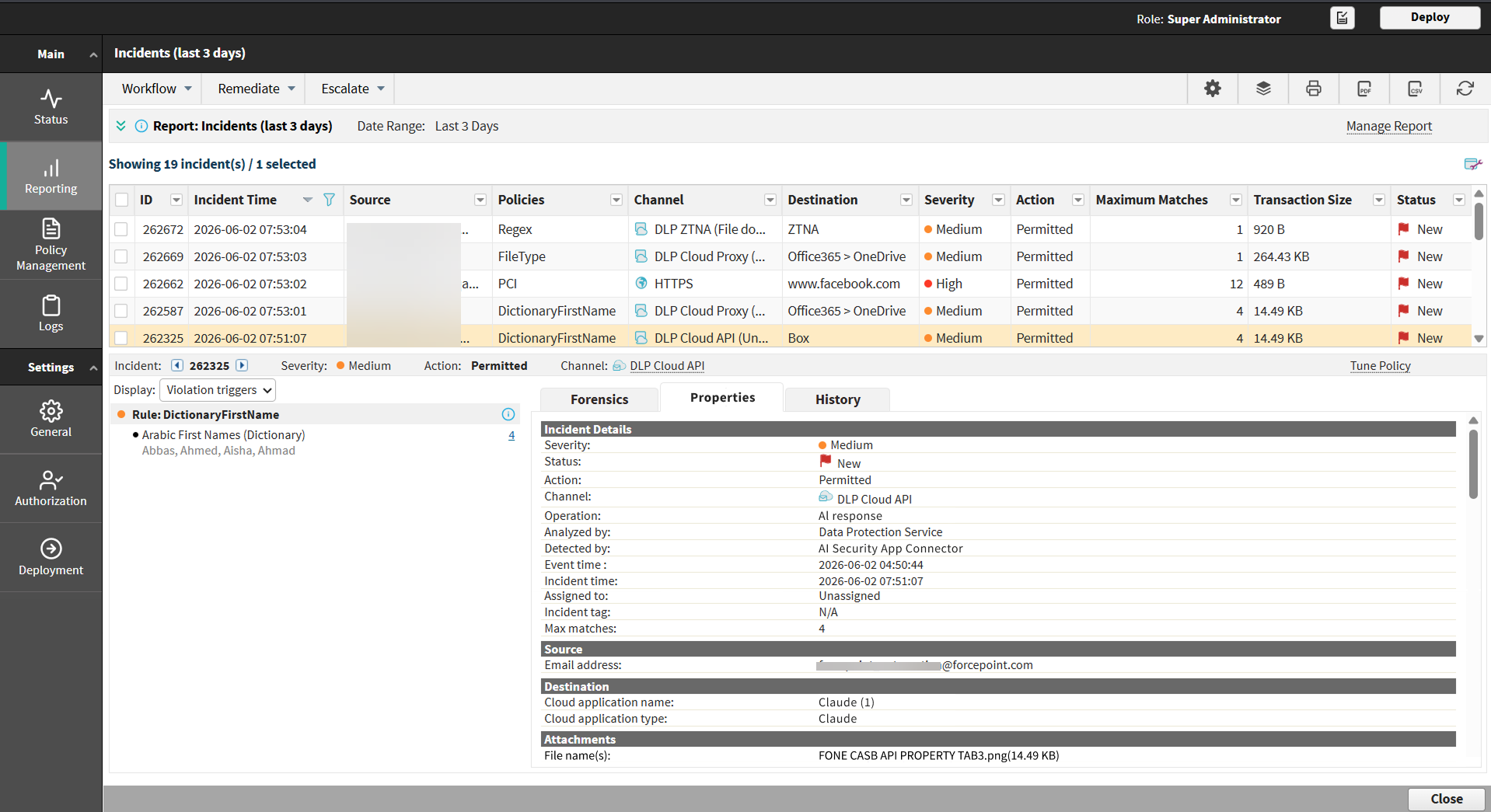
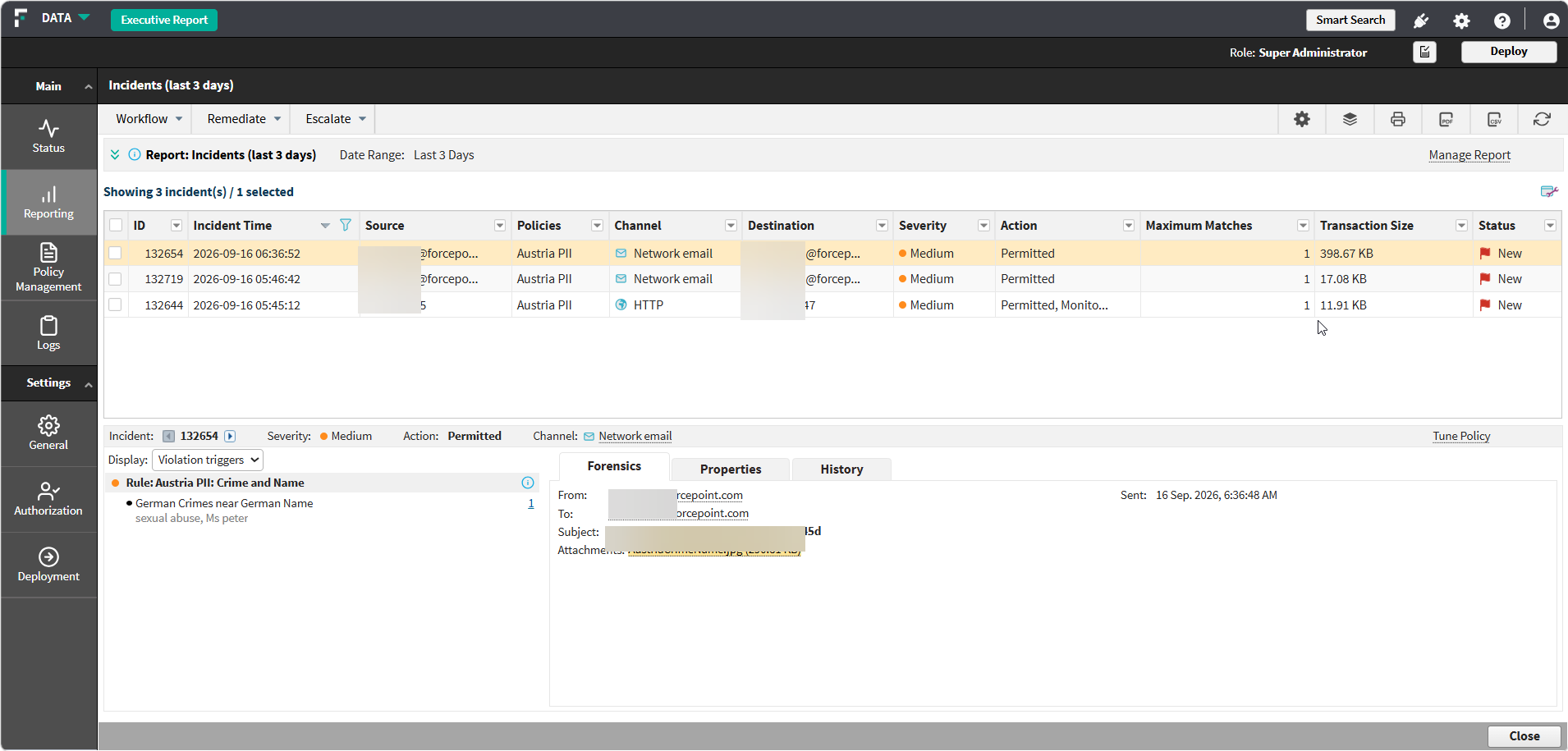
Step 3: View AI Security (AI Detection & Response) incidents Steps In the Data Security module, go to the Main > Reporting > Data Loss Prevention > Incidents page. Filter the report by Detected by and select AI Security App Connector. Select the Forensics tab to review the matched content.