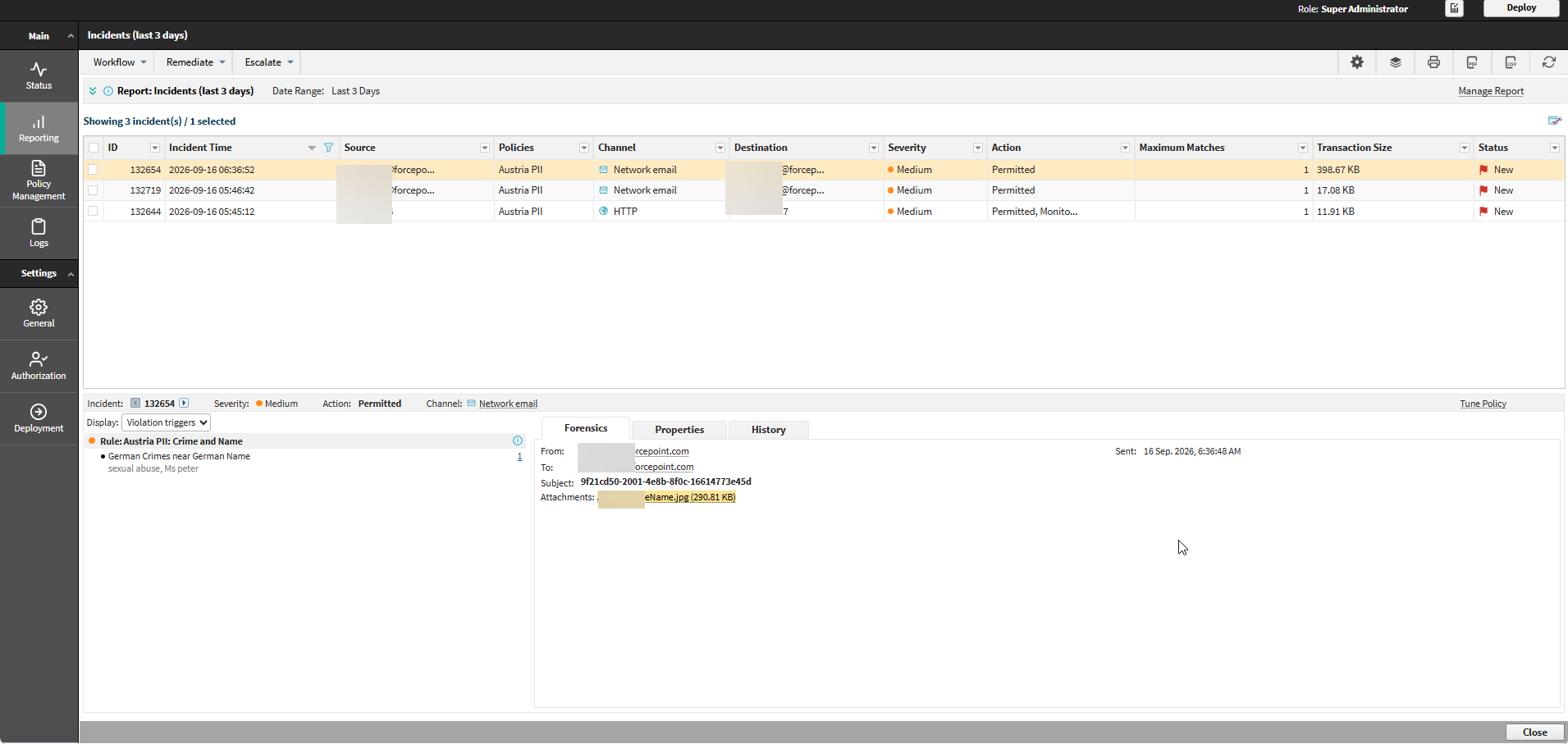
Step 3: View MCP Gateway (AI Agent Gateway) incidents
Steps
-
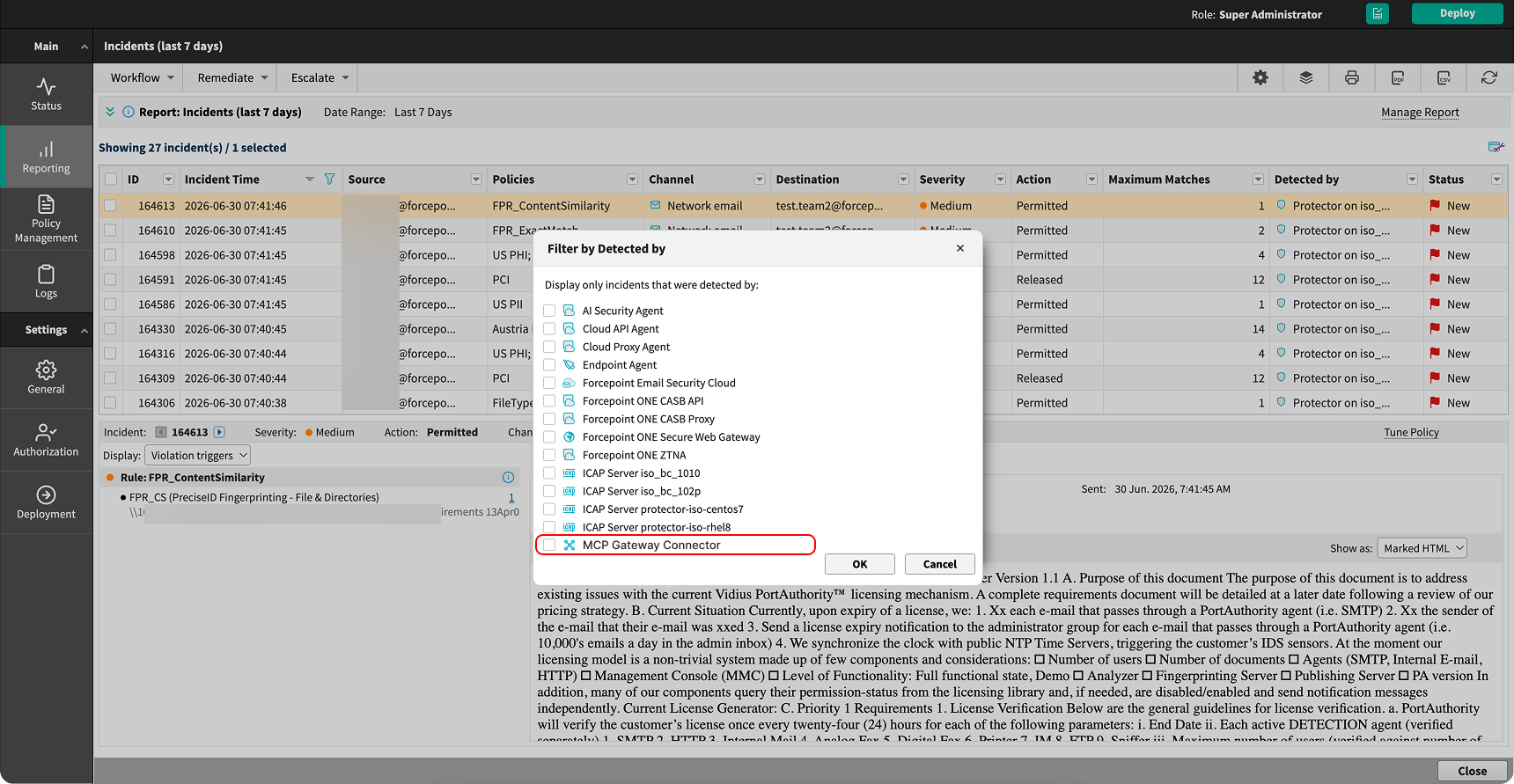
Filter the report by Channel and select MCP Gateway, or filter by Detected by and select MCP
Gateway Connector.
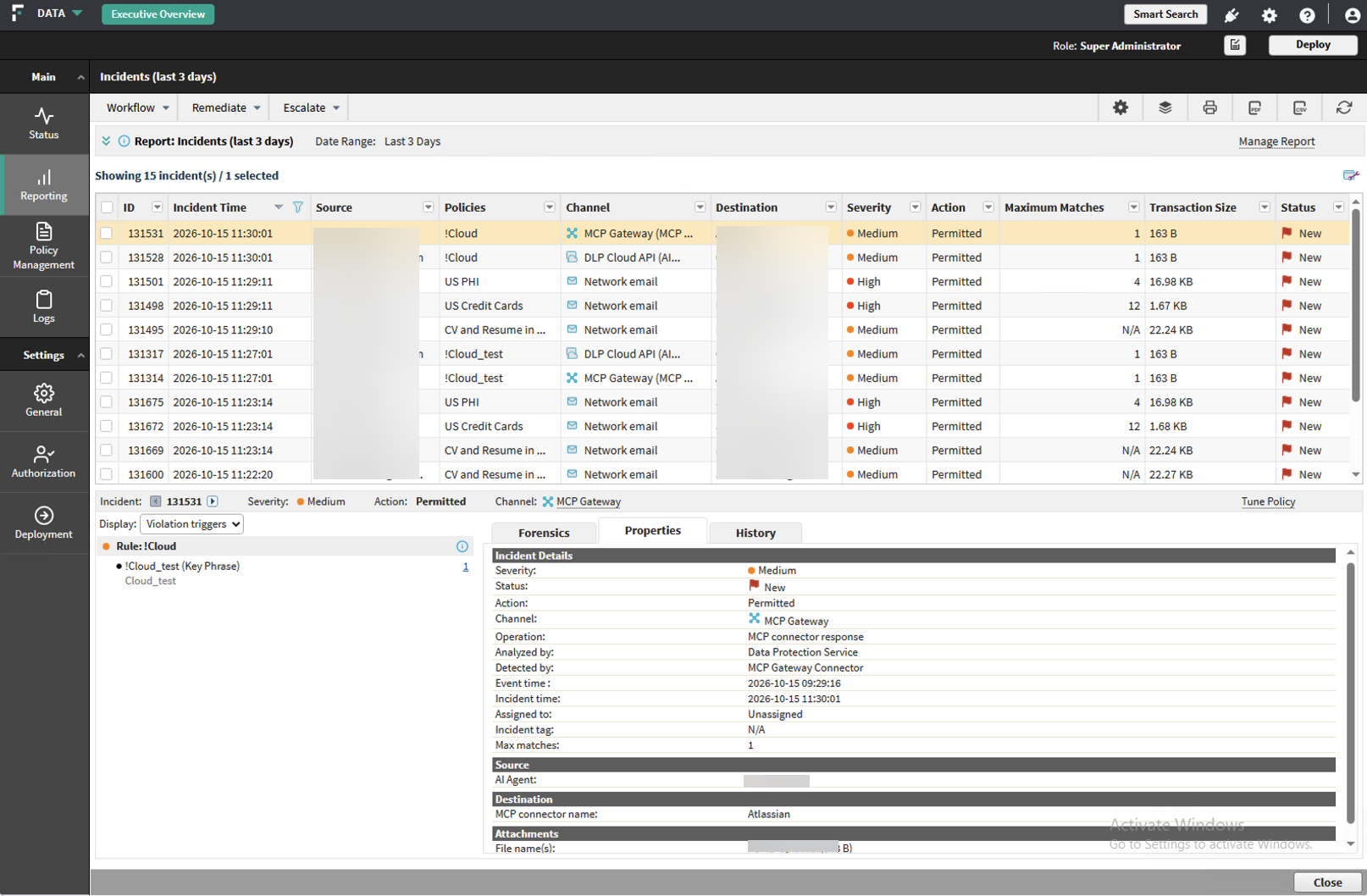
In the incident list, the Channel column shows the operation in brackets after the channel name.
-
Open an incident and review the Properties tab.
The tab shows the source agent, the destination MCP connector, and the attachment details.
-
Select the Forensics tab to review the captured content.