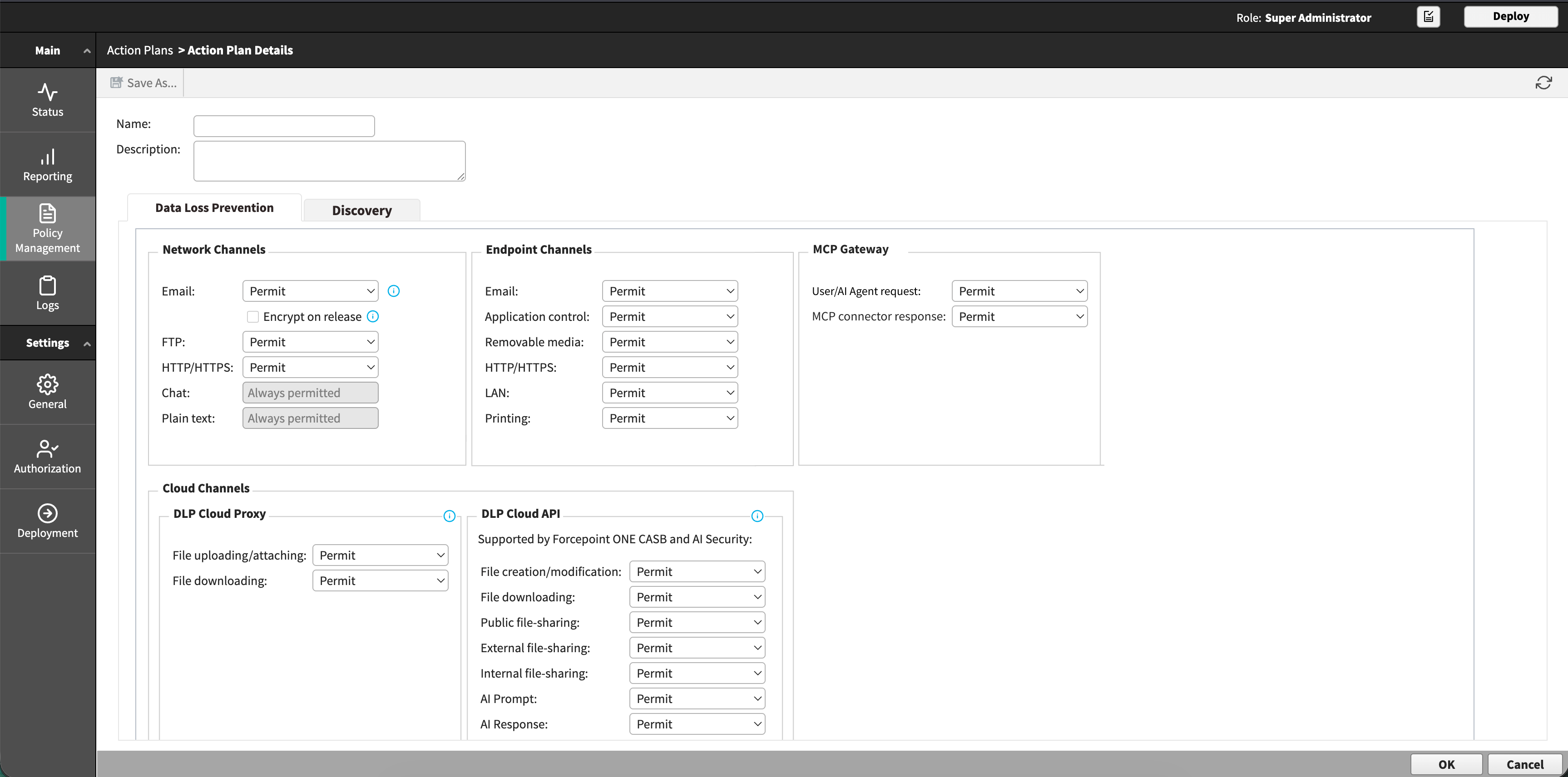
Configuring an action plan for MCP Gateway (AI Agent Gateway)
Choose whether Forcepoint DLP permits or blocks agent requests and connector responses that breach policy.
Steps
-
Select an action for User/AI Agent request and for MCP connector response.
Table 1. Actions available for MCP Gateway (AI Agent Gateway) operations Action What happens Permit The transaction proceeds. Block The transaction is stopped.