Step 2: Send Access Link
Steps
- In the Admin Email field, enter the email address of the CISO or administrator who will manage the dashboard.
-
Click Send Access Link.
The certificate is validated at this stage. If certificates do not match expected values, FSM displays a popup prompting approval.
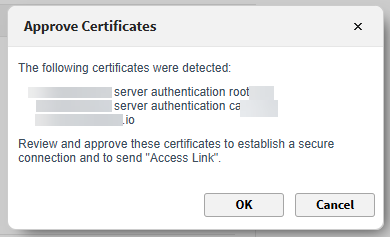
-
The Forcepoint Data Security Cloud platform sends a registration link to the configured email.
It is verified if this CISO or administrator already has a Forcepoint Data Security Cloud Platform tenant associated to them.
The connection status displays Pending until you access the link and establish the connection.
- Click Recheck to refresh the connection status.