CISO User Journey: Forcepoint DLP to Forcepoint Data Security Cloud Platform

This section provides a detailed walkthrough of enabling and configuring CISO Dashboard for Forcepoint DLP, including how incidents are collected, transmitted, and visualized in the Forcepoint Data Security Cloud Platform.
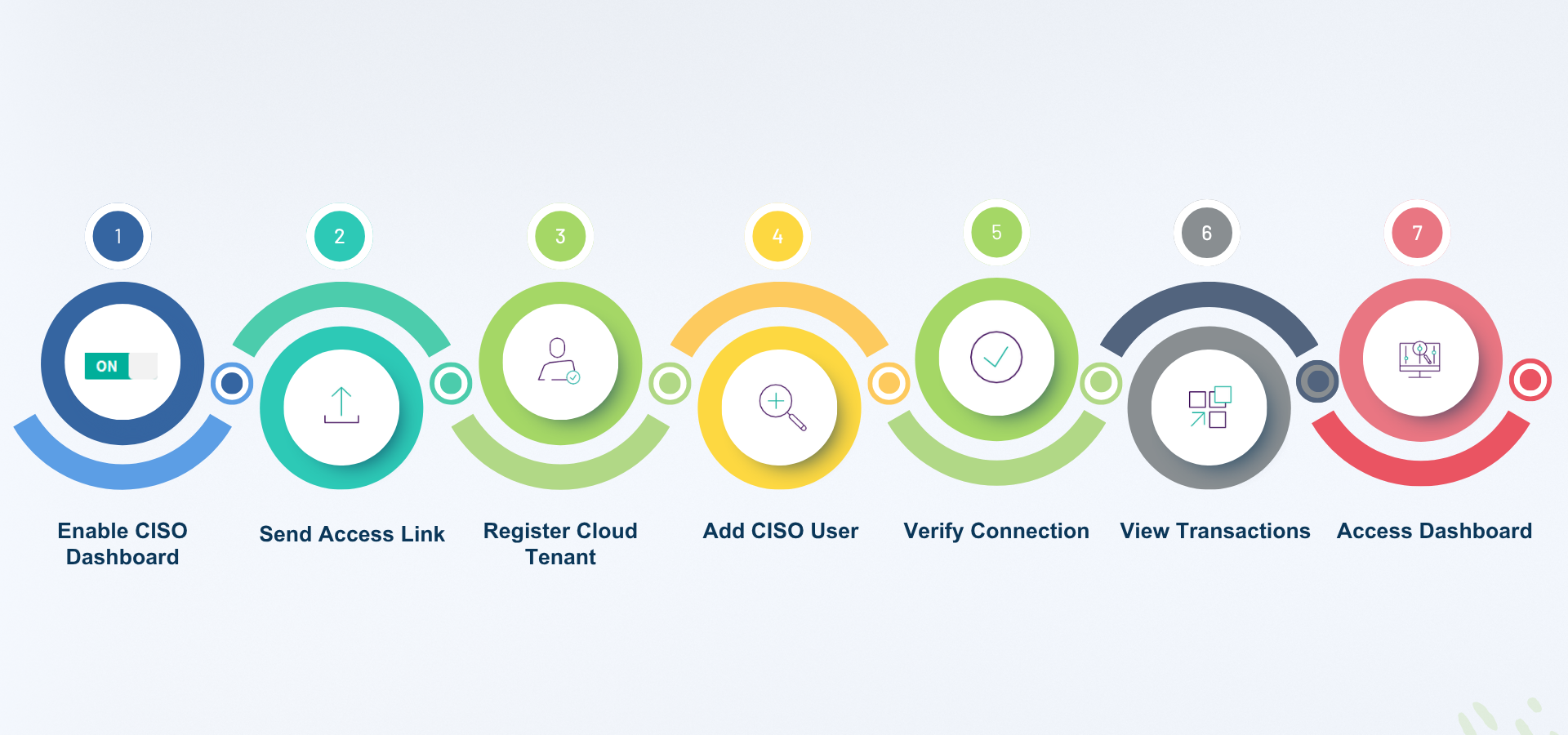
Step 1: Enable CISO Dashboard Generation in Forcepoint Security Manager Step 2: Send Access Link Step 3: Register and Access the Cloud Tenant Step 4: Add CISO User Step 5: Verify Connection Status in Forcepoint Security Manager Step 6: View DLP Incidents in Transaction Viewer Step 7: View Metrics in the CISO Dashboard