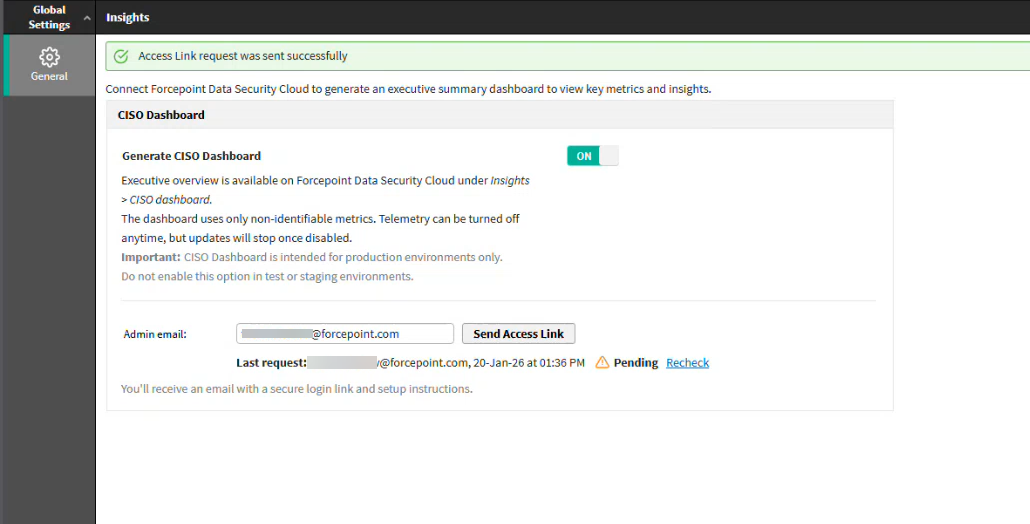
Step 1: Enable CISO Dashboard Generation in Forcepoint Security Manager
Note: A Global Security Administrator can perform the following steps:
Steps
-
In Forcepoint Security Manager (FSM), click the CISO Dashboard button. (This button appears only on first-time configuration. You can revisit this
configuration later via ).
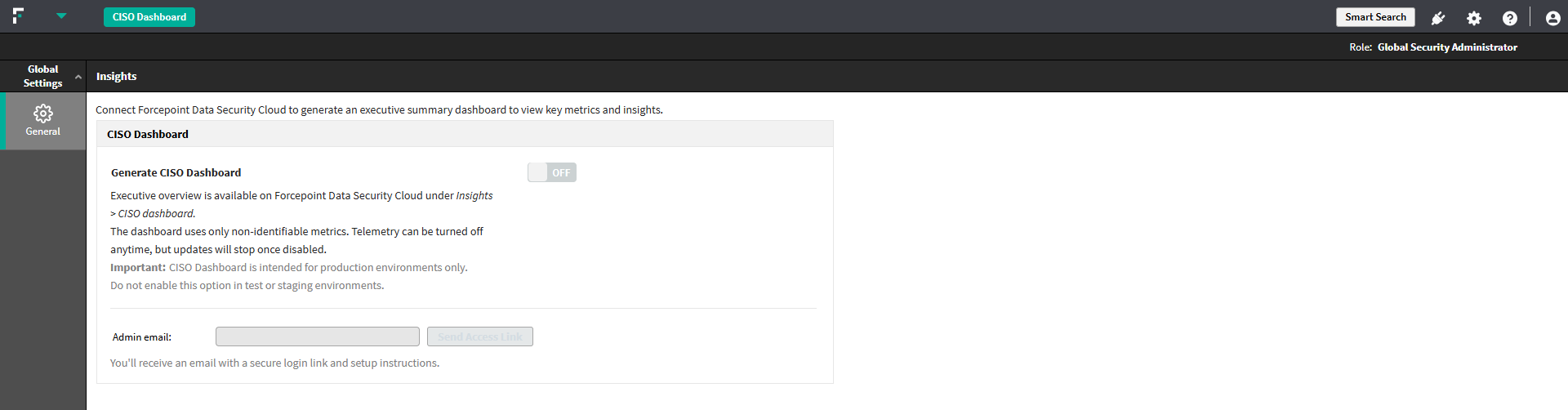 The Insights configuration page opens.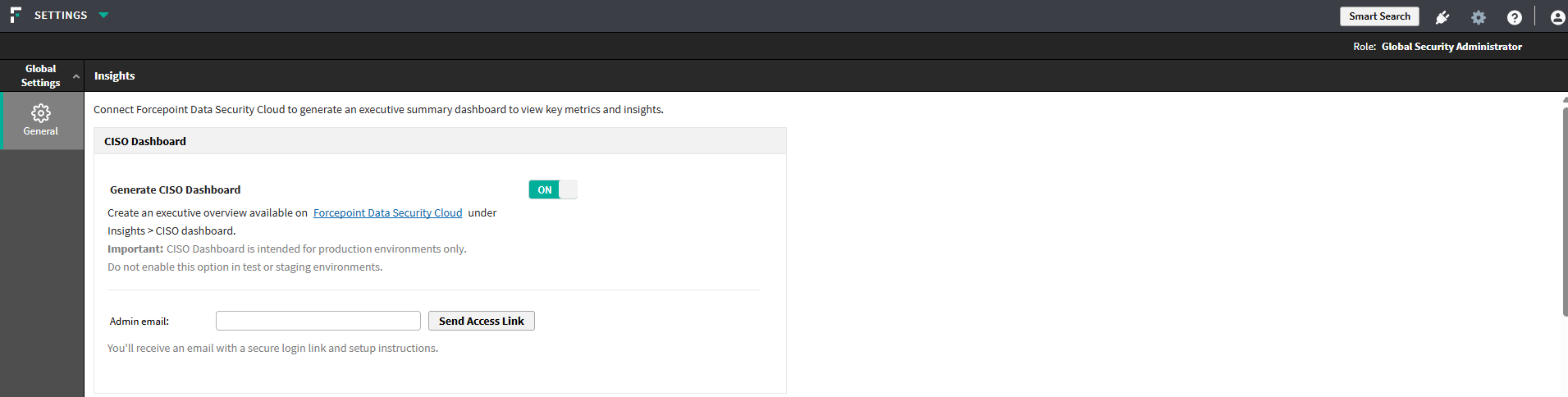
-
Enable the Generate CISO Dashboard toggle switch.
You should now see the Admin Email field and Send Access Link button.