Step 3: Register and Access the Cloud Tenant
Steps
-
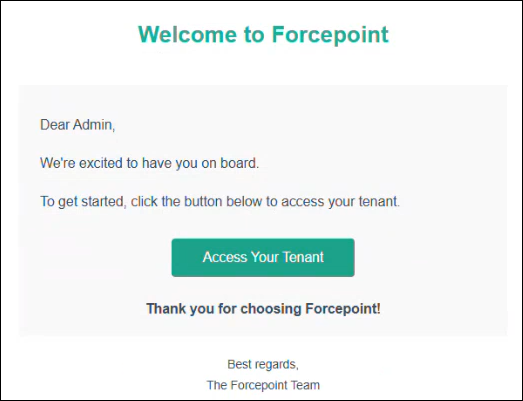
Open the registration email, and then select Access Your Tenant.
 A CISO or administrator new to the Forcepoint Data Security Cloud Platform will be taken to the Forcepoint Data Security Cloud platform sign-in page.
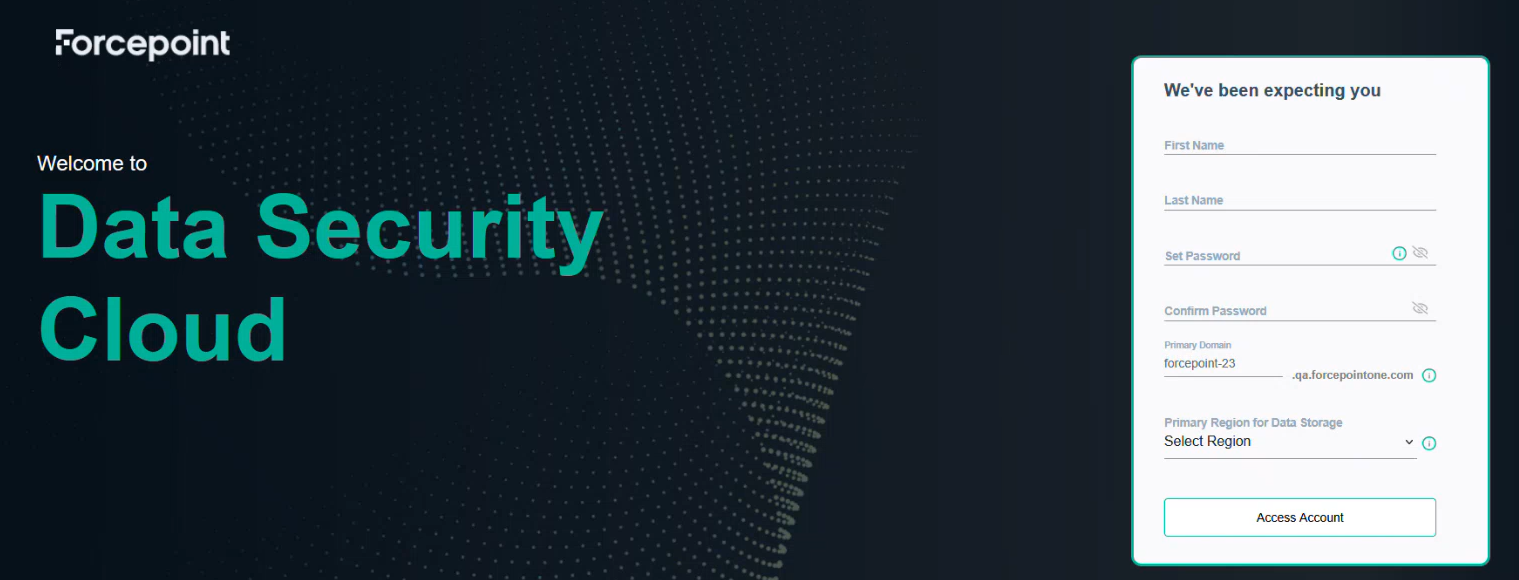 Note: A CISO or administrator who already has a Forcepoint Data Security Cloud Platform account, is taken to the login page. If you already have an account, skip to step 6 in this instruction set.
 -
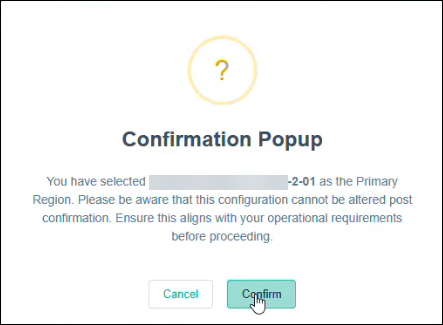
Click Access Account.
A message confirms successful tenant access.
-
To onboard the tenant, click OK.
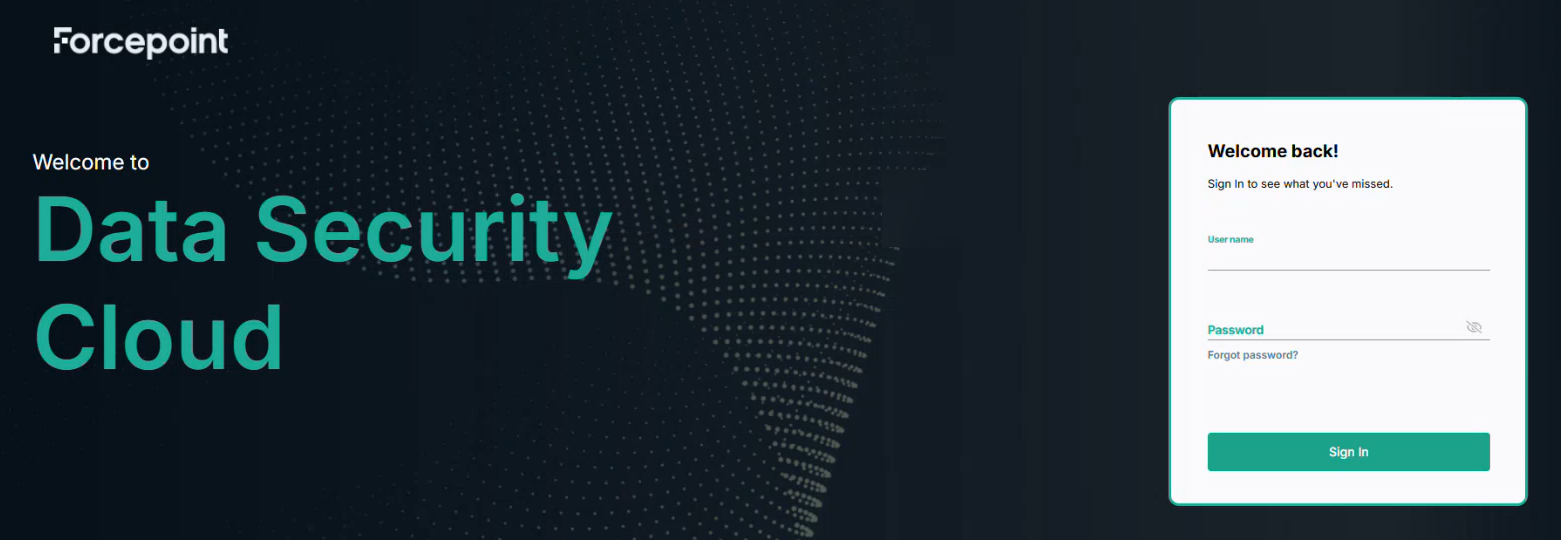
The Forcepoint Data Security Cloud Platform login page opens.