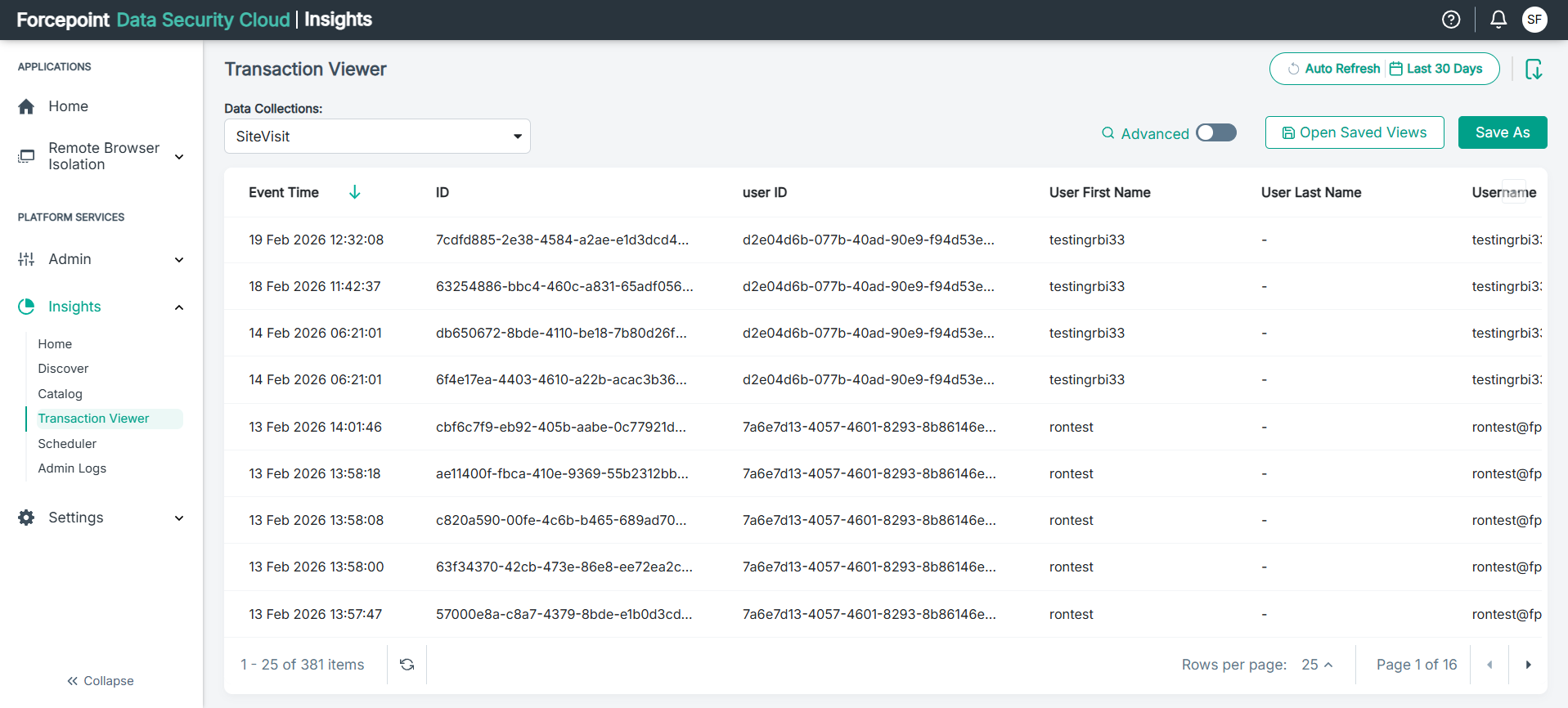
Step 6: View DLP Incidents in Transaction Viewer
Steps
-
Navigate to .
Once DLP policy violations are detected and processed by FSM, the incident data is automatically transmitted to the cloud platform and appears on the Transaction Viewer page, including:
- Timestamp and severity level
- User and source information
- Violated policy and action taken
- Data channel and destination
- Resolution status