Removing the agent using the command-line interface
Steps
-
Click Yes.
A message appears to enter the release code.
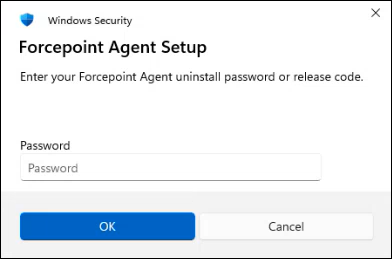 Note: During uninstallation, the release code prompt appears when MSIExec.exe runs. To avoid manual entry of the release code, run the uninstallation as the system user so that the release code check is bypassed.