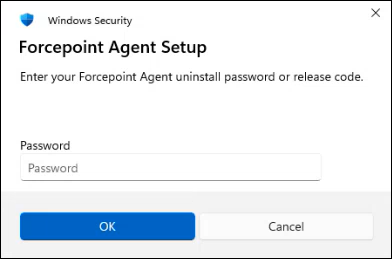
Removing the agent using Control Panel To uninstall the agent using user interface, do the following: Steps Open Control Panel > Programs > Programs and Features. Select Forcepoint Agent and click Uninstall. In the confirmation window, click Yes. In the Forcepoint Agent Setup window, click Uninstall. A message appears to enter the release code. Enter the release code generated previously, and then click OK.