Accessing Your MCP Server URL
- Log in to the Forcepoint Data Security Cloud platform.
- Navigate to Settings > AI Assistant.
- Ensure Enable ARIA is toggled ON.
- Locate the Connect your AI to Forcepoint section. This is a plaintext field containing your unique MCP Server URL.
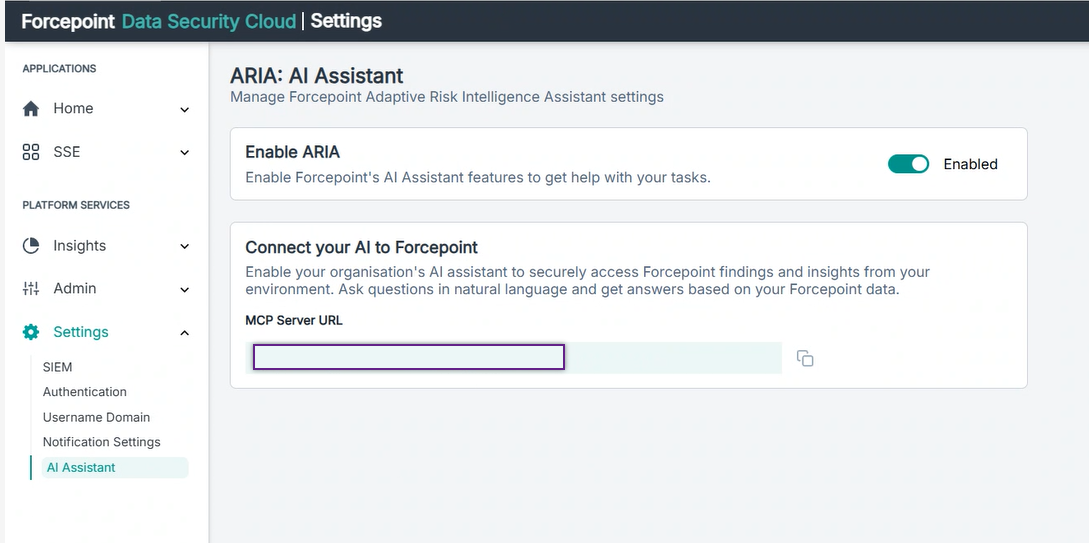
- Click the copy icon next to the URL.