Accessing Organizations
Admin is a centralized reporting and analytics service that is hosted within the Forcepoint Data Security Cloud.
Steps
-
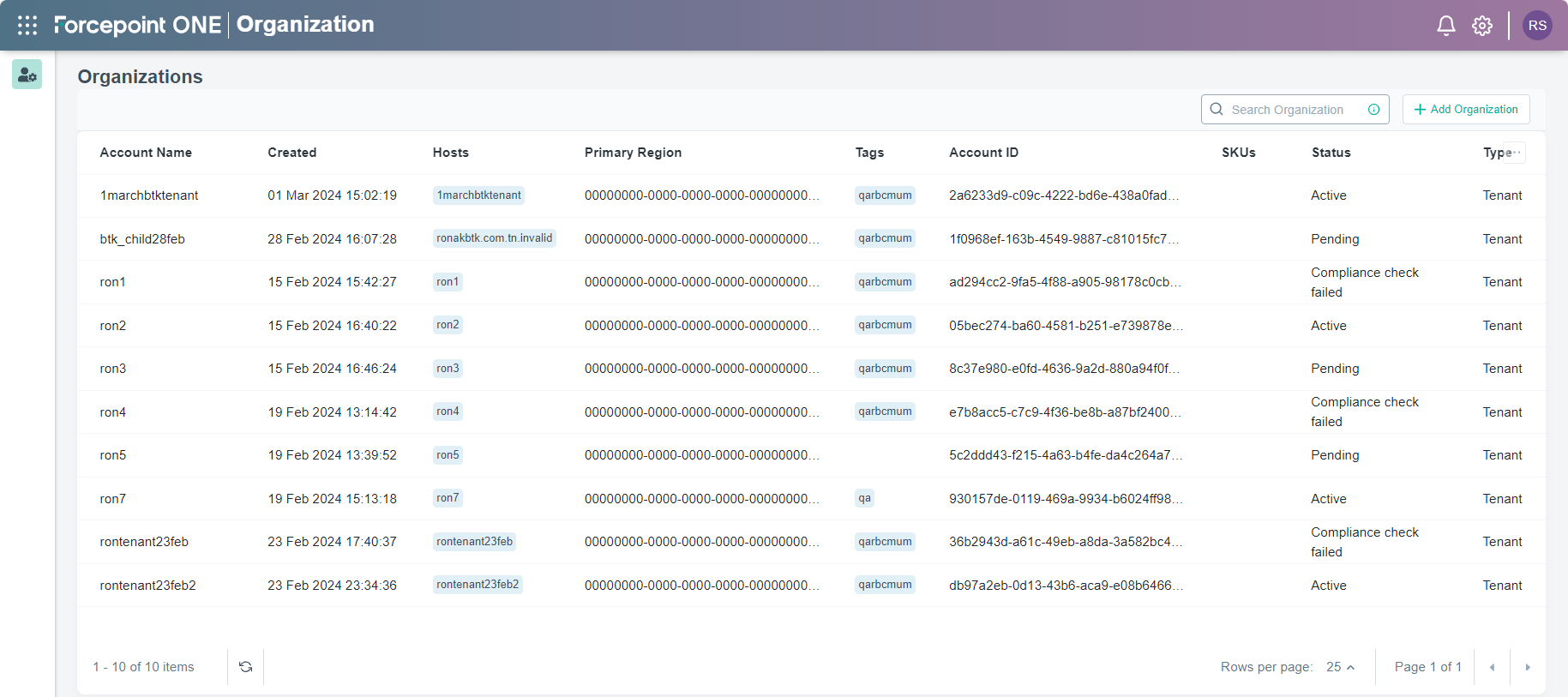
On the upper-left corner of portal, click the Waffle icon and then select Organization from the Platform Services section.
The Organizations page opens displaying organizations linked to your tenant.