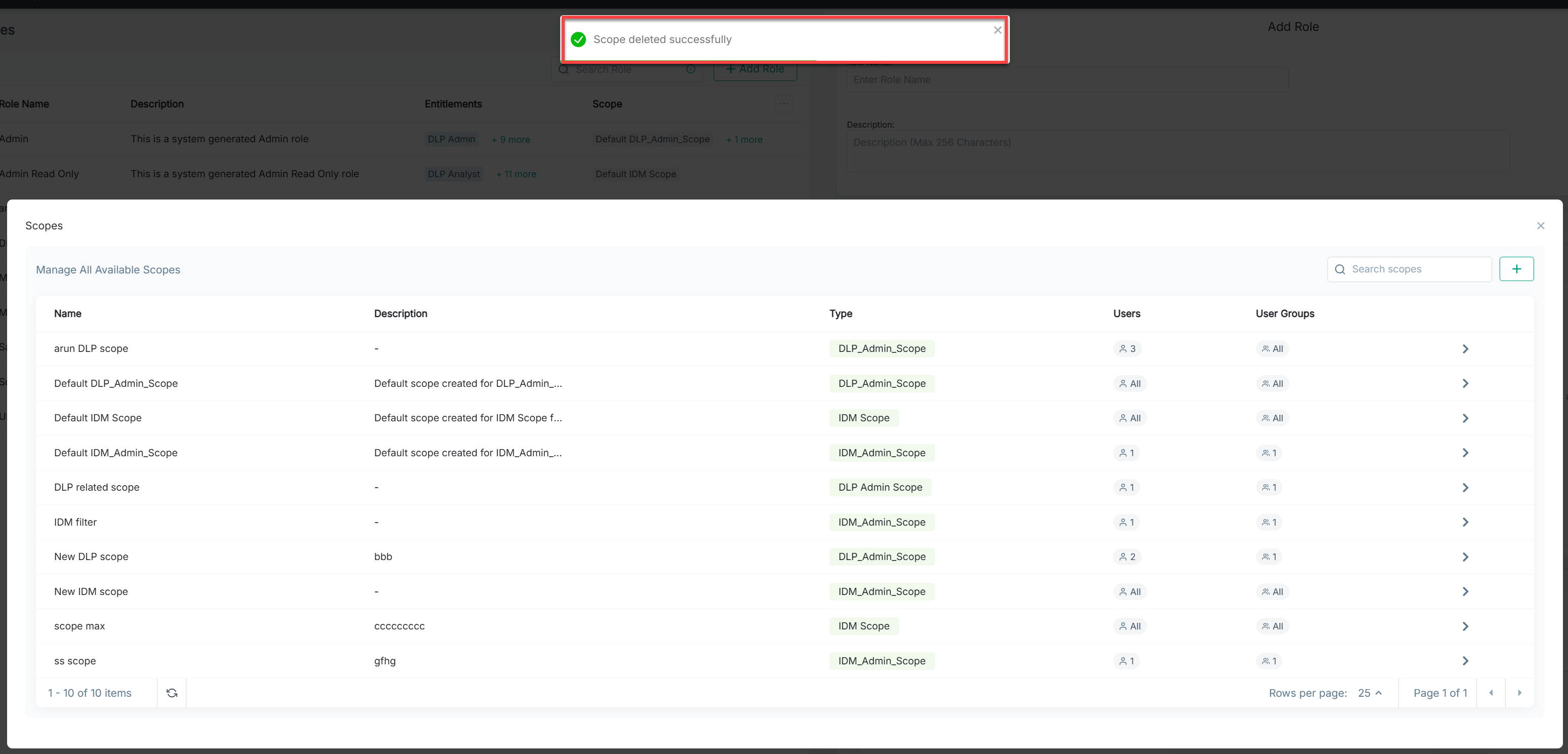
Deleting a Scope
Steps
- Log into Forcepoint Data Security Cloud as an admin. Under Applications on the left, select Platform Services.
- Click
- In Roles,click Manage Scopes.
- Select and click on the scope you wish to delete.
-
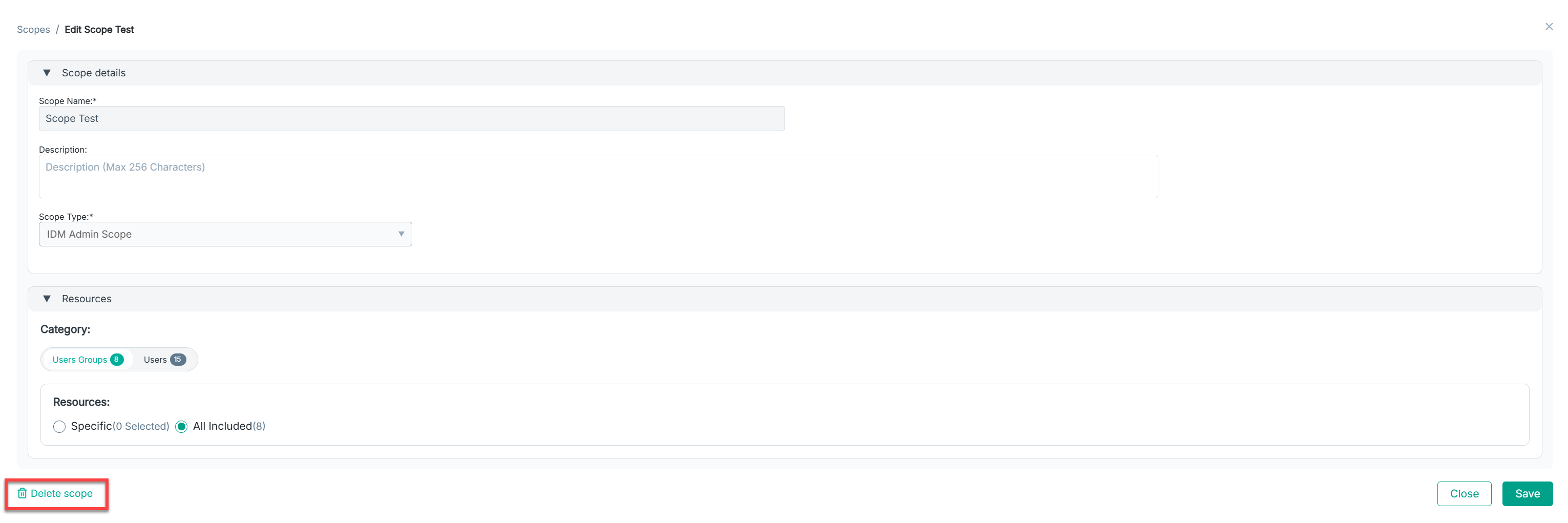
At the bottom, click the Delete scopebutton as shown below:
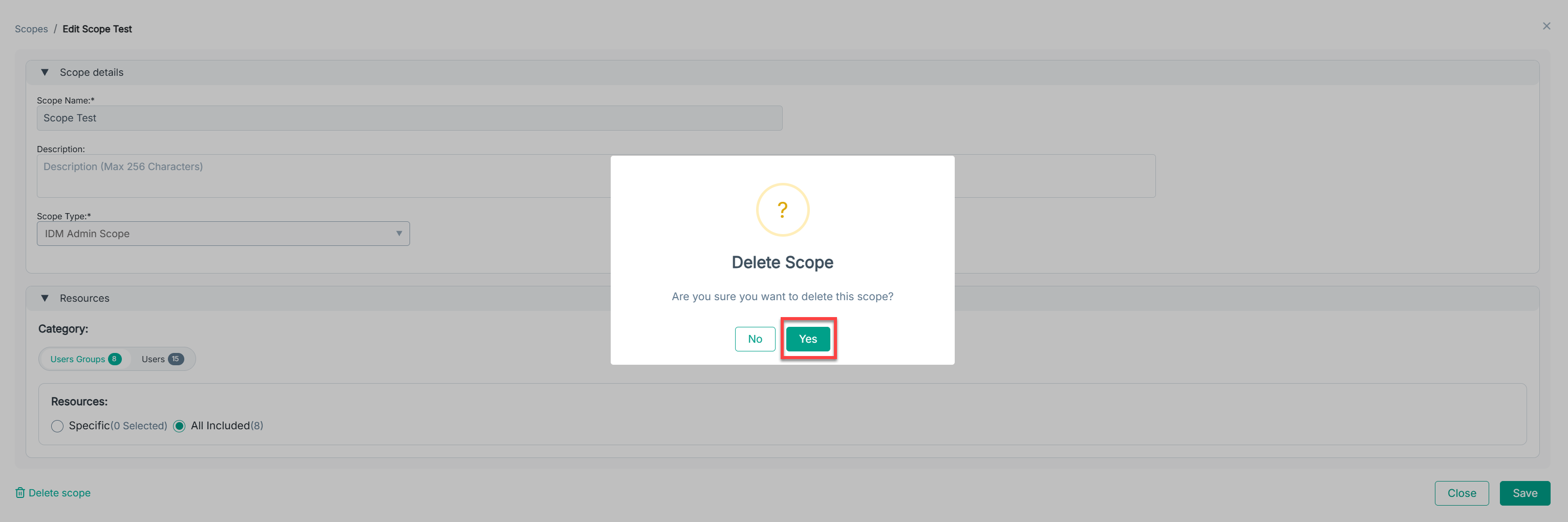
- The Deletion confirmation popup appears.
-
Select Yes to delete the scope.
-
The scope will be removed, and any roles relying on it will lose that scope.