Uninstall from device
This section explains how to manually remove the Mobile Endpoint Agent from a device.
Steps
-
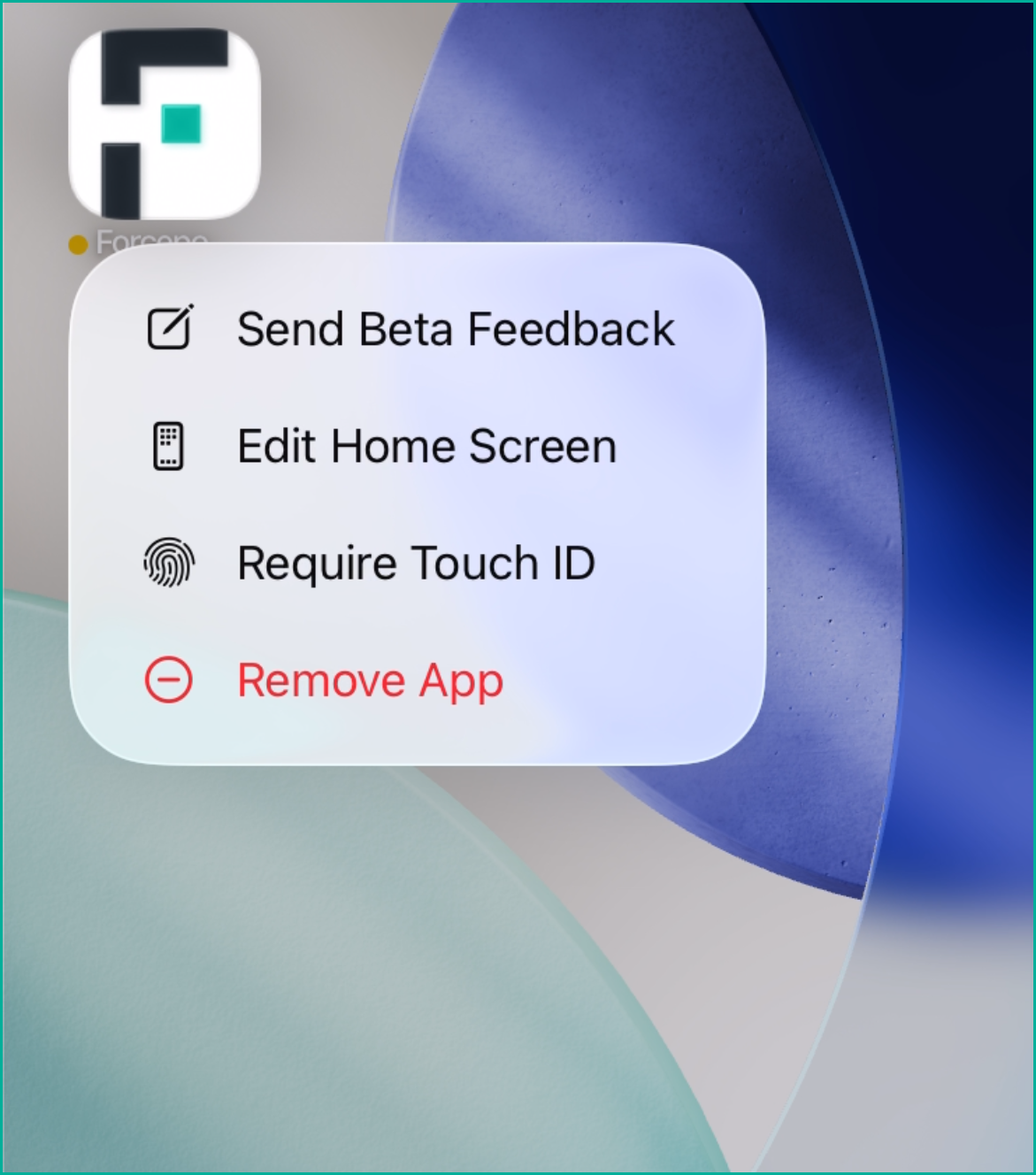
Select Remove App.
-
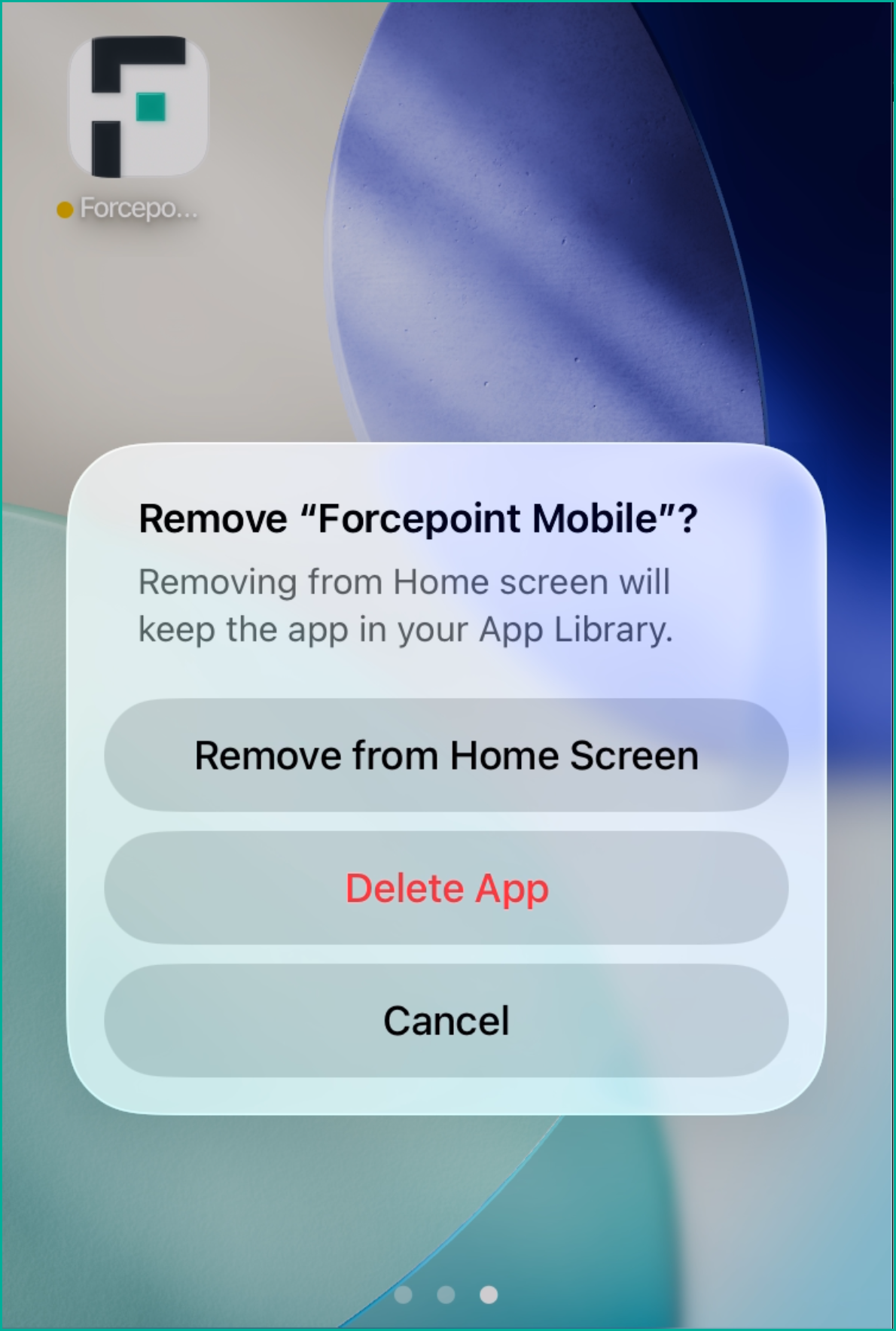
When the confirmation prompt appears, select Delete App.
-
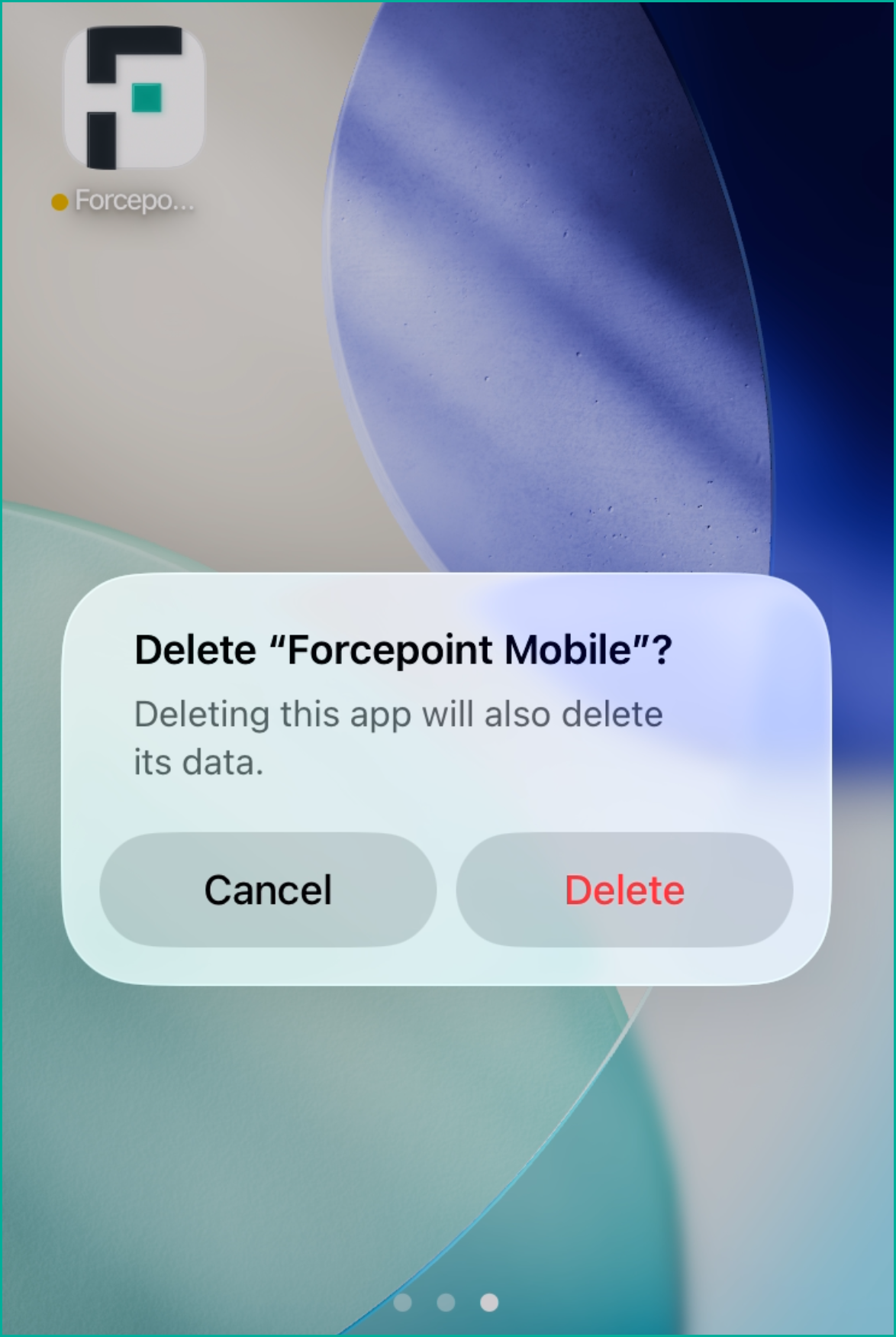
When prompted again, click Delete to complete the removal.